



Introduction
With the search engines updating their algorithms constantly, it is essential for business owners to focus on the core elements. These days more and more people are shifting on mobile devices from desktops. Therefore, it becomes imperative to enhance website usability.
But first, what is actually the Website Usability definition?
Simply put, website usability defines the website's ability to be accessed seamlessly and efficiently on various devices. In other words, website usability is the measure of efficiency, effectiveness, and satisfaction with which the users can achieve their goals on a website.
Since the search engines focus on providing the best user experience, it has become crucial to redesign your websites. With easy navigation, user-friendly responsive website designs, you can provide your customers with the best browsing time on your website. Whether an eCommerce business, enterprise, or brand, improving the usability of the website is the key to online success.
When businesses improve web usability, it helps them boost their SEO practices and increase conversion rate.
Website Usability Definition
Website usability is the ease with which visitors can understand, navigate, and interact with a website to complete a task. In simple terms, it measures whether a person can use the site without confusion, delay, or guesswork.
A clear website usability definition focuses on three things. Users should quickly know where they are, what they can do next, and how to finish their action.
For example, a contact page with short fields, clear labels, and a visible submit button shows good website usability.
A page that hides the form, asks unnecessary details, or shows no confirmation after submission creates frustration.
Understanding the importance of website usability begins here. When people complete tasks easily, they stay longer and trust the website more. When they struggle, they leave within seconds.
This is why website usability best practices and usability principles for websites matter. They guide how to improve website usability step by step, rather than relying only on design appearance.

Usability vs User Experience
Many people treat usability and user experience as the same thing. They are connected, but not identical.
Website usability focuses on task completion.
Can users perform an action easily without confusion?
User experience focuses on the overall feeling.
Did the interaction feel smooth, helpful, and satisfying?
Think of usability as functionality and user experience as perception.
Here is different of usability and user experience:
| Aspect | Website Usability | User Experience |
|
Core meaning |
Ability to complete a task easily |
Overall feeling during interaction |
|
Main focus |
Clarity and efficiency |
Comfort and satisfaction |
|
User question |
Can I do this quickly? |
Do I feel confident doing this? |
|
Measures |
Errors, task time, completion rate |
Trust, perception, engagement |
|
Design goal |
Remove confusion |
Build a positive impression |
|
Example |
Simple checkout form works correctly |
Checkout feels smooth and reassuring |
|
Priority in process |
Implemented first |
Refined after usability works |
Quick understanding:
Website usability ensures users can act. User experience ensures they enjoy acting.
Why is Web Usability Important?
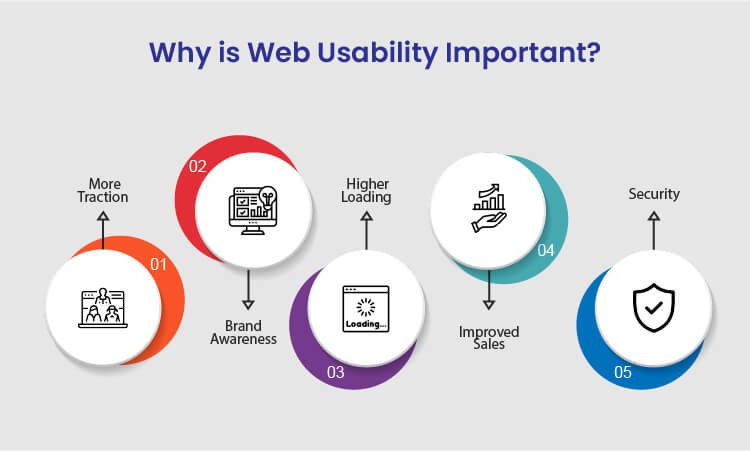
There are various benefits of improving website usability for your business to achieve success. Following are the sure-shot benefits of enhancing the usability of your website:
1. More Traction
Several businesses, usually budding startups, struggle a lot to generate more traction and traffic to their websites. The best way to overcome this is to resolve all the technical issues on your website and let more traffic come in. Since the search engines also focus on technically stronger websites, you will get more organic results making you more visible on the internet.
Whether your main focus is more sales, branding, or generating traffic, enhanced usability can help you achieve your goals. When you focus on more traction, the overall authority of your business increases.
2. Brand Awareness
Many businesses these days struggle to get recognized against their competitors on the internet. This might happen because of the higher bounce rate of your website. Due to the high bounce rate, it becomes challenging for visitors to navigate through the web pages. So, with improved web usability, you can ensure a minimum bounce rate and provide a smoother browsing experience to the users.
When you offer a good user experience to the customers, the overall branding of your website improves significantly. Whether you drive traffic from social media, website, or organic results, brand awareness will ultimately increase irrespective of any factor.
3. Higher Loading Speed
Website loading speed is the most significant running factor that affects the overall credibility of the business. To increase your website usability, ensure that your website loads faster without hassle on both desktop and mobile devices. In addition, if you are adding new web pages to your site, make sure that those pages also load faster and seamlessly.
If you need, you can also use Google's free website speed testing tool to check whether your website loads faster on every device or platform.
4. Improved Sales
If we talk about an eCommerce business, then website usability is the most important factor to take into account. There are many functionalities of a website that should work seamlessly in order to regain customers.
For example, eCommerce businesses are directly connected to so many online transactions, and you need to make sure that your website works fine on all the platforms. You need to necessarily focus on website usability to significantly increase your sales. When you combine SEO tactics with website usability principles, you tend to get more sales.
5. Security
Security is yet another important aspect to be considered for web usability. When you ensure that your website and visitors' personal data are safe, you gain more recognition among your competitors. Therefore, always integrate the SSL certificate and other necessary documents to give your customers the most secure user experience.
Ensuring your customers that you care about the safety of their data will help you gain more traction and sales, thereby increasing the usability of your website.
After knowing about the key benefits of improving the website’s usability, you might have realized how vital website usability is for your business to grow. Many web design companies worldwide will offer you the best web design services for your website development.

Common Website Usability Mistakes
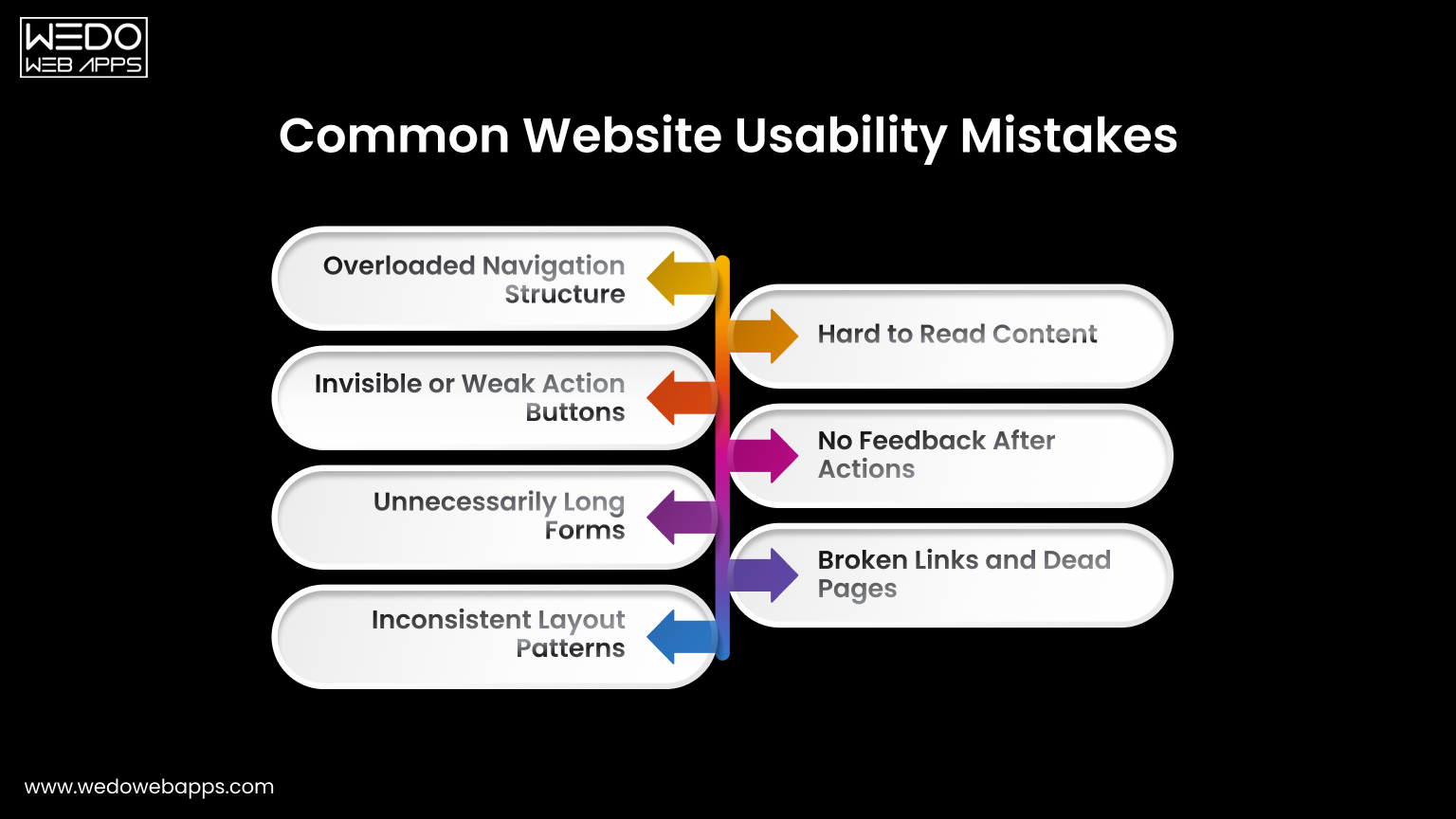
Understanding the website usability definition helps to identify why users leave a site even when the content is relevant.
Most issues appear in small interaction details rather than large technical failures. Recognizing these gaps highlights the real importance of website usability.
Overloaded Navigation Structure
Many websites try to show every page in the main menu. This forces visitors to read instead of act. Follow usability principles for websites by grouping related pages and limiting primary options. Clear navigation reduces hesitation and guides movement naturally.
Invisible or Weak Action Buttons
If users must search for the next step, the design is failing. Buttons placed too low or written with unclear labels reduce conversions. One of the most effective website usability tips is keeping the primary action visible and direct.
Unnecessarily Long Forms
Forms usually collect more information than is required. Every extra field increases the drop-off rate. When considering how to improve website usability, shorten forms and request details later if needed.
Inconsistent Layout Patterns
Changing menu position, colors, or button styles between pages forces users to relearn the interface repeatedly. Consistency is one of the core website usability best practices because familiarity builds speed and confidence.
Hard to Read Content
Dense paragraphs and poor spacing discourage reading. Break content into sections, use headings, and maintain comfortable line spacing. Readable content supports both engagement and scanning behaviors.
No Feedback After Actions
Users expect to have confirmation after clicking. Missing success messages or error guidance creates uncertainty. Providing immediate feedback follows basic usability principles for websites and prevents repeated actions.
Broken Links and Dead Pages
Non-working links signal neglect and reduce the trust among the users instantly. Regular audit and proper redirects are simple yet powerful website usability tips that maintain credibility.
Correcting the issues does not require a full redesign. A small adjustment based on the importance of website usability can significantly improve interaction and completion rates.
Tips to Improve Website Usability
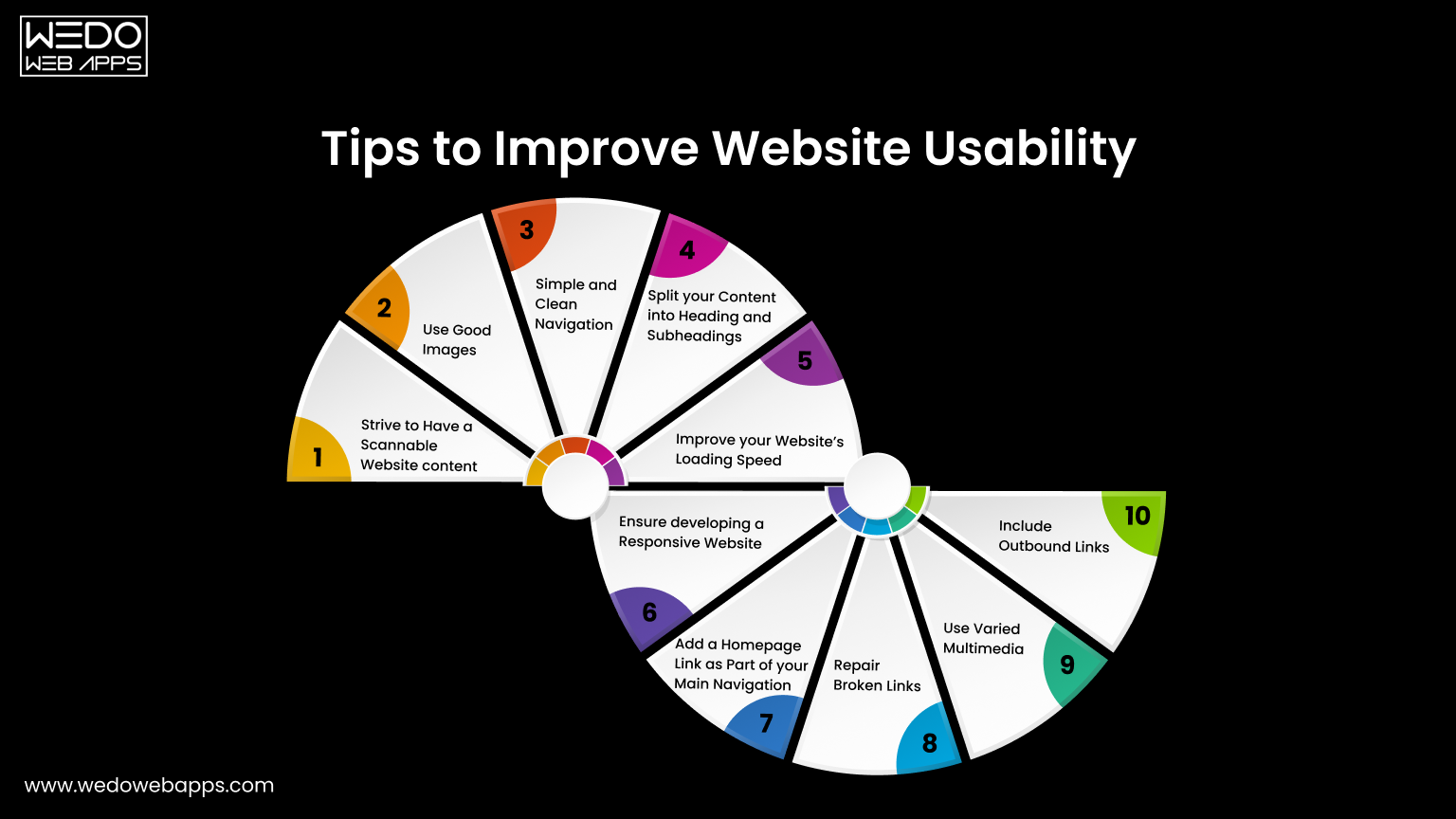
One of the greatest tips to improve website usability is to keep your website design consistent. Apart from this, there are many other tips that will help you improve the way the users interact with your website. Some of which include:
1. Strive to Have a Scannable Website Content
These days, people are hardly free to read every single piece of content on your website. In most cases, customers just scan your website and find the content that is valuable to them. If they don’t see what they are looking for, they will probably not be returning back.
The best way to improve usability is to make the website content scannable. Achieve this by using bold letters for important information and bullet points to enhance your website’s usability. Doing this will make your website easy to scan, and you will potentially gain more customers for your business.
2. Use Good Images
Using good images is a notable tip for increasing site usability because these help you break up the content. For example, instead of writing content for a point, try using images that add relevant information for that particular point.
Even though images play a vital role in the website’s usability, avoid using poorly optimized images or so many images as it can compromise your site's usability. Instead of overdoing it, use properly optimized and limited images on your website.
3. Simple and Clean Navigation
A well-functioning website can improve usability but ensure giving a simple layout to every web page. Additionally, always try to avoid horizontal scrolling as users get irritated while horizontally scrolling the websites. A responsive website that fits every screen resolution can help you avoid horizontal scrolling.
What’s more important is to avoid the use of many navigation elements. Also, don’t use so many links within the headlines as users will hardly find what they want, which will significantly impact your website's usability.
4. Split Your Content Into Headings and Subheadings
As we said earlier, visitors hardly read all the text written on your website. Therefore, catchy headlines are the most important for your website. Writing creative headlines can be beneficial as it is the very first thing a customer notices and builds interest in reading your content.
Apart from headings, structuring your website plays a crucial role in usability. Structuring your website with H1 and H2 tags will make your website look more appealing to your customers. It is an excellent way of resulting in long clicks and increasing engagement levels.
5. Improve Your Website’s Loading Speed
The slow loading speed can affect your website’s usability as it can cause you to lose a potential visitor. This is because a visitor gets irritated and leaves the website before it gets loaded fully. Additionally, search engines like Google use website loading speed as a significant ranking factor. This means you will lose an opportunity to rank higher on Google, ultimately losing customers.
Therefore, to resolve this issue, optimize your images and videos by reducing the file size before uploading them on the website. This will significantly increase your website’s loading speed.
6. Ensure Developing a Responsive Website
With an increase in the number of smartphone users, having a mobile-friendly website is not an option but a crucial part of web usability. Still, if you fail to incorporate responsiveness in your website it will affect your Google ranking and usability, thereby losing a high volume of traffic.
As you implement responsiveness to your website, ensure it maintains the same theme as the desktop version, regardless of the user's device. For instance, the layout of a casino website will be different on both the desktop and the mobile versions. But, you need to make minor changes like changing the image size and maximum width of the page to have a responsive website.
If you have a website and want to incorporate responsiveness or are a business looking to develop a responsive website, we can help you offer cost-effective, responsive website design services.
7. Add a Homepage Link as Part of Your Main Navigation
Adding a homepage link on the top of your website will increase your site's usability as it will enable the users to access the homepage easily. Definitely, the younger professionals know that the website logo acts as a link which eliminates the need to add the homepage link.
However, if your target audience is the older demographic, they may be confused about getting back to the homepage. If they do not see the home button, they won’t be able to recognize the logo as a link to the homepage easily.
8. Repair Broken Links
Broken links are terrible for website usability, but the good thing is that they can be fixed easily. There are several free and paid tools on the internet that may help you find the broken links on your website, so you can check and fix them.
9. Use Varied Multimedia
Even though it is said that content is king, images, audios, and videos play a vital role in appealing to the customers. Deliver the content that best suits your business and your users, and remember not to forget to optimize your multimedia to increase the site’s usability. Upload the content that provides value for the users.
10. Include Outbound Links
Adding some outbound links to your website will make the visitors feel valuable. This will make the content more relevant and useful for the customers. Linking your content with the high authority sites will not only make your website look trustworthy but will also make your web content more meaningful and relevant.
Now you know what you can do to improve the website’s usability. So, if you think that your website is not easily accessible for the users, implement these tips to enhance your site’s usability.

Core Usability Principles
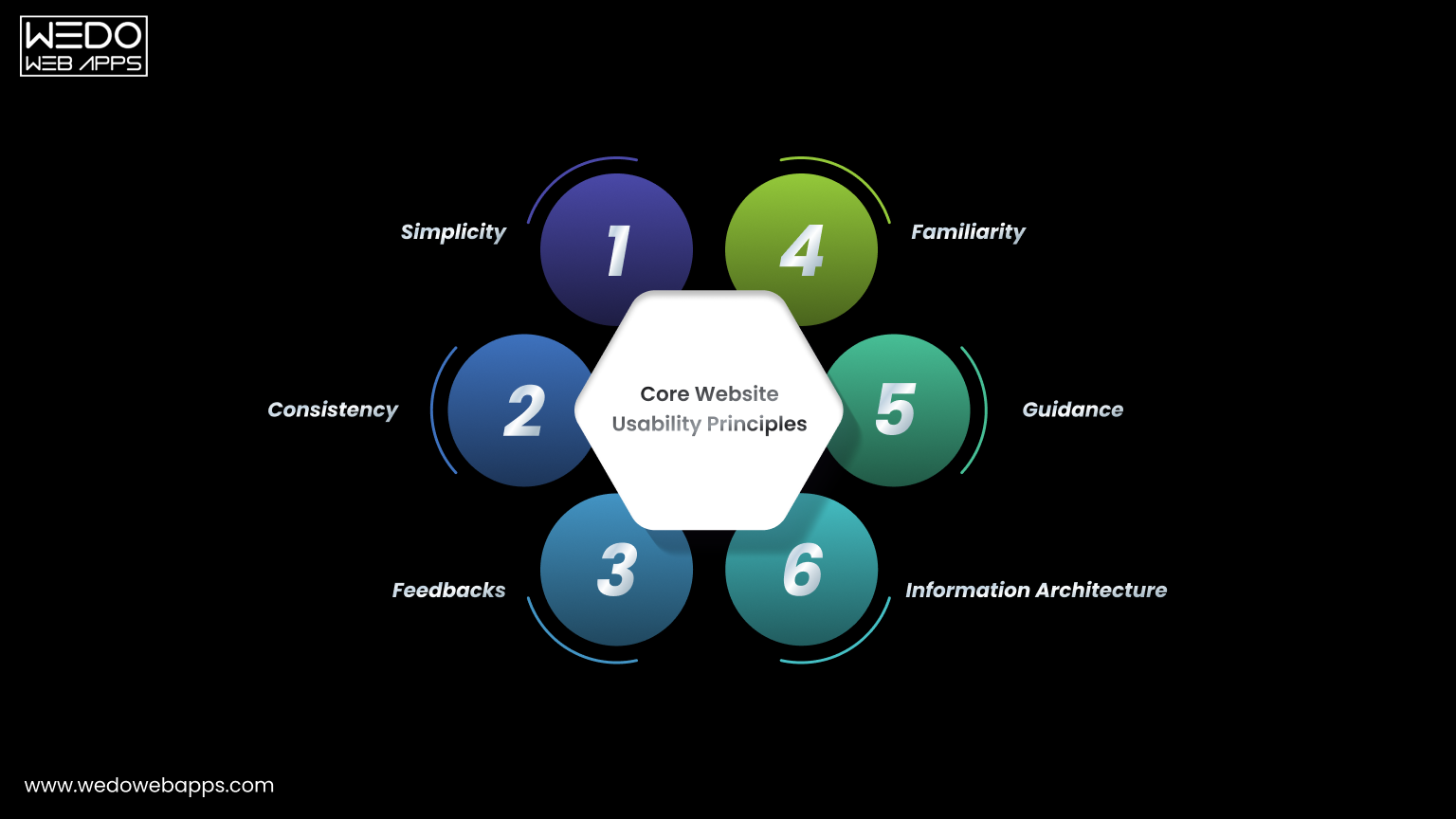
After applying practical improvements, the next step is understanding the thinking behind them.
Usability principles for a website act like a rule that guides every design and content decision. Instead of fixing individual issues repeatedly, these principles help in preventing problems before they appear. They also explain the importance of website usability because they focus on human behavior rather than design trends.
Below are the core principles that support strong website usability best practices.
- Simplicity
A visitor should immediately understand what the page offers and what action is supposed to be taken next. Complex layouts force users to interpret instead of interact.
To apply simplicity:
- Remove decorative elements that do not support a task.
- Keep primary actions clearly visible.
- Limit competing calls to action on a single screen.
Simple interfaces help users act faster and reduce hesitation.
- Consistency
People learn patterns quickly. When a website changes patterns across pages, users feel lost even when the website and content are being correctly managed.
Maintain consistency by:
- Keeping navigation placement identical across pages.
- Using the same button styles for the same actions.
- Following a predictable content structure.
Consistency is one of the strongest answers to how to improve website usability because it lowers the mental effort.
- Feedback
Every user action should produce a clear response. Without feedback, visitors are unsure whether the system worked.
Provide feedback through:
- Form submission confirmations.
- Error messages that explain what went wrong.
- Visual response when buttons are clicked.
Clear responses build trust and support the website usability definition of efficient interaction.
- Familiarity
Users prefer interfaces that behave like systems they already know. Completely new interaction patterns slow them down.
Improve familiarity by:
- Using standard icons such as search and menu.
- Following common checkout and form patterns.
- Avoiding experimental layouts for important tasks.
Familiar structure improves confidence and interaction speed.
- Guidance
Websites should guide visitors instead of expecting them to explore your site blindly. Good guidance feels like signposts along a road rather than instructions in a manual.
Apply guidance with:
- Clear step indicator in forms or checkouts.
- Helpful tooltips for complex actions.
- Suggesting next steps after task completion.
Guided navigation demonstrates how to improve website usability by reducing uncertainty.
- Information Architecture
Content organisation determines whether users find information quickly or abandon the search.
Improve structure by:
- Grouping related content logically.
- Naming categories based on user intent.
- Keeping hierarchy shallow and predictable.
Good organisation supports long-term usability and ensures the website remains easy to use even as content grows.
Following these usability principles for a website ensures improvement remains consistent over time instead of becoming temporary fixes.
Usability Testing Methods
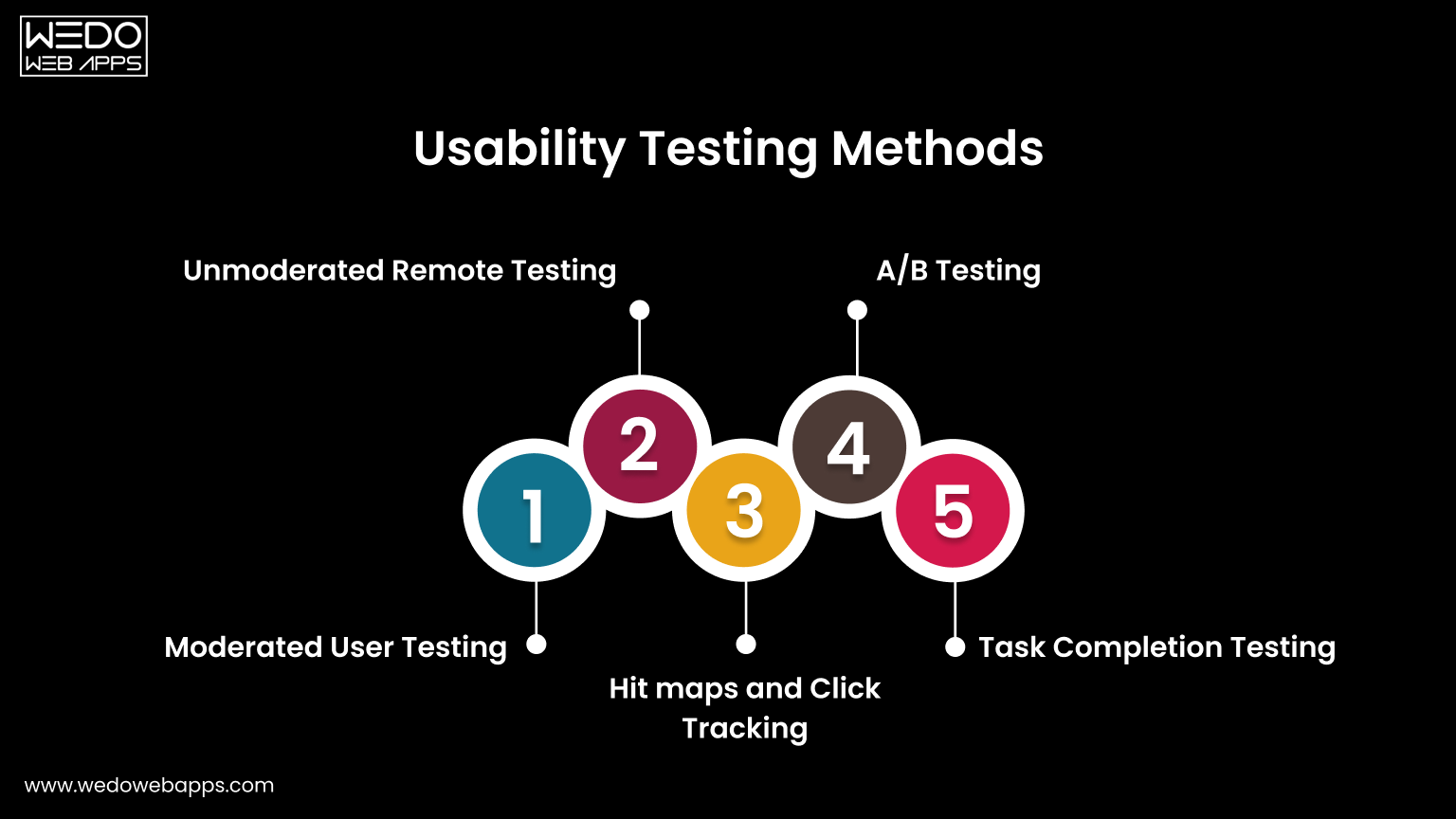
After applying improvements and principles, the next step is validation.
You cannot rely only on assumptions when working on website usability. Testing shows whether users actually understand and complete tasks comfortably. This stage connects directly with the website usability definition because usability is measured through real interaction and not opinion.
Below are practical testing methods used in website usability best practices.
- Moderated User Testing
In this method, a facilitator observes users while they perform specific tasks on the website. The observer watches behavior, confusion points, and decision patterns.
Useful observations include:
- Where users hesitate before clicking.
- Which elements do they ignore.
- What information do they expect but cannot find.
This method clearly demonstrates the importance of website usability because real users often behave differently than expected.
- Unmoderated Remote Testing
Users complete tasks independently without supervision while their actions are recorded. This provides natural behavior because participants interact in their own environment.
It helps identify:
- Navigation misunderstanding.
- Mobile interaction issues.
- Content clarity problems.
This approach is widely used when learning how to improve website usability across different devices.
- Heatmaps and Click Tracking
Tracking tools visually display where users click, scroll, and stop reading. Instead of guessing engagement, you see attention patterns.
Common insights:
- Buttons ignored by users.
- Sections skipped during scrolling.
- Overlooked important content.
These findings directly support usability principles for websites by revealing attention flow.
- A/B Testing
Two versions of a page are shown to different visitors to compare performance. Small layout or wording changes often produce measurable differences.
You can test:
- Button placement.
- Heading clarity.
- Form structure.
This method converts website usability tips into a measurable improvement.
- Task Completion Testing
Users receive a clear objective, such as completing a purchase or finding contact details. The success rate and time taken are measured.
This evaluates:
- Efficiency of navigation.
- Clarity of instructions.
- Overall interaction comfort.
Task completion directly reflects the website usability definition because it measures goal achievement.
Regular testing ensures improvements remain effective as the website grows. Instead of redesigning repeatedly, ongoing evaluation keeps usability aligned with user expectations.
Summarizing Website Usability
Website usability is the most significant element that cannot be achieved overnight. However, this is something every business website should primarily focus on. Avoiding website usability may cause you to drop down on the search engines and ultimately lose your potential customers.
Achieving website usability requires hard-core research and a repetitive approach of constantly testing and enhancing. Keep the above points in mind when you start developing or optimizing your website to offer the best user experience to your customers.
Designing an optimized website is a crucial part, but when the website is developed, website usability testing is highly recommended. If you are a non-tech geek having trouble creating or optimizing your website for usability, avail responsive web design services and let the professionals do their job. WeDoWebApps LLC has handled various design projects and can help you achieve success the way you want.















 Sharing Project Details
 Let's have a
call
Let's have a
call Got
Questions? Let’s Chat!
Got
Questions? Let’s Chat!