


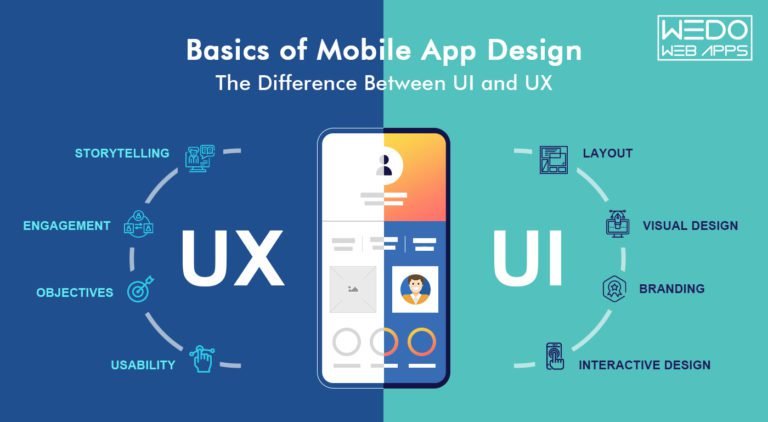
- Why are UX and UI not the same thing?
- What's UX exactly?
- What are the most common mistakes businesses and designers make while designing the UI and UX of mobile apps?
- And finally, UI trends have been rising in popularity.
Stop! UX is Not UI
Think of UX and UI in terms of the human body. UX is your skeletal structure, whereas UI is the visual elements like hair and skin. They are not the same. But they are different parts of the same body. Both cannot function without each other. You won't be able to move or take any action if you don't have skeletons (UX). And same goes for skin and hair. You would simply be bare-bones!Here's how Don Norman and Jakob Nielsen of Norman Nielsen Group define the difference between UI and UX...| It's important to distinguish the total user experience from the user interface (UI), even though the UI is obviously an extremely important part of the design. As an example, consider a website with movie reviews. Even if the UI for finding a film is perfect, the UX will be poor for a user who wants information about a small independent release if the underlying database only contains movies from major studios. |
- Documents
- Texts
- Images
- Videos
- Forms
- Buttons, tags, text fields, checkboxes, dropdown lists, etc.
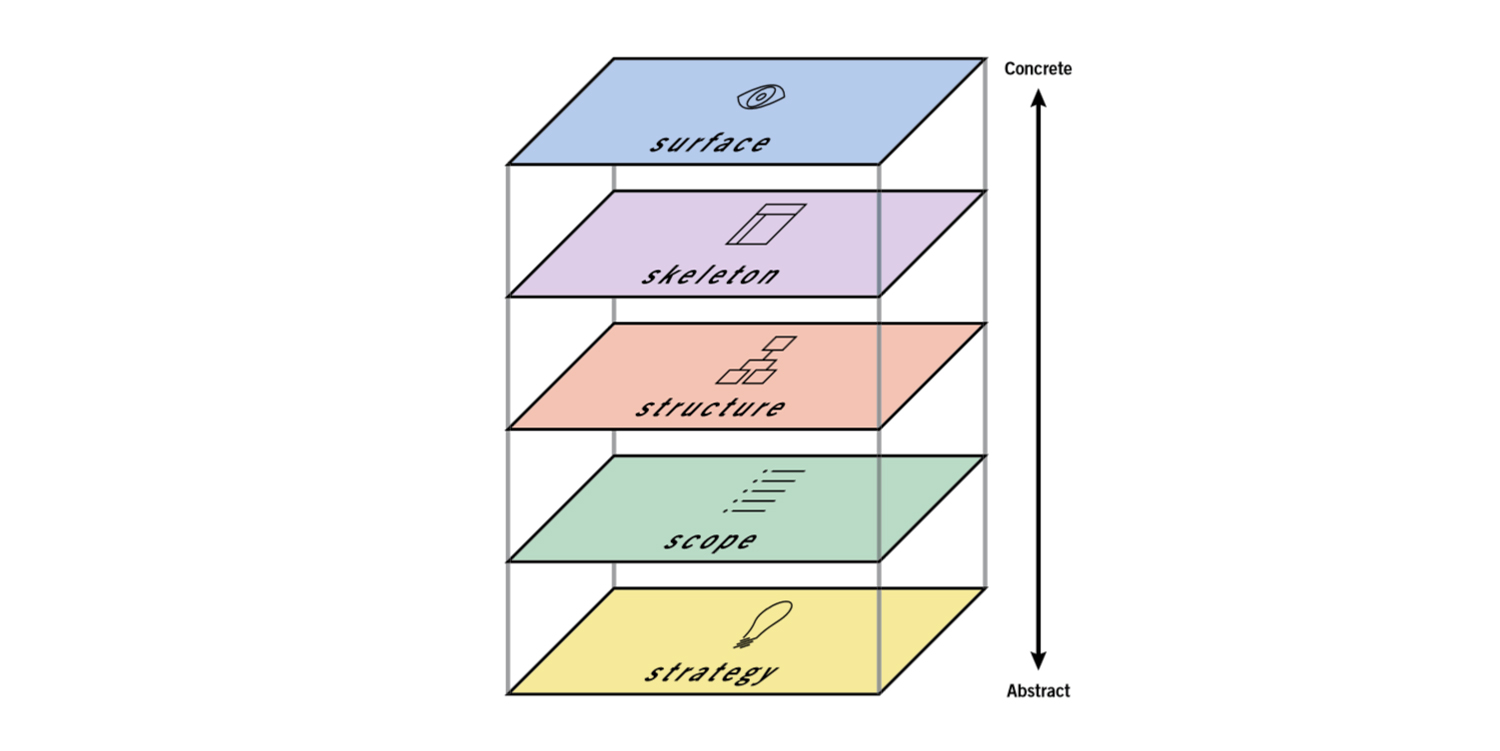 UX has five major elements:
- Strategy: It's a phase of gathering information and laying a solid foundation by understanding the needs of both businesses and users.
- Scope: In this phase, the designer will set the scope for the idea and type of content they will be designing. It's further divided into two parts - functional(features, functions) and content (images, themes, audio, videos) requirements.
- Structure: This phase decides how the design is organized and how it will behave when the user interacts with it.
- Skeleton: This phase is where the UX designer will combine everything created till now to decide the flow of information and movement from one screen to another.
- Surface: It's the final layer. The designer finalizes everything that will go on the screen that users will see.
Don't Make These Mistakes When Designing Your Mobile App
1. Overloading users for information
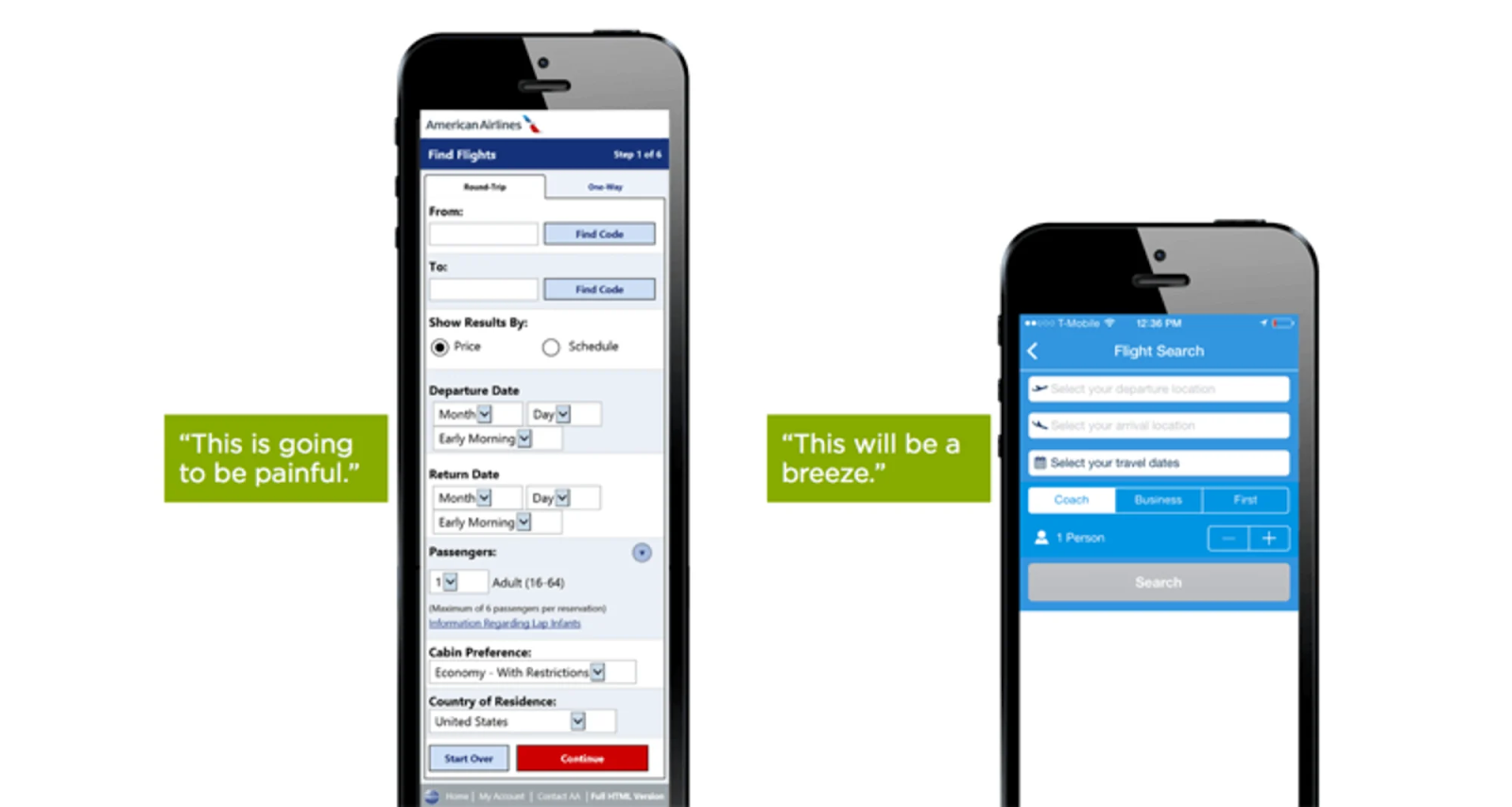 The main motive of the mobile app design should be to reduce user frustration. So, when you use two three-page long forms. It can create a painful experience for users, leading them to abandon it.
Here's what you can do instead:
The main motive of the mobile app design should be to reduce user frustration. So, when you use two three-page long forms. It can create a painful experience for users, leading them to abandon it.
Here's what you can do instead:
- Keep the forms short. Only include the most critical information and remove any unnecessary fields.
- Use intelligent features like autocomplete to fill the form automatically. This would instantly reduce the friction that most users friction while filing the information.
2. Use jargon
 The worst thing you can do while designing a mobile app is to fill it with jargon that most users won't even understand! Clear communication should always be a priority. After all, if users don't even understand what you want them to do, how will they continue?How to avoid these scenarios:
 - Keep it simple to avoid confusion.
- Learn the understanding level of your audience. A 15-year-old would have a different understanding from a 40-year-old.
3. Bad onboarding Experience
Mobile users are susceptible to bad first-time experiences. So much so that almost 21% of users will never app if they had a not-so-good first-time experience. So, how to make the first experience pleasant?Simple, leverage contextual onboarding. Contextual onboarding is when you provide instructions only when users are using the app. The best thing about contextual onboarding is that it does not overwhelm users with information like those user manuals do.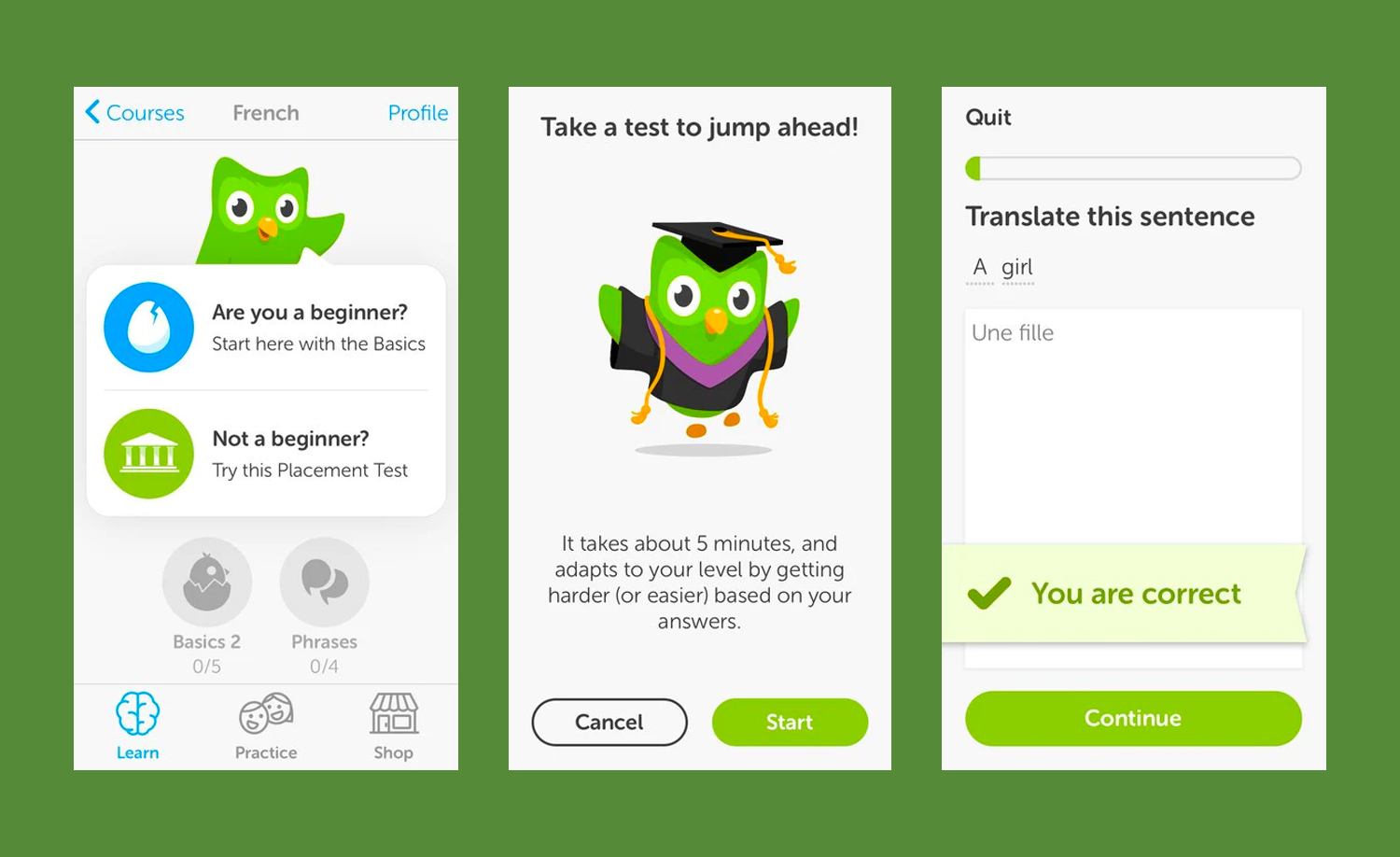
Current Trends in Mobile App Design
Let's delve into current trends in mobile app design.1. Keep it minimalistic
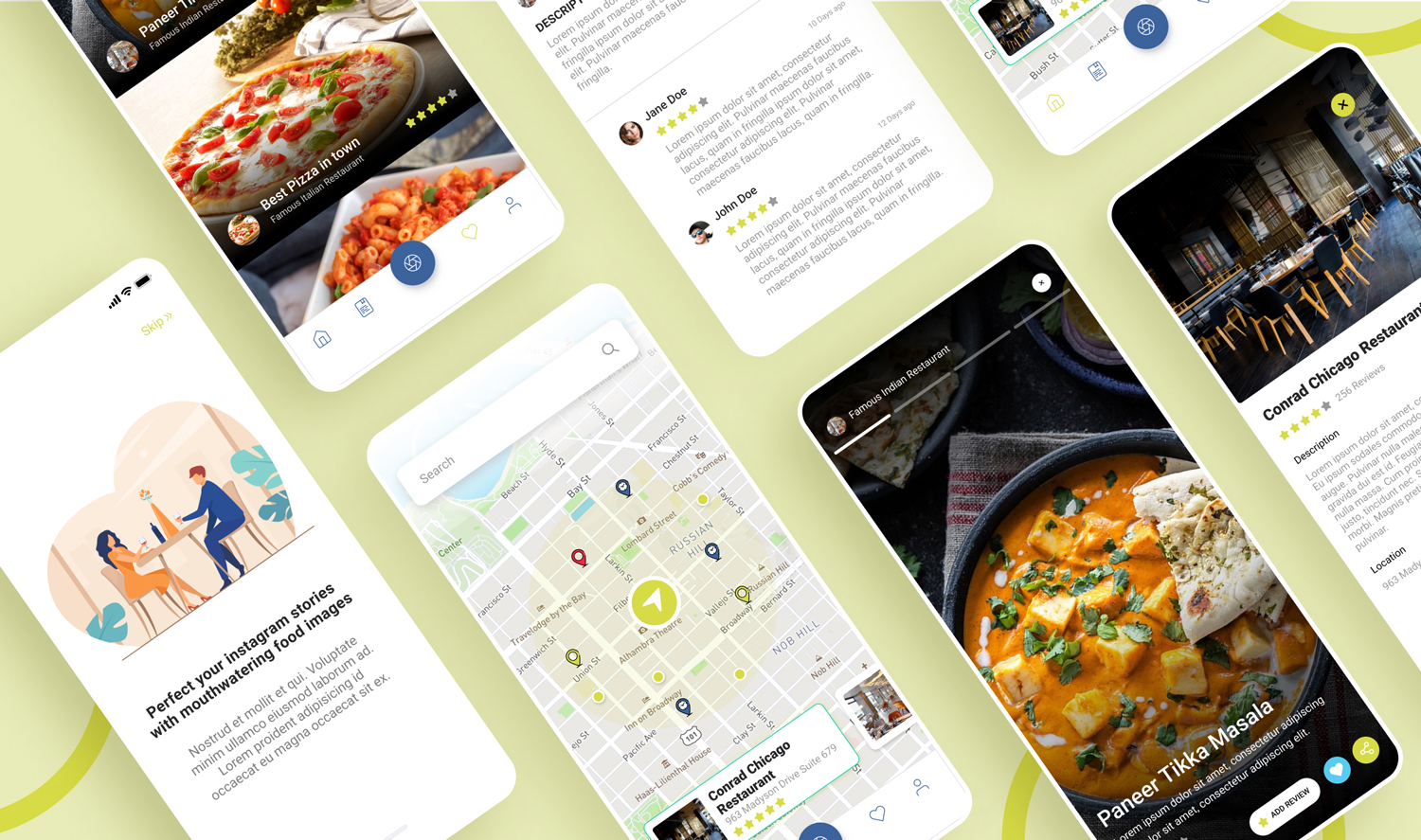 If you ever find yourself overwhelmed with the options, you know how tiring it can be to make a choice. To remove this paradox of choice, mobile app designers have been keeping the app interface as minimal as possible, meaning easy navigation, no extra details, more free space, clear color schemes, etc.
 2. Sphere, Sphere, Everywhere
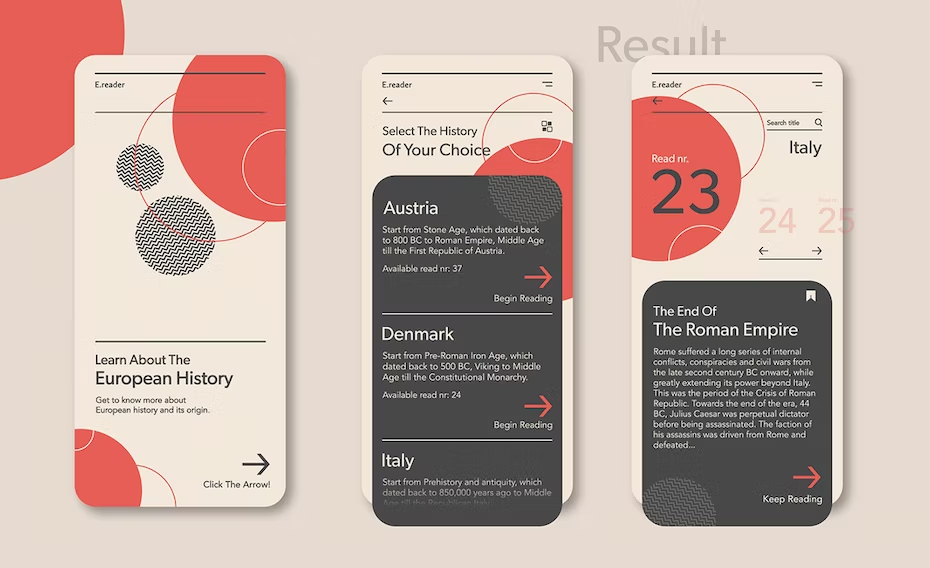

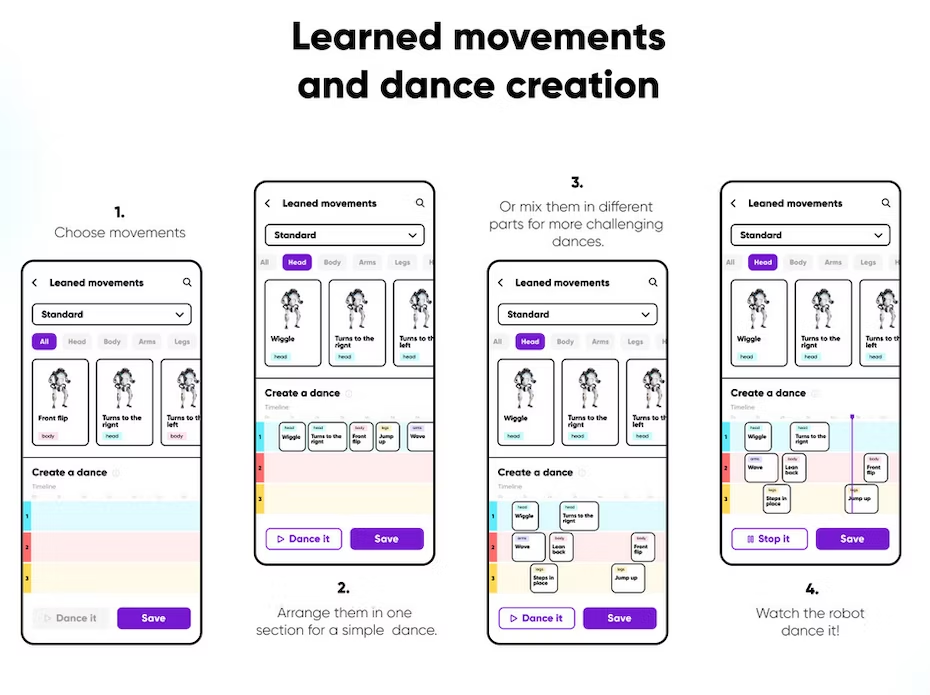
Read more about New Trends In Mobile App Development That's why WeDoWebApps bring you trusted, reliable mobile app design and development services where experts are with you. We have spent a lot of time filtering these best app designers so that you can start your projects instantly! Don't wait. Chat with us and find yourself a match!














 Sharing Project Details
 Let's have a
call
Let's have a
call Got
Questions? Let’s Chat!
Got
Questions? Let’s Chat!