Introduction
TypeScript and JavaScript are two of the most popular programming languages for building client-side applications on the web. Both share syntax similarities but differ in fundamental aspects, like static vs. dynamic typing.
JavaScript has been around since 1995 and is natively supported in all modern browsers. It is an essential part of the web and powers client-side logic through scripts. Its dynamic nature allows flexibility but lacks compiler checks.
TypeScript was developed by Microsoft in 2010 as a typed superset of JavaScript, adding static typing and tooling support while still compiling to plain JavaScript. It aims to apply rigorous checking during development to reduce bugs.
Since then, TypeScript has grown rapidly due to its promise of enhanced developer productivity and code quality. However, a pure replacement of JavaScript is not feasible given its ubiquity. This has led to diverse opinions on whether to choose TypeScript or JavaScript for a new project.
This blog analyzes the core differences between TypeScript and JavaScript regarding their type systems, tooling, performance, and ecosystem to help understand their strengths and whether one is a better choice in different scenarios. It also addresses common questions developers face when deciding which language to adopt.

What is TypeScript?
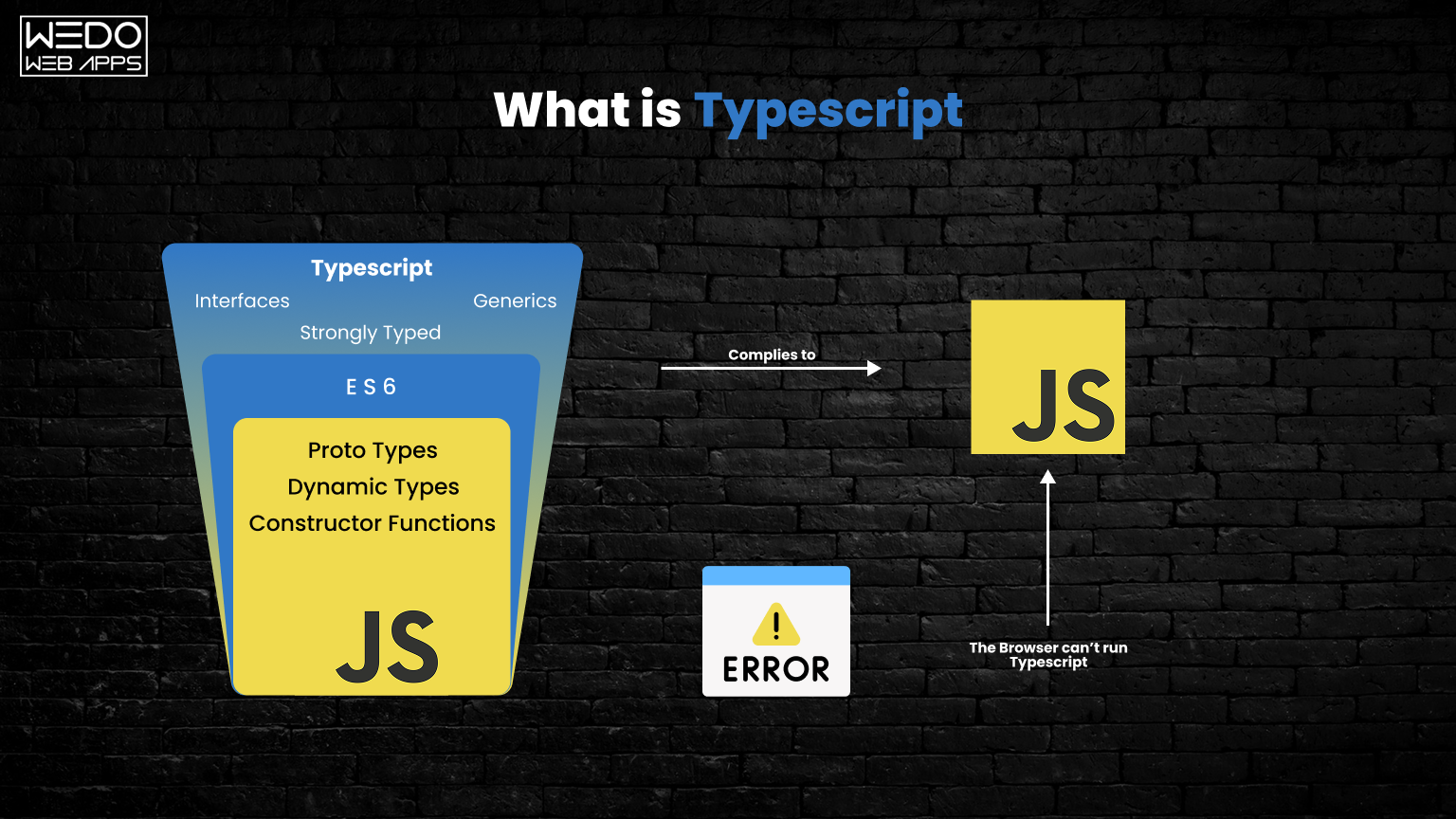
TypeScript is an open-source programming language developed and maintained by Microsoft. It is a strict syntactical superset of JavaScript and primarily adds optional static typing to the language.
This helps catch errors early and allows leveraging modern tooling. Today, 55,944+ websites are using this effective language worldwide.
TypeScript compilation outputs plain JavaScript code, allowing it to run directly in any web browser or JavaScript runtime environment. It builds on JavaScript syntax and provides features like classes, interfaces, typed variables, and error checking during compilation. This superior type-safety and IntelliSense capabilities aid in managing large codebases.
The codebases are also highly scalable and reusable. Its static analysis at compile time means programmers can build robust apps with more maintainable code.
With increased adoption by enterprises, TypeScript promises longevity and acts as the safe evolution of JavaScript. It has secured its place in the industry with continued enhancements.
What is JavaScript?
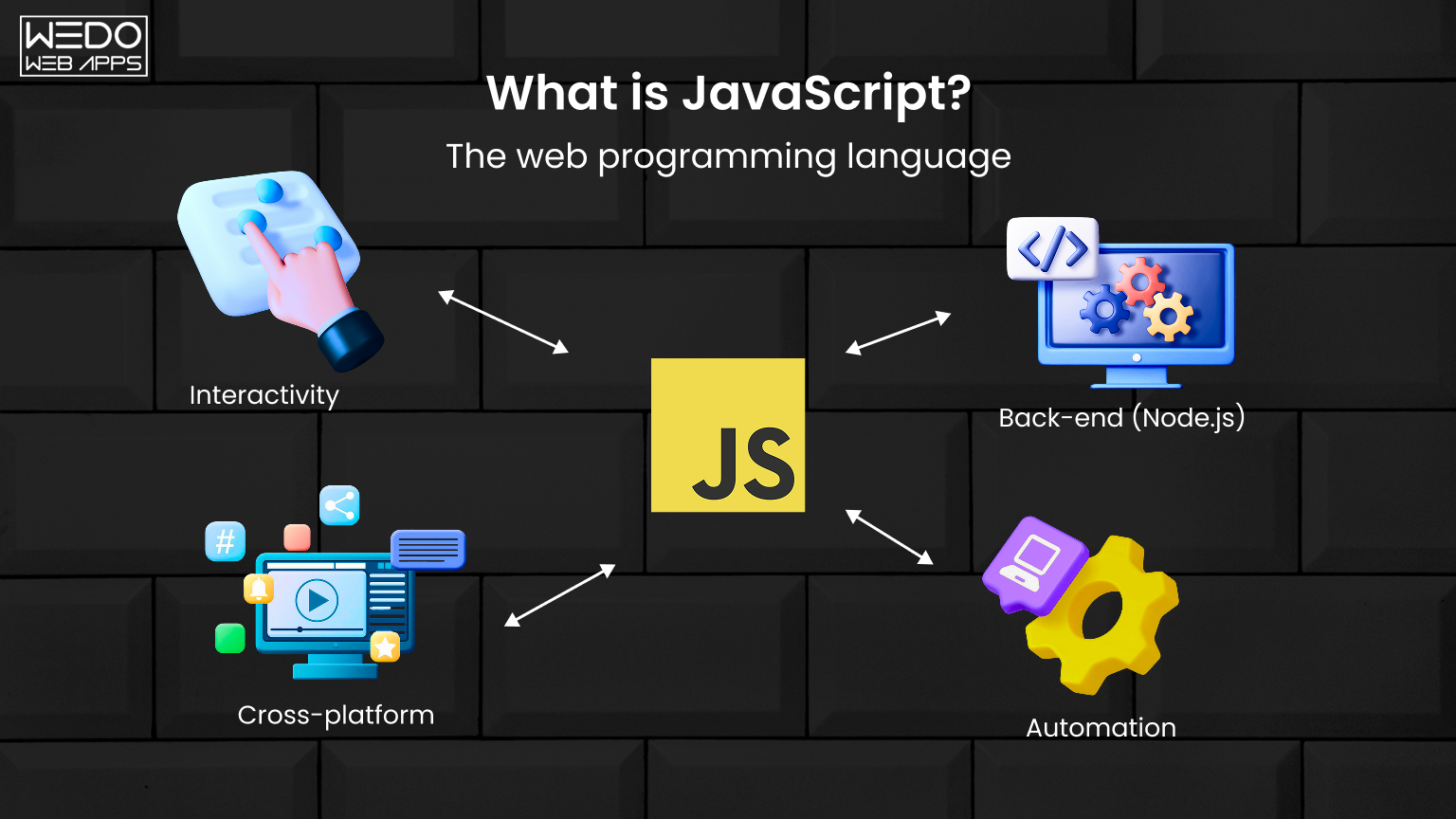
JavaScript is a lightweight, cross-platform, and interpreted scripting language best known as the scripting language for Web pages. It was spearheaded by Netscape in 1995 and has since become essential for adding interactivity to Web pages.
JavaScript can update dynamic HTML/XML content, control program flow, and handle events. It has made front-end development easier by enabling dynamic content reloading without reloading the web page.
JS also forms the basis of frontend frameworks like AngularJS and ReactJS for enhanced productivity. JavaScript is used by 98.7% (or 49,501.698 websites) of the websites worldwide.
While JS excels at enabling interactive UIs and websites, its weakly typed and loosely structured nature initially made codebases hard to scale. However, features like classes, modules, and type-checking have advanced it significantly. Still evolving rapidly with improvements, JS remains the primary language for browser-based scripting.
Core differences between TypeScript and JavaScript
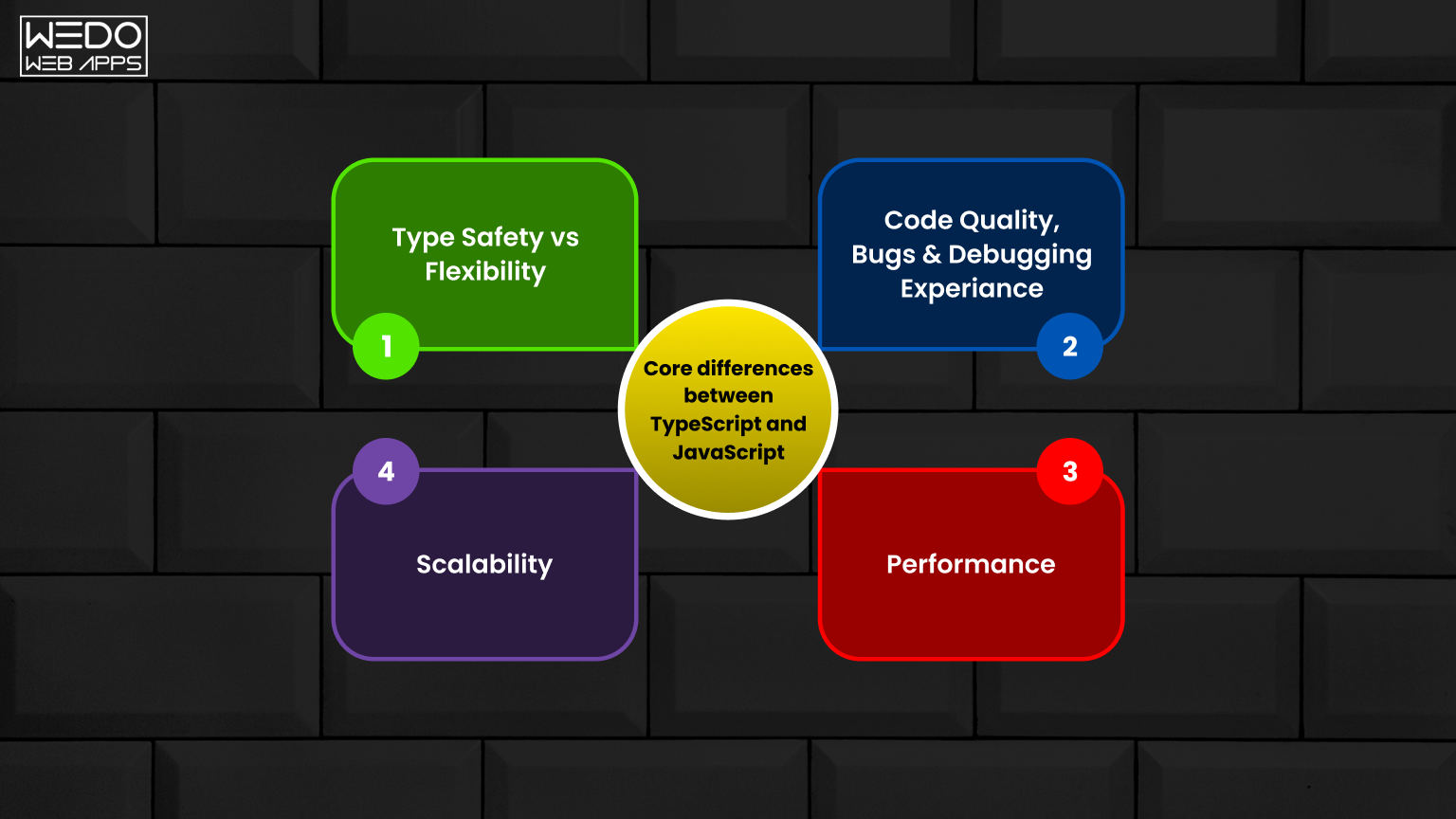
Now, we are in the post’s primary section, where we will emphasize “Typescript vs JavaScript” in terms of different aspects. Let’s start!
1. Static Typing
Static typing refers to a type system where the data type is known at compile time rather than run time. This means the compiler can validate and ensure the code uses the expected types correctly.
Table 1: Differences between TypeScript and JavaScript according to Static Typing
| TypeScript | JavaScript |
|---|---|
| TypeScript uses static typing where data types are known at compile time. | JavaScript uses dynamic typing, where data types are checked at run time only. |
| The benefits of static typing include catching errors early during compilation, providing auto-complete suggestions in editors, and refactoring code safely. | No type-checking is done during compilation. Any type of error is caught during execution. |
Benefits of static typing in TypeScript:
- Catch errors early: Static type checking during compilation catches errors related to types, like passing wrongly typed parameters to functions. This helps fix issues early.
- Auto-complete: Editor suggestions are available based on static types, improving developer productivity.
- Refactoring: Refactoring code is safer as the compiler catches any introduced type errors.
- Documentation: Types provide documentation for parameters/return values useful during collaboration.
JavaScript is dynamically typed:
- No type-checking was done during compilation. Code is only checked at runtime.
- No errors were caught during the writing/editing of code related to types. Only surfaces during execution.
- No auto-complete suggestions related to types in code editors.
- Refactoring carries the risk of introducing hidden type bugs not caught until runtime.
- Missing documentation for functions regarding expected/return types.
2. Compile-time Checks
TypeScript code is compiled to JavaScript, allowing static analysis that catches errors before runtime. This improves productivity by fixing bugs sooner. Features like refactoring are also safer in TypeScript. JavaScript, on the other hand, does not have this compile-time safety net.
Table 2: Differences between TypeScript and JavaScript according to Compile-time Checks
| Aspect | TypeScript | JavaScript |
|---|---|---|
| Compilation | Type checks and errors are shown | No compilation – Runs directly |
| Benefits | Fix errors early, and refactors are safe | Errors only at runtime |
TypeScript compilation process:
- TypeScript code is first compiled into JavaScript code.
- During compilation, the type checker validates types across the codebase.
- Any type errors, missing imports, etc, are reported at compile time before runtime.
Benefits of compile-time checks:
- Catches errors early before running code
- Fix and prevent bugs before they occur at runtime
- Enables refactoring safely by catching issues during compilation
- Improves code quality by validating the correct usage of types
No compile-time checks in JavaScript:
- JavaScript code executes directly without the compilation step
- No type checking or validation of code is done beforehand
- Errors related to types only occur and are reported at runtime
- No guarantee code is bug-free before executing
3. Interfaces
Interfaces in TypeScript define contracts for objects and functions to implement. This allows for describing relationships between various components. Interfaces promote code reuse through strong abstraction and decoupling of types from implementations. This aids in developing robust and maintainable apps over JavaScript’s looser implicit typing.
Table 3: Differences between TypeScript and JavaScript according to Interfaces
| TypeScript | JavaScript |
|---|---|
| Supports primitive types (numbers, strings, booleans) and advanced types like arrays, objects, tuples, enums, unions, and void. | Supports primitive types, but lacks advanced static typing and structured type systems. |
| Allows type aliases and interfaces for reusable and structured type definitions. | No native support for custom types, relies on dynamic typing. |
Benefits of TypeScript interfaces:
- Enforce contracts between classes/functions
- Self-documenting code with interfaces
- Strict type-checking for objects
- Aids refactoring by catching failures to adhere to the shape
JavaScript does not have interfaces:
- No way to define custom value shapes that classes/functions can adhere to
- Missing type safety between functions/classes interacting with each other
- Harder to understand expected object properties from code
- Difficult refactoring if changing class structure
4. Object-Oriented Programming
OOP refers to programming using objects and related concepts like abstraction, encapsulation, polymorphism, and inheritance. It allows the modeling of real-world entities as objects that interact by passing messages.
Below are the features that we are going to assess in context to the comparison of TypeScript and JavaScript:
- Classes. Classes are blueprints for objects that define their properties and behaviors. They support inheritance and polymorphism.
- Encapsulation. It is the bundling of data with the methods that operate on that data. Encapsulation prevents data from direct modification.
- Inheritance. It allows the creation of new classes that reuse and inherit properties and behaviors of existing classes.
- Interfaces. Interfaces define common behaviors/actions but leave implementation to classes. It allows polymorphism.
- Abstraction. It focuses on important attributes hiding unnecessary details behind class/interface definitions.
- Polymorphism. It means multiple forms and allows one interface with multiple implementations through inheritance.
Table 4: Differences between TypeScript and JavaScript according to OOP
| Feature | TypeScript | JavaScript |
|---|---|---|
| Classes | Supported with the class keyword | Prototypal inheritance with constructor functions |
| Encapsulation | Access modifiers like public, private, and protected | No access modifiers |
| Inheritance | Classes can be extended to other classes | Prototypal inheritance |
| Interfaces | Define common structures for classes to follow | No language-level interfaces |
| Abstraction | Abstract classes & interfaces | No language abstraction support |
| Polymorphism | Method overriding | Polymorphism via prototypal inheritance |
Benefits of OOP in TypeScript:
- Supports OOP concepts like classes, inheritance, and abstraction, allowing object-oriented modeling
- Encapsulates state and behaviors within classes
- Interfaces define common shapes for multiple classes
- Inheritance allows code reuse through class extension
Limited OOP concepts in JavaScript:
- Prototypal inheritance instead of classes
- No access modifiers like private
- Object models built via prototypes lack abstraction and structure
- Functions mimic classes but miss OOP structure
5. Development Tools and IDE Support
Development tools refer to compilers, linters, editors, debuggers, etc, that improve developer productivity and code quality. Below are the attributes that differentiate between TypeScript and JavaScript. Check it out:
- Auto Complete. It intelligently suggests properties and methods as code is typed based on static type analysis.
- Refactoring Support. Refactoring is supported through rename/extract methods, etc., without breaking existing code.
- Linting & Errors. Linting performs static analysis to find stylistic/structural errors, while errors highlight issues.
- Debugging. Debugging tools allow stepping through code, inspecting the scope, accessing variable values, etc.
- Code Navigation. It allows quickly navigating to references, traversing hierarchical imports, file structures etc.
Table 5: Check out the development tools and IDE support available in TypeScript vs JavaScript:
| Feature | TypeScript | JavaScript |
|---|---|---|
| Auto Complete | Supported based on static types | No auto-complete of types |
| Refactoring Support | Supported with type-checking | Limited due to a lack of types |
| Linting & Errors | Supported by the TSC compiler | Limited linting, errors at runtime |
| Debugging | Full source-level debugging | Limitations in debugging |
| Code Navigation | Go to the definition, see callers supported | No static type aware navigation |
Benefits of TypeScript IDE Features:
- Autocomplete speeds up coding based on expected types
- Refactoring safety via compilation checking for breaking changes
- Bugs caught during editing via linting rather than runtime
- Seamless debugging experience with source maps
JavaScript tooling has improved, but it is still inconsistent with TypeScript’s static analysis abilities.
6. Application Performance
Performance refers to how fast an application executes and responds, as well as efficient memory usage.
Here are a few app performance features that differentiate TypeScript and JavaScript.
- Type Check Overhead. Type checking during compilation increases bundle size and initialization time.
- Bundle Size. Larger bundles require more bandwidth for loading applications.
- Initialization. Initialization is the loading and execution of code during app startup.
- Runtime. Runtime is the time taken for code execution after app initialization and loading.
Table 6: Check out the Application performance considerations in TypeScript vs JavaScript:
| Feature | TypeScript | JavaScript |
|---|---|---|
| Type Check Overhead | Types removed through transpilation | No type-checking overhead |
| Bundle Size | Slightly larger due to type definitions | Smallest size without types |
| Initialization | Marginally slower with type checks | Fastest initialization |
| Runtime | Near identical performance | Potentially faster execution |
Type erasure removes types after TypeScript compilation, keeping code size almost equivalent to JavaScript. Modern bundlers also minimize runtime overhead. In most cases, nominal performance differences are negligible compared to gains in developer productivity from TypeScript.
7. Backward Compatibility
Backward compatibility refers to the ability of newer versions of software to work with older versions.
Below are the features of Backward Compatibility that showcase the difference between TypeScript and JavaScript:
- Compilation Target. Older JS versions for wider browser coverage without the latest JS features.
- JavaScript Compatibility. Maintains compatibility while adding new language features.
- Browser Support. Needs compilation for older browser support, while JS runs directly.
- Features Parity. Maintains language structure and semantics comparable to JavaScript.
Table 7: Check out the Backward Compatibility in TypeScript vs JavaScript
| Feature | TypeScript | JavaScript |
|---|---|---|
| Compilation Target | Compiled to plain JavaScript | Interpreted/JIT compiled |
| JavaScript Compatibility | Can use any JavaScript library | Natively compatible |
| Browser Support | Requires transpilation for browser support | Runs natively in browsers |
| Features Parity | Occasional missing features vs latest JS | Keeps full parity |
TypeScript compiles to plain JavaScript, allowing the use of any existing JavaScript libraries and frameworks without issues. New TypeScript versions don’t break existing code and stay backward compatible.
JavaScript has remained backward compatible by design. Newer scripts can run in older JavaScript environments. Features are added without breaking changes to existing codebases.
8. Modern JavaScript Support
Keeping pace with the latest advances in JavaScript language and ecosystem, we have identified 3 features to compare TypeScript and JavaScript.
Here are these 3 features:
- Latest ECMAScript: A standard programming language used for client-side scripting on the World Wide Web.
- Type Checking: A feature that checks your program is correctly coded before execution. There are 2 types of Type checking. Static and Dynamic.
- Transpiling for Older Browsers: A feature to convert a language’s source code into an equivalent version of the same or different programming language.
In the table below, we have represented how these features are used in the ecosystem of TypeScript and JavaScript
Table 8: Check out the differences between TypeScript and JavaScript in the context of Modern JavaScript Support:
| Feature | TypeScript | JavaScript |
|---|---|---|
| Latest ECMAScript Features | Supported via TypeScript versions | Support varies across environments |
| Type Checking for New Features | Yes, provides types for all features | No type of safety for new APIs |
| Transpiling for Older Browsers | Compiles to ES5 for browser compatibility | Needs transpilation for older browsers |
| Future-Proof Code | Leverage upcoming features now | Need to wait for native support |
TypeScript adds typed support for new JavaScript features as they emerge, enabling their use immediately. JavaScript must wait for native implementation across runtimes.
9. Learning Curve
It means the amount of initial effort that is required to learn the language. Below, we discuss differences of the same in terms of TypeScript and JavaScript.
Table 9: Check out the Learning Curve differences for TypeScript vs JavaScript:
| Aspect | TypeScript | JavaScript |
|---|---|---|
| Static Typing Concepts | Must learn the static typing paradigm | No prior static typing is needed |
| Code Editing | Robust IDE with types improves DX | Limited DX without types initially |
| OOP Concepts | To understand classes and interfaces | To learn Prototypal patterns |
| Ramp-Up Time | More effort than JavaScript | Easy to pick up dynamically typed code |
| Long-Term Benefits | Outweighs the initial learning time | Flexible but lacks type safety |
While TypeScript has a larger initial learning curve, its benefits, such as safety and productivity, far outweigh the costs over the long term. Both languages can coexist and be learned together.
10. Maturity and Adoption
When it comes to maturity and adoption, it is considered to be different phases or stages of development and community support levels. Below, we discuss different parameters of development stages that differentiate TypeScript and JavaScript.
Table 10: Check out the Maturity differences in TypeScript vs. JavaScript:
| Parameter | TypeScript | JavaScript |
|---|---|---|
| Age | Introduced in 2012 | Existed since 1995 |
| Adoption Growth | Growing exponentially | Almost universal |
| Framework Support | Excellent compatibility | Prototypical inheritance |
| Language Specification | ECMA standard approved in 2020 | ECMA-262standard |
| Community Support | Very active on GitHub, Stack Overflow | One of the largest communities |
| Future Roadmap | Actively developed by Microsoft | Maintained by TC39 committee |
While JavaScript has decades of head start in terms of maturity, TypeScript adoption is growing rapidly among new projects due to strong developer experience and backing from Microsoft. Both have large communities and long-term prospects.
Use Cases for JavaScript
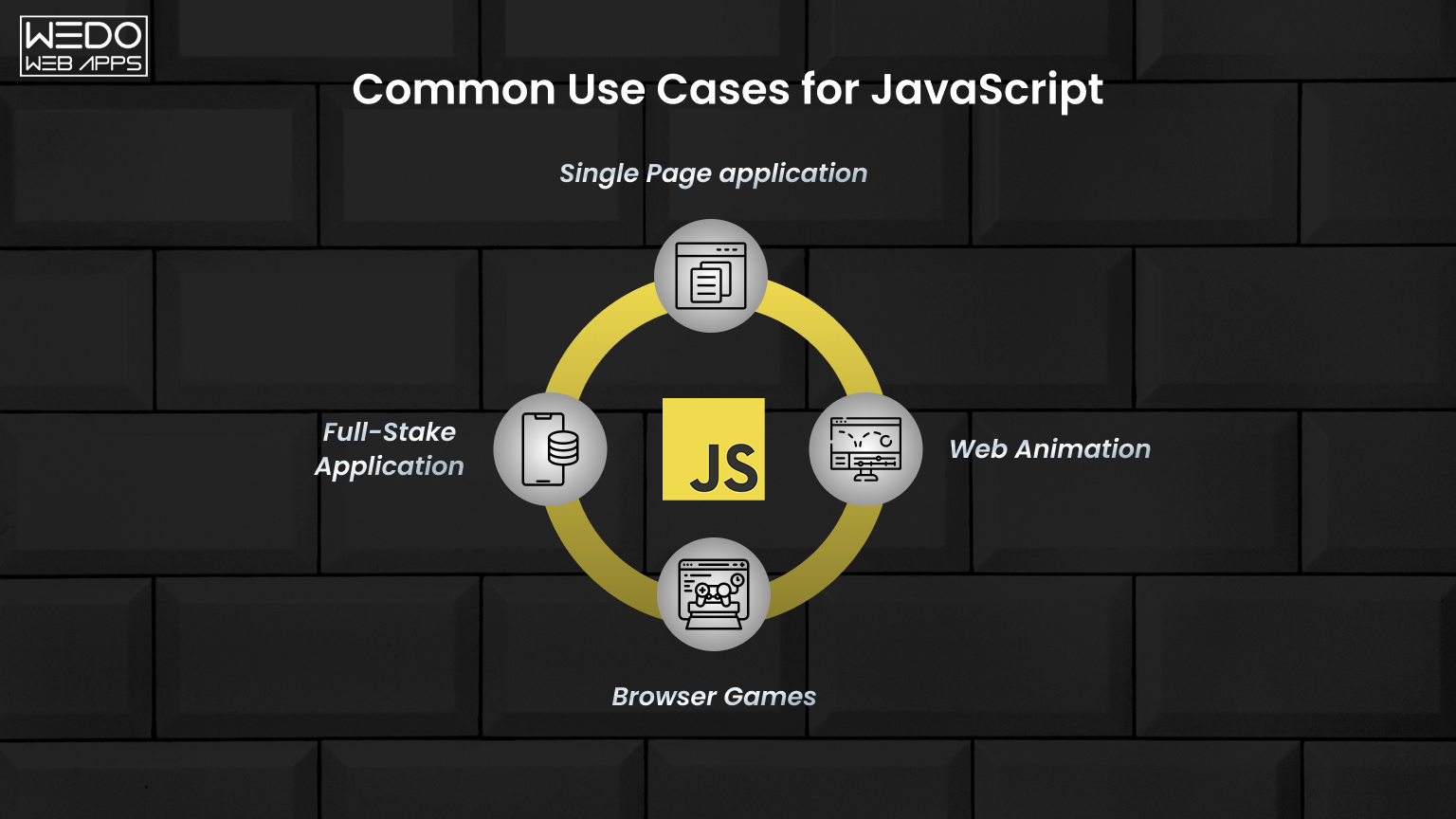
JavaScript remains the go-to choice in many practical scenarios. Here is when JavaScript is the more sensible pick:
Quick Scripts & Prototypes
- When the speed of setup matters more than long-term maintainability.
- Throwaway scripts or proof-of-concept apps that won’t scale.
Small, Single-Developer Projects
- Personal websites, landing pages, or small tools.
- Projects where a single developer owns the entire codebase.
Brower-Native Scripting
- Lightweight DOM manipulation without a build pipeline.
- Scripts that run directly in the browser with no compilation setup.
Legacy Codebases
- Maintaining an existing JavaScript project where migration costs outweigh the benefits.
- Teams are already deeply invested in plain JS tooling.
Use Cases for TypeScript
TypeScript shines in an environment where code quality, team collaboration, and long-term maintainability are priorities. Here is when to use TypeScript:
Large-Scale Enterprise Applications
- Complex code-based with multiple modules and dependencies.
- Applications are expected to grow significantly over time.
Team-based Development
- Multiple developers working on shared code benefit greatly from type contracts.
- Static types act as built-in documentation for teammates.
React, Angular & Node.js Projects
- TypeScript is the default in Angular and strongly recommended for React.
- Full-stack Node.js APIs benefit from end-to-end type safety.
Long-lived Production Apps
- Product that will be maintained and refactored for years.
- Catching a type error at compile time saves hours of debugging in production.

Should I learn JavaScript or TypeScript?
TypeScript builds on JavaScript syntax and adds optional static types, interfaces, and class features. Learning TypeScript is better for new projects because of its robust type safety and compiler checks, which reduce bugs.
However, JS still has excellent browser support and compatibility. Overall, it is better to learn both for a full-stack career.
Will TypeScript Replace JavaScript?
Considering JavaScript’s dominance in web development, it is unlikely TypeScript will fully replace it. However, TypeScript is projected to become the mainstream language of choice for new complex web applications due to its strong typing, compiler capabilities, and being a superset of JavaScript.
It ensures safer and more maintainable apps at scale. JavaScript will still be required for runtime compatibility, but TypeScript will eventually overtake JavaScript for new large projects for its advantages.
Future Trends in JavaScript and TypeScript
Both languages are evolving rapidly. Here is what to watch for in the coming years:
Typescript: Microsoft continues to ship major TypeScript versions with improved type inference, performance, and decorators support, closing the gap with full OOP languages.
JavaScript: TC39 is actively working on proposals like type annotation at runtime (stage 10, which could bring optional typing directly to JavaScript without a compile step.
Tooling Convergence: Tools like Bun, esbuild, and SWC are making TypeScript compilation dramatically faster, removing one of the last practical objections to adopting it in smaller projects.
Industry Adoption: TypeScript is now the default in most new enterprise frameworks, and job descriptions increasingly list TypeScript as a required (not just preferred) skill.
Common Misconceptions About TypeScript vs JavaScript
There are several widely held beliefs about these two languages that often lead developers to make the wrong choice. Let’s set the record straight.
Myth: TypeScript will eventually replace JavaScript entirely.
Fact: TypeScript compiles down to JavaScript and cannot run natively in browsers on its own. JavaScript is the runtime language of the web. TypeScript is a development-time layer on top of it. Both will coexist for the foreseeable future.
Myth: TypeScript is only useful for large teams or big companies.
Fact: Even solar developers benefit significantly from TypeScript’s autocomplete, inline error detection, and safer refactoring. The productivity gains are noticeable from day one, regardless of team size.
Myth: Switching to TypeScript means rewriting everything from scratch.
Fact: TypeScript is a superset of JavaScript, meaning any valid JavaScript file is also valid TypeScript. Teams can migrate incrementally, file by file, without disrupting the existing codebase.
Myth: TypeScript makes JavaScript slow at runtime.
Fact: TypeScript’s type annotations are completely stripped out during compilation. The JavaScript that runs in the browser or server is virtually identical in size and speed to hand-written JavaScript.
How the Team Decides Between TypeScript and JavaScript
There is no universal right answer to this. The best choice actually depends on your project’s specific context and the demand. Here is a practical decision framework that most engineering teams use:
| Decision Factor | Choose JavaScript | Choose TypeScript |
|---|---|---|
| Team Size | Solo developer or very small team (1-2 people) | 3+ developers sharing a codebase |
| Project Scope | Small tools, landing pages, or scripts | Enterprise apps, SaaS products, or complex APIs |
| Codebase Lifespan | Short-term or prototypes | Long-lived product (1+ years in production) |
| Existing Codebase | Already in JavaScript with no migration budget | Greenfield project or team with migration runway |
| Onboarding Speed | Need to ship fast without ramp-up time | Willing to invest upfront for long-term gains |
| Framework | Vanilla JS projects, simple jQuery scripts | React, Angular, NextJS, or Node APIs |
In practice, many teams adopt a hybrid approach by maintaining existing JavaScript code while starting all new modules in TypeScript. This allows gradual migration without disrupting ongoing development.

Final Verdict
So, TypeScript combines the debugging and catch-errors-early benefits of static typing with JavaScript’s flexibility to significantly improve the mobile app development experience without major trade-offs in comprehension, compatibility, or performance.
For new applications, libraries, and frameworks, TypeScript is generally the best choice to write high-quality code while leveraging modern IDE features and tooling.
While JavaScript will remain relevant, TypeScript hits an excellent balance of type safety with approachability, making it the future-proof option. Make your choice wisely!