skip to content

8 Best ECommerce Apps Redefining the Future of Online Shopping

Introduction

Whether you are ready or not, eCommerce is here to STAY!

Online shopping today is a glamming example of the eCommerce’s revolution. With the widespread use of smartphones, technology’s influence continues to expand daily, and mobile shopping is becoming increasingly popular. The growing demand for more convenient browsing for clothing, accessories, footwear, and even groceries has made mobile devices indispensable in the retail sector. Research shows that nearly one-third of US internet users preferred mobile shopping in 2021, enjoying the convenience it offers on a weekly basis.

By 2025, mobile commerce is projected to reach $710.4 billion, accounting for 44% of all online purchases. This surge in demand for convenience means that small businesses must adapt if they wish to capture even a portion of their target market through an eCommerce website development company. Drawing inspiration from successful eCommerce trends is essential for these businesses in 2024.

Mobile Commerce

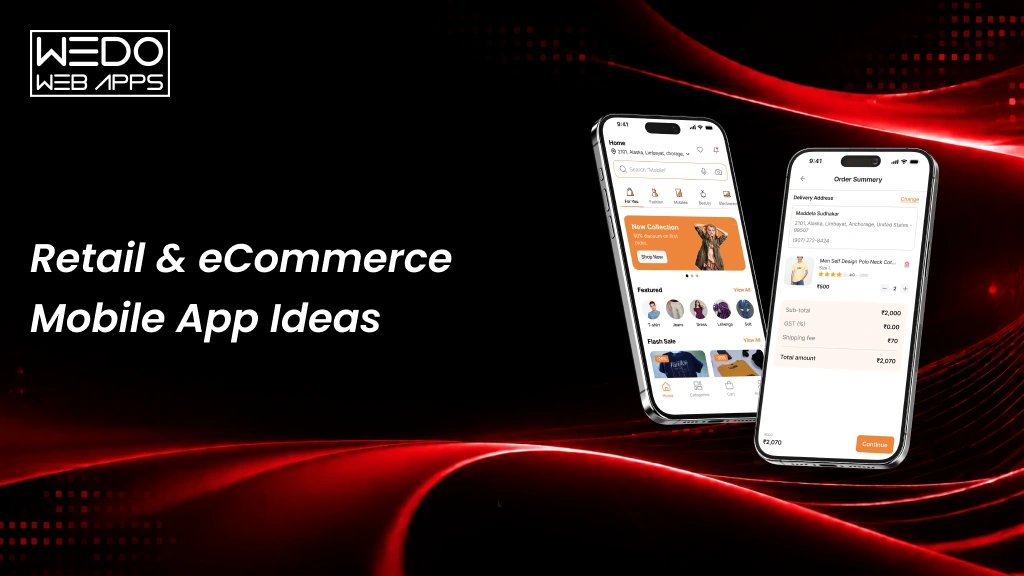
Top eCommerce apps have redefined the shopping experience by combining affordability and ease. They have revitalized revenue channels for consumer markets and breathed new life into online businesses. Enhanced user experience and customer service have allowed eCommerce to drive both market and business growth gracefully.

The development of mobile applications and the exponential rise in mobile users worldwide have been major forces behind this transformation. These apps have successfully met the digital demands of mobile consumers, paving the way for businesses to adapt to the evolving needs of tech-savvy clients. Even there is an exponential rise in the opportunities for a mobile app development company as the businesses are moving online.

This blog will highlight the 7 best e commerce mobile apps in 2024 that have attracted large audiences and thrived amid intense competition. These apps can help even those with little experience in the eCommerce space strategize for growth. Let’s dive into the details:

The Rise of eCommerce Apps

The App Store and the Android Market (which is now called Google Play) launch in 2008 marked a critical turning point in mobile app development. This critical milestone gave way to a successful app ecosystem that opened the door to rapid growth.

By 2024, the total number of apps on prominent platforms was estimated to be around 4.3 million, with the Google Play Store accounting for about 2.3 million apps and the Apple App Store boasting about 2 million apps. This meaningful increase is a good indication of the ever-increasing number of mobile applications which also show the growing importance of mobile solutions in the digital economy.

This accession has brought much to the eCommerce field which is the area of rapid growth that even mobile solutions have a hand in it. A simple reason why this is happening is that people want to be able to do things easily and without problems. The idea of modern days is to have the ability to shop without being limited to a certain place and at times when the consumer is on the road. Consequently, mobile apps for eCommerce are more preferred than websites, as they are quick, user-friendly, and adaptable.

Shopify’s data gives a very interesting finding: during Black Friday and Cyber Monday of 2019, e-commerce channels and mobile devices took the lead over the internet and gained a 69% share in total sales. This data provides information on the increasing influence of the smartphone in e-commerce.

It is the right time to start selling your products on the web through eCommerce. The decision to embark on this journey is becoming more urgent as the competitive landscape becomes more attractive with time. This is your time to seize the chance as it is growing stronger.

With the growing importance of mobile solutions in the digital economy, businesses, especially those exploring eCommerce website development London, have immense opportunities to thrive.

Why is a Mobile App a Must Have for an eCommerce Business?

eCommerce Business

Step into the shoes of a consumer and think what are the two important factors you consider while you are shopping? The answer is convenience and speed. These are the two important priorities for today’s consumers, and eCommerce mobile apps deliver these opportunities right into their hands. Enhanced user experience, such as features like BigCommerce advanced search, allow customers to find what they need with ease, contributing to higher conversion rates. Below are a few more reasons why customers these days want you to sell on a native mobile application:

  • Customers prefer mobile eCommerce apps:Online shopping apps are the preferred way to shop for today’s consumers.
  • Seamless Checkout: Mobile application allows users to pay without any hassle, eliminating the need to enter their account details every time or face unnecessary redirections.
  • Direct-to-Consumer Marketing: Through online selling apps, you can sell your offerings directly to the consumers and also establish a direct communication channel.
  • More access to Mobile Native features: With mobile commerce, you can take benefit of five native features but not with desktop commerce: voice, accelerometer, GPS, camera, and device pairing. Therefore, mobile commerce gives a more interactive user experience.
  • Strong Branding: A stand-alone brand allows you to implement a unique set of features, including enhanced targetability, increased brand awareness, customer loyalty, consistency, and higher levels of user engagement.

When building or upgrading an online store, following proven ecommerce best practices can help businesses improve conversions, performance, and customer retention.

Top 7 Companies With the Best eCommerce Apps

1. Amazon

Amazon is the world’s most preferred online shopping apps that provides a wide range of products, from high-tech gadgets to groceries. The mobile app improves the user experience by providing services like One-Click Ordering and Prime Membership, which offer benefits such as free delivery and exclusive deals. The app also allows users to use Voice Shopping through Alexa and place orders hands-free. Amazon’s vast selection of product reviews and unique recommendations based on a user’s preferences guide consumers to make informed decisions, thus, making it the best choice for online shopping.

Key Attributes of Amazon

Robust Backend Infrastructure: Uses AWS for scalable cloud services, ensuring fast load times and reliability.

Advanced Search Functionality: The system utilizes sophisticated machine learning algorithms to ensure that searches are catered exactly to customer’s preferences.

Seamless Payment Integration: Make payment facilitation easier by having options ranging from Amazon Pay, credit, or debit cards, and gift cards.

2. Alibaba Group (AliExpress)

Alibaba’s AliExpress is known to be a major marketplace for international buyers, featuring millions of products at competitive prices. The strength of this online selling application lies in its dropshipping capabilities, making it easier for businesses to source products without holding inventory.

It supports multiple languages and currencies, catering to a diverse global audience. AliExpress also offers a buyer protection program, ensuring safe transactions and encouraging trust among users. Whether it’s supporting multilingual users or optimizing operations, businesses considering Magento 1 to 2 Migration Cost need to understand the potential benefits of scalability.

Key Attributes of Alibaba Group (AliExpress)

Multilingual Support: Alibaba allows users to shop in different languages, improving accessibility.

Responsive Design: Runs seamlessly across devices, thereby ensuring enhanced user experience.

Dropshipping Features: Provides tools for the sellers to manage their products and inventory without holding stock.

3. Walmart

Walmart’s app combines the convenience of online shopping with its vast physical presence. Users can enjoy features like in-store pickup and grocery delivery, seamlessly merging their online and offline shopping experiences. The app also features real-time inventory tracking, helping customers locate products in nearby stores. With its rollback pricing and price matching, Walmart aims to provide the best value while ensuring customer loyalty.

Key Attributes of Walmart

Integration with Physical Stores: Walmart offers features like in-store pickup and online grocery shopping to bridge the gap between online and offline shopping.

User-Friendly Interface: It focuses on a simple design that makes it easy for users to navigate and find products.

Dynamic Pricing: Adapts pricing based on competition and demand in order to keep prices competitive.

4. eBay

eBay is known for its auction-style listings and vast marketplaces. Its online selling application allows users to bid on items or purchase them directly, providing flexibility in shopping. eBay features an extensive search filter system, enabling buyers to find specific items quickly. The app also includes real-time bidding notifications, keeping users engaged and informed about auction status.

Its focus on unique and second-hand products sets it apart in the eCommerce landscape. eBay’s success also highlights the importance of keeping platforms updated with Magento maintenance and support services, ensuring consistent performance.

Key Attributes of eBay

Auction and Fixed Price Options: Gives flexibility to the users by supporting both bidding and direct purchase.

Detailed Product Pages: Includes comprehensive product descriptions, high-quality images, and user reviews to facilitate informed purchasing.

Advanced Seller Tools: Provides analytics and performance tracking for sellers to optimize their listings.

5. Etsy

Etsy specializes in handmade, vintage, and unique items, fostering a community of creators and buyers. The app allows sellers to easily manage their shops and interact with customers through features like customization options for products. Etsy’s focus on niche markets and personalized shopping experiences sets it apart, appealing to consumers looking for distinctive items. The app also includes community forums where sellers can share tips and insights, promoting collaboration.

Key Attributes of Etsy

Seller Dashboard: Provides tools for sellers to manage their shops, track sales, and analyze customer data.

Customization Features: Allows sellers to offer personalized items, enhancing user interaction and satisfaction.

Community Engagement Tools: Includes forums and resources for sellers to connect and collaborate, fostering a sense of community.

6. IKEA

IKEA is a globally well-known brand that specializes in affordable ready-to-assemble furniture and home accessories. The IKEA app is packed with tons of features that enable users to not only browse but also visualize and purchase items directly from their mobiles. Besides the uniqueness of IKEA’s simple yet elegant designs of the material, this model also boasts a “Place in Your Room” function that uses Augmented Reality (AR) to demonstrate products in the real room they are planning to buy.

This tool eliminates buyer’s remorse since buyers are sure what they are paying for is a useful product. Using AR features to visualize furniture in real-time places IKEA among the top innovators, similar to the convenience provided by Amazon webstore service for diverse retail needs.

Key Attributes of IKEA

Augmented Reality Integration: Users can visualize products in their space using AR, enhancing confidence in purchase decisions.

Seamless Shopping Experience: The app supports shopping lists, inventory checks, and pickup/delivery, merging online and offline shopping.

Personalized Recommendations: Tailored suggestions help users discover items that match their style and preferences.

7. Fashion Nova

The Fashion Nova app focuses on delivering a seamless user experience with a design that prioritizes ease of navigation and trendy visuals. It features a clean and responsive UI, making browsing fast and enjoyable. The app leverages push notifications to engage users, notifying them of sales, new arrivals, and exclusive offers.

Fashion Nova’s integration of social media sharing options aligns with its marketing strategy, making it easy for users to share products and encourage brand visibility. These app features effectively drive customer engagement and streamline the shopping process.

Key Attributes of Fashion Nova

User-Friendly Interface: The app offers a clean and easy-to-navigate interface, allowing users to quickly browse and filter through hundreds of clothing items.

Push Notifications for Deals: The app sends push notifications for sales, exclusive discounts, and new arrivals, keeping users engaged and driving purchases.

Social Media Integration: The app integrates social sharing options, allowing users to share their favorite products, aligning with Fashion Nova’s strong social media presence.

8. Shopify

Shopify is a leading eCommerce apps empowering businesses to create their own online stores. Its app offers a user-friendly interface with customizable storefront templates, allowing merchants to tailor their shops to their branding. Shopify’s extensive app ecosystem provides tools for marketing, analytics, and customer support, making it a comprehensive solution for online selling. Features like POS integration allow businesses to manage sales both online and in physical locations.

Key Attributes of Shopify

Customizable Templates: Offers a wide range of templates that allow merchants to create unique storefronts.

App Ecosystem: A vast library of plugins to add features such as marketing, SEO best practices, and inventory management.

Mobile Optimization: Ensures the app is fully responsive and provides a seamless shopping experience on mobile devices.

To replicate such feature-rich experiences and ensure long-term scalability, many businesses choose to hire dedicated ecommerce developers with hands-on platform expertise.

Key Elements for Your eCommerce App

  1. Safe and Secure Payments: Integrate in-app payment options for secure and streamlined transactions, supporting various methods like credit cards, wallets (e.g., Google Pay, Apple Pay), and online transfers.
  2. Diverse Shipping Choices: Offer multiple shipping options with detailed charges and delivery estimates, giving users control over their deliveries.
  3. Augmented Reality (AR): Use AR to let users visualize products in their space, enhancing the decision-making process and reducing abandoned carts (e.g., used by Sephora and IKEA).
  4. Detailed Product Information: Provides comprehensive product details—dimensions, materials, warranties—to help users make informed decisions and reduce returns.
  5. Effortless Filtering & Sorting: Enable intuitive product filtering and sorting to help users quickly find desired items, improving the shopping experience.
  6. Rewards & Coupons: Use referral coupons, rewards, and flash sales to drive engagement and boost sales.
  7. Push Notifications: Leverage push notifications for updates on new products, sales, and offers, increasing customer engagement.
  8. Personalized Recommendations: Provide customized product suggestions using recommendation engines to match user preferences, boosting conversions.

Beyond design and technology, every successful shopping app is backed by a related ecommerce strategy that aligns customer expectations with business objectives. Incorporating these key features ensures a smooth and engaging user experience, ultimately increasing brand loyalty and app success.

Conclusion

With 12 to 24 million eCommerce brands globally and new ones emerging constantly, now is the perfect time to explore eCommerce development services.

Concerned about the cost of developing an eCommerce app? Don’t worry— we have a cost-effective solution.

WEDOWEBAPPS, a renowned eCommerce mobile app development company, can help you develop an eCommerce app from scratch and can also transform your website into a fully responsive application. Simply let our experts know and we’ll create a cost-effective app for your clothing store.

Don’t hesitate. Just seize this opportunity to enter the competitive market with our support!

Type of Application Software: Examples, Uses & Business Applications

Introduction

Application software provides a wide range of solutions designed to cater to various needs and goals. Selecting the appropriate application software can revolutionize your operations and boost efficiency. Additionally, it can significantly affect your profitability, enhancing overall business performance.

There are numerous options available when it comes to application software. We’ve classified them into three main categories: general, business, and custom applications. Below is a comprehensive list of the different types of application software available on the market.

What is Application Software?

Application software refers to computer programs designed to perform specific functions, whether for educational, personal, or business purposes. Also known as end-user or productivity programs, these mobile applications help users accomplish various tasks.

The primary objective of mobile app development is to simplify tasks and improve productivity. Common application software examples include office tools, media players, and communication platforms.

Types of Application Software

Understanding the different application software categories helps businesses choose the right tools based on their needs.

The main types of software applications include:

  • General application software
  • Business application software
  • Custom-developed application software

General Application Software Types

General applications are widely used for daily tasks across industries. These are the most common examples of application software used by individuals and businesses.

General application software is designed to handle a variety of basic functions that users commonly need on their systems. There are numerous applications that fall into this category, each serving different purposes. Here’s a closer look at some key types of general application software:

Word Processing Software

Word processing software is used for creating and formatting text documents such as memos, letters, faxes, and reports. It allows users to enhance and beautify text with various features including thesaurus, synonyms, antonyms, and word art. Users can also change font colors, styles, and effects, and utilize grammar and spell-check tools. Popular examples include Google Docs and Microsoft Word.

Graphics Software

Graphics software enables users to edit and manipulate visual data or images. This category includes both illustration and picture editing tools. Adobe Photoshop and PaintShop Pro are prominent examples of graphics software.

Spreadsheet Software

Spreadsheet software is used primarily for performing calculations and organizing data in tabular form. Users can input data into rows and columns, and utilize various formulas to perform calculations. Microsoft Excel and Google Sheets are widely used examples of spreadsheet software.

Presentation Software

Presentation software helps users convey their ideas and information visually through slides. Users can incorporate text, images, graphs, and videos to make their presentations more engaging. Microsoft PowerPoint is a well-known example of presentation software.

Web Browsers

Web browsers are used to access and navigate the internet, allowing users to search for information, watch videos, download images, and more. The most popular web browsers include Google Chrome and Firefox, with other examples being Internet Explorer, Microsoft Edge, and Safari.

Multimedia Software

Multimedia software is used for creating and editing audio and video files, and is commonly used in animation, graphics, and video editing. Examples of multimedia software include VLC Media Player, MX Player, and Windows Media Player.

Education and Reference Software

Also known as academic software, these applications are designed to aid learning and provide educational resources. They are widely used in the education sector and include tutorial software. Examples include Google Earth and NASA World Wind.

Simulation Software

Simulation software is used in fields such as military engineering, industrial training, robotics, flight systems, weather forecasting, and video games. It allows users to replicate real-life conditions without the risks associated with actual operations. Technologies like Augmented Reality (AR) and Virtual Reality (VR) are often used in these applications. MATLAB is a notable example of simulation software.

Content Access Software

Content access software allows users to access and manage various types of digital content. Examples include e-readers and streaming services.

Information Worker Software

Information worker software assists users in managing, processing, and organizing information efficiently. Examples include email clients and project management tools.

Business Applications Software Examples

Business software is designed to improve operations and productivity. These are widely used business application software examples across industries.

Business application software is designed to meet specific business needs and enhance operational efficiency, accuracy, and productivity. Here are some commonly used business application software types:

Customer Relationship Management (CRM) Software

CRM software manages an organization’s interactions with customers by organizing essential data. It helps provide a seamless customer experience by collecting, analyzing, and strategizing customer information across different touchpoints. Examples include Salesforce, Zoho CRM, and NetSuite.

Enterprise Resource Planning (ERP) Software

At the enterprise level, ERP application software is designed to handle complex workflows and large-scale operations. Advanced tools such as supply chain software solutions enable businesses to manage inventory, logistics, vendor coordination, and real-time demand forecasting efficiently.

Project Management Software

Project management software aids in planning, resource allocation, and scheduling. It facilitates communication and collaboration among project stakeholders and helps manage costs, budgets, documentation, and reporting. Common examples are Zoho Projects, Basecamp, and Trello.

Business Process Management (BPM) Software

BPM software automates and optimizes business processes, providing a comprehensive overview of operations to reduce errors, miscommunications, and inefficiencies. Examples include Zoho Creator, Nintex, and Kissflow.

Database Management Software (DBMS)

DBMS software helps create, manage, and organize an organization’s data. It stores, modifies, extracts, and searches for information within a database. Popular databases include Oracle, MySQL, Microsoft SQL Server, PostgreSQL, MongoDB, and IBM Db2.

Resource Management Software

Resource management software assists in allocating and assigning personnel to projects based on requirements, ensuring smooth management of multiple projects simultaneously. Examples include Mavenlink, monday.com, and Forecast.

Productivity Software

Productivity software enhances organizational efficiency by helping users complete tasks more effectively. These programs assist with time management, document creation, and collaboration. Examples are tools for word processing, spreadsheets, and presentations like PowerPoint.

Time Management Software

Time management software helps teams stay organized and track the time spent on projects, enhancing productivity. Examples include Asana, ClickTime, and DeskTime.

Educational Software

Educational software supports teaching and learning by promoting personalized and collaborative interactions between students and tutors. It includes features like content creation, lesson sharing, classroom management, and student-teacher interaction. Examples include TalentLMS, Skill Lake, Google Classroom, and Litmos.

Applications Based on Distribution Model

  1. Freeware: Software that is available for use at no cost, such as Adobe Acrobat Reader.
  2. Shareware: Programs that are initially distributed for free on a trial basis with the option to purchase, like WinRAR.
  3. Open Source: Software with source code that anyone can inspect, modify, and enhance, such as the Linux operating system.
  4. Closed Source: Applications whose source code is proprietary and not shared with the public, like Microsoft Windows.

Explore in-depth everything you need to know about application software and how to choose the right type for your business.

Custom Application Software

Custom software product development is specifically created for a business based on its unique requirements. Unlike off-the-shelf solutions, custom software offers better flexibility and scalability. It is ideal for organisations that need tailored solutions to match their workflow.

Application Software Uses in Business

The application software uses vary depending on the business needs. These tools are used to improve efficiency and streamline operations.

  • Managing customer relationships
  • Handling accounting and financial operations
  • Supporting communication and collaboration
  • Managing projects and workflows
  • Analysing business data

Popular Examples of Application Software

Whether you need to complete tasks, take notes, conduct online research, set alarms, manage accounts, or play games, there are dedicated application software programs to help. These applications are designed to perform specific tasks, streamline workflows, and enhance team communication. Below are some popular examples of application software used by millions every day:

  • Microsoft Office Suite: Includes MS Office, PowerPoint, MS Word, Excel, and Outlook.
  • Graphics and Design Tools: Like Adobe Photoshop, CorelDraw, and AutoCAD.
  • Online Communication Platforms: Including Skype, Hangouts, Google Meet, Zoom, and WhatsApp.
  • Web Browsers: Such as Google Chrome, Safari, and Firefox.
  • Multimedia and Music Streaming Applications: Examples include MX Player, VLC Media Player, Spotify, and Pandora.
  • Project Management Software: Like Asana, Zoho, Slack, and Forecast.

Key Features to Consider in Application Software

With a multitude of application software options on the market, some come pre-built with customizable features, while others allow you to build from scratch with your preferred functionalities. However, not all application software is created equal. Some may fall short of expectations, and others might be completely ineffective. It is crucial to ensure that the application software you choose meets your requirements and proves to be useful.

So, how do you determine if an application software is good? Here are six essential characteristics that every quality application should have:

1. User Experience (UX)

A well-designed user interface (UI) that allows users to navigate easily, smoothly, and efficiently use the application’s features.

2. Performance

The application should be fast, seamless, and free of errors in both functionality and interface.

3. Security

It must ensure the confidentiality, authentication, and integrity of user data while mitigating the risk of external threats.

4. Accessibility

The application should be compatible with various operating systems and accessible to a broad range of users.

5. Scalability

The software should be capable of handling varying volumes of data operations, transactions, and services as needed.

6. Customer Support

Prompt and effective customer service to engage with users proactively and resolve any issues or queries.

While all these qualities are important, getting the user experience right is paramount. The UX serves as the face of the application, interacting with users and providing the overall look and feel of the software.

Core Functions of Application Software

Application software programs are developed to perform a wide range of tasks. These functions can vary greatly based on the users’ specific needs. Regardless of the industry or business sector, application software can be tailored to fulfill distinct purposes. Here are some examples:

  • Data analysis and information management
  • Document management
  • Communication tools for emails, text messaging, and audio/video conferencing
  • Graphics, animation, and video production
  • Accounting, payroll, and financial management
  • Project management
  • Resource management (ERP and CRM systems) and HR management
  • Healthcare management software
  • Business project management
  • Learning Management Systems (LMS) and eLearning software

The Differences: System Software vs. Application Software

Software consists of sets of instructions or programs designed to perform tasks. It can be broadly categorized into two types: System Software and Application Software. While both types serve to instruct and interact with the system or user, they differ significantly in their design and purpose. Let’s explore their key differences.

Key PointsSystem SoftwareApplication Software
PurposeControls and manages the hardware and other system resources.Designed to accomplish specific tasks based on user requirements.
InstallationComes pre-installed with the operating system.Can be downloaded and installed as needed.
NatureKnown as general-purpose software.Known as specific-purpose software.
Function/HostingActs as an interface between application software and the system.Runs on the platform provided by the system software.
DevelopmentWritten in low-level language or machine code, making it highly compatible with system hardware.Written in high-level languages like C++, Python, or JavaScript.
Independence/DependenceOperates independently without requiring other software. Complexity: More complex programming.Requires system software to function.
ComplexityMore complex programming.Generally simpler programming.
OperationRuns in the background as a platform.Runs in the foreground, performing tasks based on user requests.
Primary/Specific FunctionsHandles process management, memory management, task scheduling, and hardware installation.Executes user-specific tasks for which it is designed.
User InteractionUsers typically do not interact directly with system software.Directly interacted with by users.
NecessityEssential for the system’s operation.Not essential for the system to operate, but enhances functionality.
ExamplesCompiler, assembler, debugger, driver.Word processor, web browser, media player, Photoshop.

Understanding the Difference: App vs. Application

App: An app is a software designed to perform a single specific function for users. Primarily created for mobile devices and tablets, apps can also run on desktops if the operating system supports them. Popular examples include Open Office, Photoshop, web browsers, WhatsApp, and games like Angry Birds.

Application: An application is a comprehensive software intended to perform a wide range of functions for users. It provides services in areas such as automation, data processing, and integration. Applications are typically designed to run on desktops or laptops, but not on mobile devices or tablets. They often come as larger packages with multiple features. Examples are Microsoft Office, VLC Media Player and Adobe Photoshop.

On-Premise vs. Hosted Application Software: What’s the Difference?

On-Premise

On-premise software is the traditional model where businesses buy the software and its license, install it on their own servers, and manage it internally. This includes taking care of servers, performing backups, and handling software updates. On-premise solutions offer higher security because you have complete control over the software and its updates.

Hosted

Hosted software, while similar to on-premise, differs in that the software is installed on servers managed by a third-party provider. You purchase and maintain the software, but instead of investing in your own hardware, you rent it from a vendor. Although the software is hosted remotely, you still own it. Hosted solutions provide advantages like lower initial costs and the flexibility to scale resources as needed.

Application Software vs. Application Platform: Key Differences

Application Software

Application software assists users in performing specific tasks. These programs operate locally on a server or computer system. They range from simple tools like word processors to complex database systems.

Application Platform

An application platform serves as the foundation on which application software runs. It encompasses both hardware architecture and a software framework, providing the necessary environment for the application software to function effectively.

System Software vs. Application Software: Know the Differences

System Software

System software manages system resources and provides a platform for running application software. It acts as an intermediary between the hardware and the application software, ensuring smooth communication and operation.

Application Software

Application software is created to perform specific tasks or functions as requested by users. It relies on system software to operate and cannot function independently. Application software is tailored to meet particular user needs, from word processing to complex data management.

How to Choose the Right Application Software

Choosing the right solution from different types of application software is important for business efficiency and long-term growth. The right choice depends on your goals, budget, and required features.

Step 1. Identify Business Requirements

Clearly define your goals, challenges, and expected application software uses within your operations.

Step 2. Understand Application Software Categories

Evaluate different application software categories, such as general, business, and custom solutions, based on your needs.

Step 3. Compare Features and Functionality

Review multiple application software examples and compare features, usability, and scalability.

Step 4. Check Compatibility and Integration

Ensure the software integrates with existing systems and supports your current workflow.

Step 5. Evaluate Cost and ROI

Analyze pricing, licensing, and long-term value before selecting from available types of software applications.

Step 6. Test Before Final Decision

Use demos or trial versions to validate performance and real-world application software uses.

Selecting the Perfect Application Software for Your Business

As your business expands, there’s a constant drive to enhance operations and work more efficiently. Whether you’re looking to replace an outdated system or find a new solution to boost performance, choosing the right application software is crucial but challenging.

Selecting the appropriate software for your business requires careful decision-making, brainstorming, and critical analysis. Before investing in any application, ensure it aligns with your business processes, streamlines operations, enhances customer experience, and minimizes risks. The success of your business model and its goals heavily depend on this choice. While the selection process can be daunting, the right software can be transformative for your business.

Here’s a checklist to help you confidently choose the right application software for your business:

  1. Assess Current Software: Identify the strengths and weaknesses of your existing software, if any.
  2. List Your Requirements: Determine the services and features you need in new application software.
  3. Shortlist Options: Compile a list of software applications that meet your requirements.
  4. Evaluate Budget and Features: Assess the shortlisted software based on your budget, licensing, and required features.
  5. Test and Demo: Conduct thorough evaluations or demos of the shortlisted applications to ensure they meet both current and future needs.
  6. Finalize Your Choice: Select the software that best fits all your requirements.

The Costs of Developing Application Software for Your Business

Pricing is a critical consideration for any business looking to develop application software. The cost can vary widely based on several key factors:

  • Functionality, Scope, and Features: The more complex and feature-rich the application, the higher the cost.
  • Supported Platforms and Devices: Developing software that runs on multiple platforms, like Windows, macOS, Android, iOS, can increase costs.
  • Third-Party Integrations: The need for integration with other systems or services can add to the expense.
  • Back-End Development: Creating a robust and scalable back-end infrastructure is crucial and can be costly.
  • Hardware Components and Compatibility: Ensuring the software works seamlessly with various hardware components may require additional investment.
  • Application Complexity: More intricate applications that require advanced technologies or specialized skills will be more expensive to develop.
  • Maintenance and Support Requirements: Ongoing maintenance and customer support also contribute to the overall cost.

Given the many variables that influence the development cost, it is challenging to provide an exact figure. However, our experts can offer a ballpark estimate based on your specific requirements.

Custom Application Software: Perfect for Businesses with Specific Needs

Businesses of all sizes depend on custom application software to meet their unique business requirements. To gain a competitive edge in today’s market, you need technically advanced custom application software that can drive your business forward.

Custom application software is specifically designed and developed for a particular organization’s group of users. Unlike generic software packages that serve a broad audience, custom software is tailored to an organization’s specific goals and needs, and is typically used by a limited number of users. This type of software is built to meet all the precise preferences and requirements of a business. Additionally, custom application software offers benefits such as flexibility, ease of integration, and scalability.

Final Thoughts

Application software is essential for improving business operations across various industries. From general applications to custom business solutions, the right software can boost efficiency, productivity, and profitability. Selecting the appropriate software involves carefully considering your business needs, budget, and future goals. Whether choosing off-the-shelf solutions or custom-developed software, the impact on your business can be significant. By understanding the types and benefits of different application software, businesses can make informed decisions that support success and meet their specific requirements in the ever-changing digital landscape.

To build reliable and scalable application software, businesses often partner with a professional software development company that offers expertise in custom development, integration, deployment, and long-term technical support.

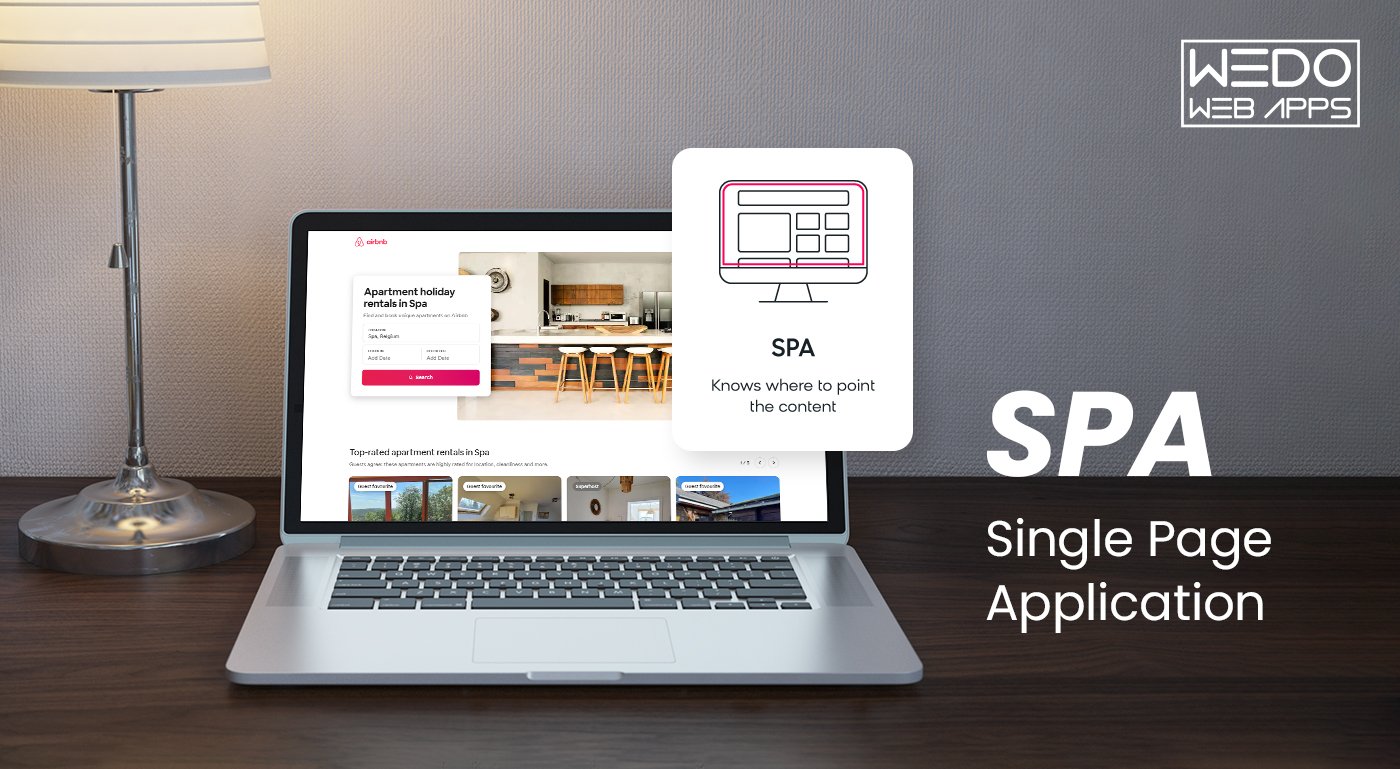
What is a Single Page App and Why People Like Them So Much?

Introduction

Do you know the last time you used a Single Page App? Well, maybe this morning! Did you open your Gmail, Google Maps, Netflix, or Paypal? If you answer yes, you use SPAs more often than you think.

A Single Page App (SPA) is a web application that loads all content dynamically without reloading the page. Many businesses prefer SPAs for a seamless user experience.

One Page Web Apps (SPAs) have revolutionized how people experienceweb application development because they can continuously update content on one HTML page instead of reloading the entire page. This makes navigation easier and more seamless while optimizing performance.

Companies across all industries have extensively adopted the interactive and enjoyable single pageinterface, which provides an app-like experience.

It brings in numerous benefits, like:

  • Quick loading speeds
  • Improved engagement of users
  • Fluid interaction
  • Scalable processes for development.

What Is a Single Page App?

A single page app is a web page development that loads all necessary code, UI components, and data onto an initial HTML page simultaneously rather than on separate pages for each view.

A single page application site loads all the code, user interface components, and data it needs in one go on the initial page rather than separate pages for each view.

Then, subsequent user interactions and navigation happen on this page using JavaScript without page reloads. This avoids unnecessary page loads.

The Rising Trend Of SPAs And Companies Adopting Them

The convenience and seamless experience SPAs offer have led to explosive growth in their adoption across industries.

According to surveys, tech giants like Amazon, Netflix, and Twitter have switched to SPA frameworks to build application interfaces that achieve near-native performance.

E-commerce platforms especially have witnessed tremendous gains through SPAs. Small businesses also leverage SPAs to simplify development and enhance customer engagement through dynamic content updates.

Examples Of Popular SPAs

Some of the best single page apps include Gmail, Airbnb, and Netflix.

Example 1: Gmail SPA

Gmail was one of the earliest major web applications to adopt a one page app design. All functionality, from viewing emails to composing, is powered within the initial HTML page.

The interface smoothly fetches new messages and searches to filter content without full reloads. This maintains context and optimizes productivity for power users.

Example 2: Airbnb SPA

Airbnb’s accommodation booking flow is another notable implementation of SPA architecture. Guests can seamlessly browse listings, read reviews, and complete reservations without leaving the home page view.

Rich interactive maps, calendars, and payment forms dynamically populate through partial updates, streamlining the intuitive experience of exploring homestays around the world.

Successful Businesses Using SPA Frameworks

Many well-known companies have used SPAs to enhance user experience, improve performance, and streamline development. Here are a few examples:

CompanyFramework UsedHow SPAs Helped
FacebookReactSmooth UI, instant page updates, optimized for dynamic interactions.
Google MapsAngularSeamless navigation and interactive mapping without full-page reloads.
NetflixReactFaster page loads and better video streaming performance.
GitHubVue.jsLightweight and responsive UI for repositories and issue tracking.
AirbnbReactPersonalized search and booking with real-time updates.

What is Single Page Application Architecture? How Do SPAs Work?

Single page app Architecture is a web design pattern in which the current page is dynamically reloaded instead of loading a new page from the server. This leads to faster application speed, a user-friendly interface with minimal lag, and a more fluid user experience, like desktop application software.

Curious to know how SPAs work? Here in this blog, we have developed a step-by-step guide to understand why you must go for SPAs for your website.

Let’s have a look.

Step 1: Initial Load

The underlying HTML, JavaScript framework/libraries, and CSS resources are loaded during the first page hit, forming the foundation.

Step 2: Application Shell Creation

The framework automatically sets up routing and navigation for the app, so developers don’t have to do it manually. It will also create default templates to display different pages.

Step 3: Route Changes

As users initiate route changes through links or forms, the server asynchronously fetches only the required component view and JSON data in the background.

Step 4: UI Updates

The base shell remains constant while JavaScript manipulates the interface and renders the new route view seamlessly without reloading.

Advantages of Single Page Apps

Single page applications are gaining traction these days, and most people are developing applications on SPAs, so there has to be something beneficial about it, right? Let’s learn about single page application benefits that come along:

1. Fast and Flexible

First, as SPA runs only on a single page, they are known to improve the speed of the application remarkably. Most of the application resources, such as HTML, CSS, and JavaScript are loaded only once. Only the data is exchanged. According to a study from Google, a website load time of more than 2 seconds may significantly impact traffic and sales. Yet another underestimated benefit is that it reduces user wait times and load times.

2. Improved User Experience

It’s easier to experiment with the appearance and functionality of applications when multiple modular services can be updated independently. Creating engaging, dynamic, and even animated user experiences can be effectively tested using Single Page application (SPA) frameworks.

However, many developers prefer coding in specific languages, and since many SPA frameworks utilize JavaScript, this preference plays a significant role. APIs allow SPAs written in one language to work seamlessly with back-end services developed in different languages.

3. Caching Capabilities

A Single Page application (SPA) can send a single request to the server, retrieve all the necessary information, and cache that data locally. This allows the application to operate offline, utilizing the stored data without needing to contact the server. If a user has a poor internet connection, the local data can be synchronized with the server once a stable connection is available.

4. Adaptable and Simple

Single Page Applications (SPAs) allow you to create a website by submitting just one page and the accompanying script. They enable you to manage multiple resources, such as CSS files or images, all at once instead of uploading each one individually. This approach offers greater flexibility, as you can make small updates to your website without needing to rebuild it from scratch.

Disadvantages of Single Page Applications

Apart from the benefits, Single Page Applications also provide a few strange and unreliable experiences. Also, because SPA is used for only one page at a time, single page design, development, and testing are even more expensive. One should know a few drawbacks when using SPAs.

1. Issues in Storing Browser History

One significant drawback of Single Page applications (SPAs) is that the browser caches all the pages to be loaded. When the application is updated to a new version, users may continue to see the cached version of a page if they visit it multiple times in a short period. This means that they won’t be able to access the latest updates immediately.

2. Difficulties in Further Upgradation

Using a Single Page application (SPA) can be quite challenging if you need to make numerous changes. Since SPAs operate on a single page, any significant modifications may require you to rebuild the entire application from scratch.

3. SEO Optimization

SEO relies on factors like URLs, meta tags, page sessions, content, and web crawling. However, managing these in Single Page Web Applications (SPAs) is more complex than in traditional web pages. SPAs often struggle with SEO because they use JavaScript and load data on demand.

This makes SEO optimization challenging and inefficient, often requiring two separate codebases: one for a server-rendered site for search engines and another for the SPA.

4. Security Problem

Single Page Applications (SPAs) are more susceptible to cross-site scripting (XSS) attacks than multi-page applications because they rely heavily on client-side scripting for user input. This vulnerability allows hackers to inject malicious scripts directly into the application.

Additionally, developers need to be careful about the data included in the initial page load, as sensitive information may be unintentionally exposed to all users.

5. Link Sharing Issue

Applications with a single page have only one URL, which creates a challenge when sharing more engaging information and content with complex development processes.

What Makes SPAs Operation Different From Traditional Web Pages?

The primary difference between single page application websites and traditional websites lies in the page loading mechanism. In a regular website, each view exists as a separate page that needs to be pulled from the server individually causing full reloads.

Navigation involves making separate requests for new HTML pages, slowing down user experience. As SPAs have all routes preloaded during the first request itself, the entire interface resides locally. Regular navigation updates content asynchronously without leaving the initial page, preserving the app state.

Some important characteristics that set apart SPAs include:

  • Dynamic interface modification using JavaScript instead of HTML pages makes transitions seamless.
  • Persistent browser sessions minimize server-request overhead thanks to reusable code/libraries available locally.
  • Template engines facilitate rapid interface updates within the existing Document Object Model, avoiding loading delays.
  • Implementing routing logic via client-side routers like Vue Router, and React Router circumvents the need for roundtrips to the server for every view.
  • Integration of frameworks such as Angular and Ember introduces component-based architecture, dividing views into isolated, reusable pieces.
  • Asynchronous HTTP requests retrieve only view-specific partials, enhancing perceived speed.
  • Responsive UX design through reactive programming principles maintains context on navigation within the app shell.
  • Local storage databases allow cached data and user preferences to be stored on the client side, improving performance.

What Is The Difference Between a Single Page App and a Traditional Website (MPA)?

There are crucial operational differences between Single Page Apps and Multi Page Apps.

In a Multi-Page App (MPA), also known as a website, each view constituting a unique experience like login, order, or profile page is coded as an individual HTML file. Transitioning between views necessitates a full page refresh by the server reloading all design elements. This degrades usability.

In contrast, SPAs provide a more app-like experience. The initial HTML is loaded along with code to power the entire app shell and component framework. User journeys occur without reloading this main page by updating DOM elements through asynchronous JavaScript calls. Routing can be handled smoothly within the current view.

Some key aspects setting apart SPAs and MPAs include:

FeaturesSingle-Page Applications (SPAs)Traditional Web Apps (MPAs)
Page LoadLoads once and updates dynamically.Reloads the entire application on navigation.
PerformanceFaster user experience after initial load.Can be slower due to frequent reloads.
User ExperienceSmooth, app-like experience.Standard web navigation experience.
SEOChallenging without SSR (server-side rendering).Better SEO support by default.
Development ComplexityRequires API backend and state management.Easier to develop, no heavy JS frameworks needed.
NavigationUses JavaScript for smooth page transitions.Loads separate HTML pages from the server.
Code OrganizationFacilitates modular, reusable components.Pages exist in silos with less shared structure.
State ManagementMaintains state during user sessions.State is typically reset on each page load.
Best ForWeb apps, dashboards, social media, SaaS.Content-heavy sites, blogs, news portals.

4 Reasons Why People Use SPAs For Website Development

Still, wondering why people love using SPAs for their website development? Well, here  we have mentioned 4 primary reasons why you should avail it:

Improved Application Performance

As SPAs load initial components, scripts, and template files ahead of usage, interface updates occur asynchronously within the main page context, sidestepping network delays associated with complete page reloads.

This optimizes perceived performance and provides a seamless journey for users akin to progressive web apps and native apps.

Consistency In User Experience

Since SPAs rely on DOM manipulation instead of traditional browser navigation via HTTP requests, they maintain an even flow between views, minimizing disruptions.

Users remain within familiar surroundings, facilitating immersion through smooth transitions, better readability, and the absence of disorienting full-page refreshes typically found on websites.

Reduced Development Time

The modular code design introduced by SPA frameworks speeds development significantly. Ourdedicated development team will focus on isolated UI elements independently and minimize interdependencies.

Features can be added, tested, and deployed rapidly on the client side without worrying about server reconfigurations, leading to highly iterative and manageable processes aligned with agile methodologies compared to monolithic applications.

Lower Infrastructure Costs

Server requests are mostly limited to data operations, with user interface updates relegated to the client side in SPAs. The Bandwidth consumption and computing resources required are far less than those of traditional websites going through multiple roundtrips.

User experience is also improved through quicker interactions without page refreshes. This helps achieve considerable cost savings by needing fewer servers to handle the same user loads.

3 Major Factors Affecting Single Page Applications Quality

Before you start developing the One Page Web App, it is important to know the main factors that significantly affect the app’s quality.

1. Tools and Technology

Most Single Page Applications (SPAs) rely on client-side rendering, making front-end development essential. JavaScript plays a crucial role in building Single Page Applications (SAPs), and developers can choose from popular frameworks such as React, Vue.js, and Angular. Depending on the complexity of the application, SPAs may require client-side storage and third-party APIs for data integration, and sometimes a backend built with Node.js to facilitate faster development using JavaScript frameworks. For data management, developers have options like SQL-based databases such as PostgreSQL or NoSQL solutions like MongoDB. In summary, the choice of tools and technologies mentioned above can significantly influence the quality of your application.

2. Team

The success of a Single Page Application (SPA) hinges on the capabilities of the development team. Key roles in this team include business analysts, UI/UX designers, frontend and backend engineers, quality assurance (QA) specialists, and project managers. If the in-house team is unable to meet the required standards, outsourcing to expert developers can be a viable solution. This approach can help avoid additional recruitment and training costs while providing access to experienced specialists with extensive knowledge in SPA development.

3. Time

With a wide range of features and a skilled team, the development of a Single Page Application (SPA) can take anywhere from three months to over twelve months. Once the initial development is complete, ongoing maintenance, content updates, and the addition of new features will require ongoing commitment. Outsourcing development can influence both the time frame and costs involved, potentially offering financial benefits by paying for a completed product rather than incurring internal employee labor costs.

How to Develop a Single Page App?

Building a successful single page application (SPA) starts with assembling a skilled and dedicated development team. This team should include a UI/UX designer to create a user-friendly and visually appealing interface, a backend developer who writes server-side code in languages such as PHP, C#, or similar technologies, and a frontend developer proficient in JavaScript and its frameworks like React, Angular, or Vue.js.

To ensure a smooth development process, include a project manager to coordinate the team’s efforts and a QA engineer to test the application thoroughly, addressing any bugs or performance issues. If necessary, involve a business analyst during the discovery phase to align technical solutions with business goals.

With the right team in place, you can focus on your core business and marketing tasks, leaving the technical aspects to the experts. Now, let’s explore the steps involved in developing a one page application.

How to Develop a Single Page Application

Step 1: Discovery Phase

The first step in developing a Single Page Application (SPA) is the discovery phase. This involves conducting thorough research to understand market needs, analyze the competitive landscape, identify your target audience, and define the primary goal of your application. Your SPA should address a specific problem within a particular niche while standing out in a competitive market. By establishing a clear purpose and ensuring your app meets the needs of its users, you lay the foundation for a successful and impactful application.

Step 2: Get a Design

The design phase is critical to ensuring a Single Page Application (SPA) delivers an exceptional user experience. Unlike traditional applications, SPAs must provide all the necessary information on a single page while maintaining usability and visual appeal. The designer’s role is to carefully evaluate the placement and functionality of every UI element, creating a layout that is intuitive and efficient. This step is always completed before development begins, as developers rely on the design blueprint to implement functional components effectively. A well-thought-out design ensures the application is user-centric and aligns with the project’s goals.

Step 3: Development

Developing a single page web application (SPA) is typically more accessible and streamlined than creating a multi-page application (MPA). SPAs rely heavily on client-side rendering, reducing the amount of server-side work required. JavaScript frameworks such as React, Angular, and Vue.js play a crucial role in simplifying the development process by providing pre-built tools and components that enable faster implementation and dynamic functionality. These frameworks allow developers to create responsive and interactive applications with minimal complexity. Let’s take a closer look at some popular frameworks used for building SPAs.

Step 4: QA Testing

Once the development phase is nearing completion, the application undergoes rigorous quality assurance (QA) testing. Expert QA engineers evaluate whether the app aligns with the predefined specifications and ensure that all functionalities operate as intended. During this stage, any bugs or issues are identified and reported to the development team for resolution. This step is vital to delivering a polished and reliable product to end-users.

Step 5: Launch and Maintenance

After passing the QA testing phase, the application is ready to go live. The launch marks a significant milestone, but it’s not the end of the journey. Post-launch, ongoing maintenance is essential to ensure the application remains secure, functional, and up-to-date. At Radixweb, we prioritize supporting our clients by offering functionality enhancements, security checks, and regular code updates. This ensures that the app continues to meet user expectations and adapts to evolving market needs.

SPA Frameworks You Must Consider For Development

Here we are of the notable SPA frameworks that assist in the process of SPA development:

Angular

Angular is one of the most popular SPA frameworks, and it relies on MVC architecture and two-way data binding. It reduces development time through features like directives, dependency injection and robust components.

Being open-source with an active community, Angular apps are scalable and can consume REST APIs easily while enforcing best practices through its development kit.

React

React is Facebook’s open-source JavaScript library that is well-suited for building stateful and complex UI views. It handles state management organically using a virtual DOM for high performance.

Emphasis on reusable UI components and scalable data flows as single page properties have accelerated React’s dominance. Highly flexible due to support for environments ranging from browsers to native apps and demanding touchscreen requirements of mobile sites.

Vue

Vue is a progressive framework delivering incrementally adoptable components seamlessly supporting integration with existing websites. Small size and quick learning curve have made it popular among independent developers as well as enterprises.

Its flexible, non-opinionated nature allows leveraging features like Vuex for state management and Vue Router to focus on only required aspects as per project needs, aiding faster development.

Single Page App Architecture - How SPAs Work

Detailed Comparison Of SPA Frameworks

All the frameworks of Vue, React, and Angular share the common goals of abstracting the complexity of building user interfaces and providing structured approaches to develop feature-rich single page applications.

However, they each originate from different philosophical roots, which have given rise to variances in their underlying implementations.

Let us examine some of the key differentiating aspects among these popular JavaScript frameworks:

AspectVueReactAngular
Learning CurveMost beginner-friendlySteeper learning curveDeepest due to strict architecture
PerformanceAll perform well; efficient reactivity systemUses virtual DOM for efficiencyOptimized change detection and direct DOM updates
ComponentsFlexible components with strong ecosystem supportOften relies on third-party librariesTightly structured with dependency injection
SEO SupportSupported via Nuxt.jsRequires frameworks like Next.jsNatively supported with Angular Universal

Challenges in Single Page Application (SPA) Development

While SPAs offer numerous benefits, they also come with unique challenges that need to be addressed to unlock their full potential. Here are some of the key challenges developers face:

Challenges in Single Page Application (SPA) Development

1. Search Engine Optimization (SEO)

SPAs initially struggled with SEO because search engines like Google had difficulty indexing AJAX-based interactions. Although advancements in indexing JavaScript-rendered content have been made, SPAs still face limitations. Implementing effective SEO strategies can be complex and costly, often requiring server-side rendering (SSR), pre-rendering, or feature detection mechanisms. Additionally, SPAs typically have a single URL, limiting traditional SEO capabilities compared to multi-page applications.

2. Navigating the Back and Forward Buttons

In traditional web applications, browsers efficiently handle back-and-forward button navigation using cached pages. However, in SPAs, pressing these buttons can result in server requests, causing delays and inconsistent views. Developers must implement custom JavaScript logic to manage the application state and emulate the expected behavior for seamless navigation.

3. Scroll Position Management

Browsers generally retain the scroll position for individual pages in multi-page applications. In SPAs, navigating between components can reset the scroll position, leading to a subpar user experience. Developers need to write additional code to store and retrieve the correct scroll positions as users navigate through the application.

4. Website Analytics

Tracking user interactions and page traffic in SPAs is more complex than in traditional web applications. The Single Page nature of SPAs doesn’t provide accurate insights using standard analytics tools. Developers must implement custom tracking mechanisms to monitor pseudo-pages and user behaviors, requiring additional development effort.

5. Security Issues

SPAs present heightened security risks, such as vulnerabilities to cross-site scripting (XSS). Since much of the application logic is downloaded to the client side, it becomes more susceptible to reverse engineering and exploitation. Developers must adopt robust security practices, including client- and server-side input validation, secure login mechanisms, and role-based access controls. Ensuring sensitive parts of the application are restricted can significantly enhance security.

Addressing these challenges is essential to ensure that SPAs provide a seamless, secure, and user-friendly experience while meeting technical and business goals.

The Best Frameworks and Technologies for SPA Creation

Building a Single Page Web Application requires understanding both front-end and back-end technologies. Single Page applications (SPAs) rely on two core components: the frontend, which handles user interactions and presentation, and the backend, which manages data processing and communication. Each layer requires specialized technologies to ensure a seamless and efficient user experience.

Frontend Technologies

The frontend layer includes the applications and interfaces users interact with. Developers commonly use JavaScript frameworks and libraries for this part of SPA development. Popular options include:

  • React: A library that enables developers to create dynamic and responsive user interfaces, leveraging components and a virtual DOM for efficient rendering.
  • Vue: A progressive framework known for its simplicity and flexibility, suitable for both small-scale and complex projects.
  • Angular: A comprehensive framework developed by Google, offering robust tools for building scalable and real-time SPAs.

These frameworks enable SPAs to independently manage their user interfaces, ensuring real-time updates and enhanced responsiveness.

Backend Technologies

The backend layer supports data storage, processing, and communication between the server and the client. Common backend technologies include:

  • Node.js: A JavaScript runtime ideal for building fast and scalable server-side applications.
  • Ruby on Rails (RoR): A framework known for its simplicity and developer-friendly conventions, speeding up development time.
  • Python: Often paired with frameworks like Django or Flask, Python is favored for its versatility and ease of use in building robust backends.

These technologies ensure efficient data handling, processing, and seamless integration with the frontend.

Key Considerations for Choosing a Tech Stack

When selecting the right frameworks and technologies for your SPA, consider the following:

  • Performance: Choose a tech stack that supports fast loading times and handles high traffic without slowdowns.
  • Scalability: Opt for technologies that allow the application to grow with increasing user demands.
  • Community Support: Select frameworks with active developer communities for easy access to resources and support.
  • Developer Expertise: Leverage the experience of your development team to ensure efficient and high-quality implementation.

By carefully evaluating these factors and understanding the roles of the frontend and backend, IT specialists can make informed decisions, creating SPAs that are fast, responsive, and scalable.

How To Manage Content In SPAs?

To empower high engagement, businesses are adopting SPAs. It assists in the process of making interactive product experiences and careful planning of content models with delivery approaches as well. This is crucial to avoid inconsistencies that could undermine the immersive interface.

Here are some aspects that help you understand how to manage content in SPAs. Take a look:

  • In SPAs, content is delivered and updated dynamically without page reloads for a more interactive experience.
  • Content is broken into small reusable components loaded as needed for flexibility.
  • Standard formats are used for metadata, previews and URLs to support editorial workflows within asynchronous architectures.

Challenges And Solutions Of Managing Content In SPA

Here are some of the challenges and relative solutions that you need to keep in mind while managing content in SPA. Take a look:

Challenges:

  • Supporting traditional WYSIWYG editing interfaces within asynchronous SPA architectures
  • Enabling review-centric workflows that require reproducible page rendering for search engines, social sharing, etc.
  • Keeping content storage and delivery layers tightly coupled can limit flexibility for independent evolution

Solutions:

  • Headless content strategies decouple storage from delivery through APIs, allowing both to evolve separately.
  • The SPA can generate static HTML snapshots for bots while editors focus on versioning and access control.
  • Server-side rendering provides initial HTML for bots and users, resolving search visibility issues.
  • Design and data are separated and handled independently from each other
  • Editors work with layout-agnostic presentations while delivery is optimized for end-users.

So, some key challenges relate to supporting conventional editing within SPAs as well as rendering reproducible pages for third parties. Headless strategies and SSR help overcome these by loose coupling content from presentation layers for improved flexibility and control.

How Does A Decoupled CMS Prove To Be Beneficial?

Below are the advantages that come along with Decoupled CMS:

  • Adopting a decoupled or headless content management system provides several advantages for evolving SPA implementations.
  • The framework separates content from how it is displayed, allowing each part to evolve independently according to its unique needs.
  • The CMS focuses solely on organization, workflows, and abstracting information as an immutable API data source without reliance on specific delivery technologies.
  • Developers gain flexibility to deliver optimized experiences according to interface requirements independent of content systems.
  • Similarly, editors avoid constraints imposed by the presentation layer, improving focus on content creation, organization, and distribution.
  • A decoupled approach benefits agility, scalability, and collaborative practices. Content acts as the sole source of truth shared across all consumer touchpoints.

SEO Challenges of Single Page Apps & How to Fix Them

While Single Page Applications (SPAs) provide a fast and dynamic user experience, they also come with certain SEO challenges. However, each challenge has a solution that can help improve your SPA’s visibility on search engines.

1. JavaScript-Heavy Content Isn’t Easily Indexed

Challenge: Search engine bots may struggle to render JavaScript-heavy pages, leading to poor indexing.

Fix: Implement Server-Side Rendering (SSR) using frameworks like Next.js (React) or Nuxt.js (Vue.js) to ensure content is available as HTML before the JavaScript runs.

2. URL Structure & Routing Issues

Challenge: Many SPAs use hash-based (#/page) or dynamic URLs that are difficult for search engines to crawl.

Fix: Use history mode routing (e.g., React Router’s Browser History API) to create SEO-friendly, clean URLs that search engines recognize.

3. Meta Tags & Open Graph Tags Don’t Update Dynamically

Challenge: Since SPAs load content dynamically, search engines might not detect changes in meta titles and descriptions.

Fix: Use React Helmet (React) or Vue Meta (Vue.js) to dynamically update meta titles, descriptions, and Open Graph tags for better indexing.

4. Slow Initial Load Due to Large JavaScript Bundles

Challenge: SPAs often load a single large JavaScript file, which can slow down page speed—a crucial SEO factor.

Fix: Optimize performance by:

  • Code splitting (loading only necessary components when needed).
  • Lazy loading of images and components.
  • Minimizing JavaScript bundles with tools like Webpack.

5. Lack of XML Sitemaps & Poor Crawling

Challenge: SPAs often lack an XML sitemap, making it harder for search engines to find all pages.

Fix:

  • Generate an XML sitemap and submit it to Google Search Console.
  • Implement dynamic rendering or pre-rendering with tools like Prerender.io.

6. No Structured Data (Schema Markup) Implementation

Challenge: SPAs often lack structured data, reducing their chances of appearing in rich search results.

Fix: Use JSON-LD structured data to mark up content for rich snippets, FAQs, and reviews.

Is SEO possible for a Single Page App?

Yes, SEO is possible in Single Page Apps but it requires extra optimization techniques compared to traditional multi-page applications (MPAs). Since SPAs rely on JavaScript to load content dynamically, search engines may struggle to index them properly. However, with the right approach, you can make SPAs SEO-friendly.

How to Optimize SPAs for SEO

Use Server-Side Rendering (SSR) or Static Site Generation (SSG)

Frameworks like Next.js (for React) and Nuxt.js (for Vue.js) enable SSR and SSG, allowing search engines to index content properly.

Implement Pre-rendering

Tools like Prerender.io generate static HTML snapshots for search engines, making SPA content indexable.

Use Dynamic Meta Tags & Open Graph Tags

Update meta titles, descriptions, and Open Graph tags dynamically using libraries like React Helmet or Vue Meta.

Optimize URL Structure & Routing

Use clean URLs with descriptive slugs instead of hash-based URLs (#/page). Implement server-side redirects to prevent broken links.

Improve Page Speed & Core Web Vitals

Minimize JavaScript bundle size, lazy load images, and use caching to enhance performance.

Create an XML Sitemap & Use the Search Console

Generate an XML sitemap and submit it to Google Search Console to help crawlers discover content.

Use Structured Data (Schema Markup)

Implement JSON-LD for better search result visibility, especially for articles, FAQs, and reviews.

While SEO in SPAs requires additional effort, modern solutions like SSR, pre-rendering, and dynamic metadata updates make it possible to achieve good rankings on search engines.

How to Build a High-Performing Single Page App

Creating a high-performing Single Page Application (SPA) requires the right combination of technology, optimization techniques, and best practices to ensure speed, efficiency, and SEO-friendliness. Follow these steps to build an SPA that delivers an exceptional user experience.

1. Choosing the Right Framework & Tech Stack

Selecting the right framework is the foundation of a successful Single Page App. Choose based on your project needs:

  • React.js – Ideal for dynamic UIs and scalable web apps.
  • Vue.js – Lightweight and flexible, perfect for fast-loading applications.
  • Angular – Best for enterprise applications with built-in optimizations.
  • Svelte – Great for highly optimized SPAs with minimal overhead.

Pro Tip: Use TypeScript with your framework for better code maintainability and scalability.

2. Optimize Performance for Faster Load Times

SPAs often suffer from large JavaScript bundles, slowing down performance. Optimize your app using:

  • Code Splitting & Lazy Loading – Load JavaScript only when needed.
  • Minification & Compression – Use Webpack, Terser, or Brotli for smaller file sizes.
  • Image Optimization – Convert images to WebP and use responsive image loading.
  • Caching & CDN Integration – Leverage browser caching and a CDN for faster global access.

Pro Tip: Use Google Lighthouse to analyze performance bottlenecks and Core Web Vitals.

3. Enhance SEO & Discoverability

Since Single Page Applications (SPAs) dynamically load content, search engines might not index them properly. Fix this by:

  • Using Server-Side Rendering (SSR) – Next.js (React) or Nuxt.js (Vue.js) for SEO-friendly rendering.
  • Implementing Pre-Rendering – Use tools like Prerender.io for static HTML snapshots.
  • Dynamic Metadata Updates – Use React Helmet or Vue Meta to change meta tags dynamically.
  • SEO-Friendly URLs – Use clean, readable URLs instead of hash-based routing.

Pro Tip: Generate and submit an XML sitemap to Google Search Console to improve indexability.

4. Build a Scalable & Secure API Layer

A fast, well-structured backend ensures seamless data fetching in Single Page Applications. Follow these best practices:

  • Use GraphQL or REST APIs – GraphQL reduces over-fetching and under-fetching of data.
  • Implement API Caching – Reduce server load and response times with Redis or CDN caching.
  • Secure API Endpoints – Use JWT authentication and OAuth 2.0 to prevent unauthorized access.

Pro Tip: Implement WebSockets for real-time updates in chat or live data applications.

5. Secure Your SPA Against Cyber Threats

SPAs are vulnerable to security risks like XSS (Cross-Site Scripting) and CSRF (Cross-Site Request Forgery). Protect your app with:

  • Content Security Policy (CSP) – Prevent injection of malicious scripts.
  • HTTPS & Secure Cookies – Encrypt user data and use HttpOnly cookies for authentication.
  • Input Validation & Sanitization – Prevent SQL injections and XSS attacks.

Pro Tip: Use security headers like X-Frame-Options, X-XSS-Protection, and HSTS to harden your app.

6. Monitor, Test & Continuously Optimize

A well-built SPA needs regular monitoring and improvements. Keep track of performance with:

  • Google Analytics & Core Web Vitals – Monitor page speed and user experience metrics.
  • Error Logging with Sentry or LogRocket – Identify and fix runtime errors in real-time.
  • Automated Testing – Use Jest, Cypress, or Playwright for end-to-end testing.

Pro Tip: Conduct A/B testing to optimize UI performance and user engagement.

A high-performing SPA requires a blend of efficient frontend development, robust backend architecture, performance optimization, SEO enhancements, and security measures. By implementing these best practices, you can build an SPA that is fast, scalable, and search-engine-friendly.

Final Thoughts

So, by dynamically updating content within a single page web app instead of reloading entirely, single page application architecture has revolutionized the user experience.

Frontend development frameworks like Angular, React, and Vue, coupled with decoupled content strategies, empower highly engaging digital products and services through interactive interfaces, streamlined processes, and independence between information storage and delivery.

While each mechanism introduces individual considerations, their combined implementation has unlocked tremendous capabilities for businesses across domains to deliver next-generation digital experiences. Given its flexibility, speed, and performance, adopting a Single Page App (SPA) for your next project could be the key to future-proofing your business.

AI App Development Trends, Benefits, Process & Costs Explained

AI App Development Cost You Must Know Before Building

What if your mobile app could think, predict, and act like a personal assistant for every user? Businesses are already making use of AI-based tools or solutions to boost engagement, automate tasks, and drive revenue. If you also want all of this, then this is time to get ahead.

Before you start building an AI-powered app, it is important that you understand the AI app development cost. From simple tools to advanced personal assistants, the cost of AI app development depends on the features, complexity, and the use of technologies. A detailed AI app development cost breakdown that helps you plan your budget while selecting the right AI app development solution and app development company that delivers measurable results.

This guide will give you the assurance that everything you need to know before making the decision on the various insights. From the industry-specific cost and phase-wise pricing, and the top AI app development and low-code solutions to make the development smooth and less expensive, all these are covered. By the end, you will have a clear roadmap for creating the AI application that not only attracts users but also helps you to drive real business growth.

What is an AI App and Why Businesses Are Investing in It?

Artificial Intelligence apps are applications that make use of algorithms and machine learning to perform tasks that typically require human intelligence. AI can recognize patterns, predict user behavior while automating the decision-making, and deliver a personalized experience in real-time.

Businesses across various industries are rapidly adopting AI in mobile app development because it helps solve real-world problems efficiently. In healthcare, AI apps assist doctors in diagnosis and patient monitoring. In finance, this helps in managing the detection of fraud. Retailers use AI to offer personalized recommendations to their customers.

When investing in an AI app development solution, you can improve operational efficiency, enhance customer engagement, and gain a competitive edge. Whether it is building a smart personal assistant or any analytic tools, AI apps allow you to make data-driven decisions and offer better value.

By understanding what AI apps are and how they bring benefits to different industries. You can make the information when planning to make use of an AI-powered mobile solution.

Average AI App Development Cost in 2025

Understanding the attached cost of the AI app development is important so that you will not be spending more. In 2025, the cost of developing the AI-powered mobile application varies significantly based on complexity, features, and industry requirements.

Here is the average comparison of AI app development cost:

Type of AppsAverage Cost RangeIdeal For Apps Like
Simple AI App$10,000 – $50,000Chatbots, recommendation engines, and automation tools
Moderate AI App$60,000 – $150,000Predictive analysis, image recognition, and intermediate AI features
Advanced AI Personal Assistant Apps$200,000 and moreSiri, Alexa, or Google Assistant

Key Factors Influencing AI App Development Cost

Diagram illustrating key factors influencing the total cost of AI app development, including complexity and feature set.

When you are planning for the AI app development cost, it is important that you know about various attached elements. Each discussed factor here plays a significant role in AI app development costs that help you to make an informed decision.

1. Scope and Feature of App

The complexity and functionality needed in your app play the most important roles in determining the cost attached to development. Apps with the basic AI function, like simple chatbots or recommendation engines, are the affordable options. But when it comes with the advanced features such as personalized AI assistants, real-time analytics, or predictive modeling, then the cost will increase.

2. AI Model and Development and Data Requirements

Building an AI-powered app requires having the specific training models on datasets. The larger and more complex data need higher development efforts. Apps like AI personal assistants often need a specific machine learning algorithm, which is reflected in the AI app development cost breakdown.

3. Design and User Experience

Having a seamless and intuitive interface ensures that users can easily interact with AI effortlessly. When you invest in high-quality UI/UX design to improve the engagement among the users, it requires you to spend more. An AI app that integrates natural language processing or predictive interactions requires support of extra design and effort.

4. Technology Stack and Tools Used

The choice of framework and AI tools has an influence on both performance and cost. When users use popular options like TensorFlow, PyTorch, OpenAI APIs, or Google ML Kit, all these provide you with flexibility but have an impact on AI app development cost, depending on complexity and licensing.

5. Development Team’s Location and Expertise

Hiring experienced AI developers or a local team may increase the cost, whereas outsourcing the team or connecting with remote experts may provide you with cost-efficient support without impacting the quality.

6. Integration with APIs and Existing Systems

Connecting the AI apps with the external services, databases, or third-party APIs adds complexity in the development process, which requires to work for additional hours to work and has an influence on AI app development cost.

7. Ongoing Maintenance and Upgrades

AI apps require continuous support of updates, performance monitoring, and retraining of the models. By properly making the budget for maintenance, you can be sure about the long-term reliability and keep your app stable in a competitive market.

By understanding all these attached cost factors, you can easily prepare the budget as per the various needs and be prepared for what is expected with the given development cost.

AI App Development Cost Breakdown (Phase-Wise)

Infographic showing the phase-wise cost breakdown for AI app development, including discovery, development, testing, and deployment.

Understanding all the attached AI app development costs by phase helps you estimate the budget for the use of resources while maintaining the efficiency of your application. Each phase is critical for building a successful AI-powered app, whether it is a simple automation tool or an advanced AI personal assistant.

Here are some of the factors that influence the AI app development cost breakdown:

1. Discovery and Planning

Estimated Cost: $5,000 – $15,000

Key activities include:

  • Understands what is needed for your business and targeted users.
  • Researching the market trend and competitor analysis.
  • Defining the need for AI features and the need for functionalities.
  • Creating a clear objective that aligns with the needs of AI app development solutions.

2. UI/UX Design

Estimated Cost: $8,000 – $15,000

Key activities include:

  • Designing the user interface and intuitive design that maintains seamless AI interaction.
  • Creating wireframes and prototypes to make the app smooth.
  • Testing for user experience for engagement and usability.
  • Enhancing the user trust with the AI functionality.

3. AI Model Training and Development

Estimated Cost: $20,000 – $50,000

Key activities include:

  • Preparing the app that handles the critical phase of an AI-based application.
  • Data collection and preparing a clear structure.
  • Training AI/ML models for accuracy and performance.
  • Integrating various models to support the mobile app.

4. Backend and Mobile App Development

Estimated Cost: $15,000 – $40,000

Key activities include:

  • Developing server-side infrastructure and APIs.
  • Ensuring smooth interaction with AI models and the app frontend.
  • Optimizing app performance and scalability.
  • Securing data and AI model communication.

5. Testing and Quality Assurance

Estimated Cost: $5,000 – $15,000

Key activities include:

  • Testing the added functionality for AI features.
  • Monitoring performance and load testing.
  • Validating the accuracy of AI predictions.
  • Ensuring a seamless user experience across all devices.

6. Development and Support

Estimated Cost: $7,000 – $25,000

Key activities include:

  • Launching the app on the App Store.
  • Integrating analytics and monitoring tools.
  • Post-launch support and troubleshooting.
  • Continuous updates and AI models retraining for better results.

By managing your budget wisely, you can easily maintain the AI app development cost and be sure about the use of resources and measurable ROI.

Phase-Wise AI App Development Cost Table

PhaseEstimated Cost (USD)Key Activities
Discovery and Planning$5,000 – $15,000Research, requirement analysis, strategy
UI/UX Design$8,000 – $20,000Wireframes, interface design, prototyping
AI Model Training & Development$20,000 – $50,000ML model training, algorithm development
Backend & Mobile App Development$15,000 – $40,000Server, APIs, and mobile front-end development
Testing & Quality Assurance$5,000 – $15,000Functional, performance, and AI accuracy testing
Deployment & Support$7,000 – $25,000App store launch, analytics, and post-launch support

Tip for businesses: Including AI tools for app development or pre-built AI models allows you to optimize costs and reduce the development timeline without compromising quality.

Schedule a free consultation to discuss your AI app development cost and get a transparent quote

Cost of Developing AI-Powered Personal Assistant Apps

When you consider building apps like Siri, Alexa, or Google Assistant, you should be aware that the AI personal assistant app development cost is higher than that of standard AI-powered apps.

Why Costs Are Higher

  • Personal assistants require training a large-scale AI model on diverse datasets to accurately understand the various commands the user intends.
  • It requires strong support with the backend infrastructure, which is capable of handling various queries in real-time.
  • Requires adding long-term expenses with continuous learning and improvements.

Estimated Cost Range

  • A basic AI-powered assistant with limited commands can cost around $60,000 to $120,000.
  • The mid-level assistant app with broader integration and personalized response can range from $150,000 to $300,000.
  • Advanced solutions like Siri, Alexa, or Google Assistant may go beyond $500,000, considering the scale, ecosystem integrations, and ongoing AI training requirements.

Case References

  • Siri: Apple invests heavily in improving Siri’s contextual awareness and makes it a better personal assistant globally.
  • Alexa: Amazon designed Alexa with smart home integration requires a greater investment in both AI training and IoT compatibility.
  • Google Assistant: Built on Google’s advanced AI infrastructure and it shows how powerful the natural language processing is and helps in maintaining the stability at a premium cost.

This makes it clear that while AI app development costs vary, the personal assistant apps remain on the higher end of the spectrum due to their complexity and user expectations.

AI Tools for App Development

Choosing the right AI tools for app development is important as this allows you to build a high-performing application while keeping the cost easy to manage. These tools provide the support of various frameworks, pre-trained models, and APIs that allow for the reduction of the time and resources that are effective for development. You can evaluate them to identify the best AI for app development based on the project goals, scalability, and the ease of integration.

Popular Tools and Frameworks

  • TensorFlow: It is an open-source library by Google that is widely used to support deep learning and neural network development. It supports large-scale training and development.
  • PyTorch: Preferred to support research-driven projects, as this offers flexibility. This makes it easier for developers to experiment and innovate.
  • OpenAI APIs: Provide access to advanced generative AI models that support natural language processing, code generation, and conversation-based applications.
  • Google ML Kit: This is designed for mobile platforms, and ML Kit allows developers to add various capabilities to maintain efficient performance.

Why These Tools Matter

  • These allow for speeding up the development cycle by offering pre-built models.
  • It lowers the overall AI app development cost by reducing the pressure of rebuilding everything from scratch.
  • It supports scalability, which is effective in managing the app for a larger amount of data and users.

By combining these tools and effective strategies, you can achieve a reliable AI app development solution to maintain the balance of innovation with affordability.

Best Generative AI Platforms for App Development

Comparison chart of the best generative AI platforms for app development, including offerings from Google, OpenAI, and Microsoft

When you evaluate what’s the best generative AI platform for app development, then you can easily balance the accuracy, scalability, and integration flexibility as per your business needs. These platforms enable you to easily generate text, images, or even code.

Selecting the best AI for app development depends on your project needs, expectations of users, and the cost of development. Here is the list of leading generative AI platforms that you can reference.

Leading Generative AI Platforms

  • ChatGPT/GPT-4.5 (OpenAI): Known for advanced natural language processing, code generation, and conversational AI. It is ideal if you want to maintain a human-like chat or an AI-assistant.
  • Anthropic Claude: Consider this to maintain the focus on safe and reliable responses. This gains traction for businesses that prioritize compliance and supportive AI deployment.
  • Google Gemini: This combines Google’s strong data ecosystem with AI capabilities and supports the various options that need to be included in the platform across text, images, and videos.
  • LLaMA (Meta): It is open-source and cost-effective. LLaMA provides the flexibility to businesses to build a customized AI solution without impacting the quality.

Why Businesses Choose These Platforms

  • Given support for a wide range of applications, from chatbots to content creation.
  • Access to scalable APIs that help in reducing the overall AI app development cost.
  • Had stronger developer communities and offered support for ongoing updates that ensure long-term usability.

By adopting the right generative AI platform, you can easily take advantage of innovation while delivering an app that allows you to maintain a stronger competitive market.

Low-Code and No-Code AI App Development Solutions

Building AI apps does not mean that you need to have the support of large technical teams or heavy coding. With the rise in development, the top low-code app development with AI is now making the entire process simpler.

These AI app development solutions allow you to design, test, and launch AI-powered apps using a drag-and-drop interface or pre-built modules with simple API integrations.

How the low-code app development help businesses

  1. Faster development cycles: Skip the complex code and reduce the time of development with low-code AI solutions.
  2. Cost savings: It cuts down the expenses by adopting the AI app development solution in comparison with traditional full-stack development.
  3. Scalability: Start with the small AI apps and scale them easily with the use of top low-code app development with AI platforms.
  4. Accessibility: Encourages non-technical teams to build and manage the AI application more easily and make it more functional.

Key Platforms Driving Low-Code AI Development

PlatformsKey FeaturesBest Use Cases
MendixSupports visual modeling, AI assistants, and testing of scalable solutionsEnterprise-grade apps, customer portals, and AI apps for large businesses
DronaHQPre-built AI integrations with a mobile-first workflow approachWorkflow automation and low-code AI app development for enterprises
ToolJet AIOpen-source platform supporting flexible custom AI integration with a community-driven approachStartups, cost-efficient prototypes, and AI development for SMBs

These platforms are transforming how businesses are adopting AI. By using the low-code AI app development solution, companies can easily launch prototypes, validate ideas, and expand the full functional application without a higher investment cost.

Team support for faster AI app development delivery and quick results

How to Optimize AI App Development Cost

Businesses are often concerned about the rising AI app development cost, especially when there is a need for advanced application planning. There are new and more proven ways to keep the expenses under control while maintaining the performance, while delivering solutions.

By applying the right strategies, you can easily make the most out of the AI app development solutions that fall under your budget and investment.

Using the Pre-Built Models and APIs

  • Instead of creating the supportive AI models from the start, you can easily integrate the pre-built APIs.
  • Reduces the development time and overall AI app development cost while maintaining the accuracy and efficiency.

Choosing Cloud Services Wisely

  • Cloud platforms like AWS, Google Cloud, and Microsoft Azure provide you with cost-effective options for AI training and deployment.
  • Selecting the right pricing models prevents overspending and keeps the AI app development solutions more affordable.

Adopting Agile Methodology

  • The agile approach allows the team to adapt to changes more quickly and offer valuable support.
  • Minimizes the need for rework, improves collaboration, and ultimately allows to have lower AI app development costs.

Outsourcing vs In-House Team

  • Outsourcing the experienced AI development companies allows you to have a cost-efficient solution without building a large in-house team.
  • For startups and SMBs, outsourcing offers access to the advanced skills and tools to make the AI app development solution more attainable.

With all these approaches, you can easily reduce the cost, speed up the process of delivering the solution, and create a stronger competitive presence with AI-powered applications.

How We Deliver Cost-Effective AI App Development Solutions

We focus on delivering the AI app development solutions that maintain the balance of quality, innovation, and cost-efficiency. Our approach allows you to be sure about the various practices that maintain the scalability of high-performing AI applications without overspending.

Why Businesses Choose Us

  • Expertise Across AI Technologies
    • Machine learning, NPL, computer vision, and generative AI.
    • Make use of top AI tools for app development like TensorFlow, PyTorch, and OpenAI.
  • Tailored Solution for Every Business
    • Include the rapid prototype and MVPs for startups.
    • A scalable and feature-rich app is being developed for enterprises.
  • Collaborative and Transparent Approach
    • Agile development methodology is being followed for maintaining progress.
    • Support constant updates and clear communication for informed decisions.
  • Ongoing Support and Maintenance
    • Give support for AI model updates, performance monitoring, and long-term reliability.
    • Make sure that AI app development solutions remain adaptable and future-ready.

By knowing about all of these, you can easily know about our key strengths and emphasize how businesses benefit from choosing your services.

Make Smart Decisions for AI App Development

Understanding the AI app development cost is important for businesses planning to invest in modern mobile solutions. From simple AI apps to the advanced personal assistant, the cost of development varies depending on the need for features, complexity, and the development approach.

By choosing the right AI app development solution, you can easily take the benefit of AI tools for app development and select a cost-effective platform. With the right decision on app development services, you can reduce the expense without compromising the quality.

If you choose to make use of top low-code app development with AI platforms or custom generative AI models, you can build a scalable and high-performing application that drives innovation and delivers more value.

Investing in an AI-powered app is not just an option, but it is a strategic approach that helps you in improving efficiency, personalization, and user engagement. With clear planning and the right development team, you can easily make a stronger presence.

Connect with expert partners today to build a strong AI-powered app aligned with business goals.

IT Outsourcing Workflow Explained: Process, Lifecycle, Benefits, and Best Practices

Introduction

As technology requirements continue to grow, many businesses find themselves balancing multiple priorities at once, from hiring skilled developers and maintaining infrastructure to managing support requests and delivering projects on time. Building an in-house team for every IT need is not always practical, especially when budgets, timelines, and resource availability are under constant pressure.

This is one of the main reasons organizations are increasingly outsourcing IT operations. By partnering with external experts, businesses can access specialized skills, scale resources as needed, and focus internal teams on strategic initiatives. However, achieving these outcomes depends on more than simply choosing a vendor. Success often comes down to understanding the IT outsourcing process and managing it effectively from start to finish.

A structured IT outsourcing workflow helps businesses establish clear expectations, streamline collaboration, and reduce risks throughout the engagement. Whether you are outsourcing software development, cloud services, cybersecurity, or IT support, understanding how IT outsourcing works can help you make more informed decisions and achieve better results.

In this guide, we will break down the complete IT outsourcing lifecycle, explain the stages involved in successful outsourcing engagements, and explore the most valuable IT outsourcing benefits businesses can gain from the right outsourcing strategy.

Book Your Free IT Outsourcing Consultation

What Is IT Outsourcing?

Understanding IT Outsourcing for Business

IT outsourcing is the practice of hiring an external service provider to manage specific IT functions, projects, or ongoing technology operations instead of handling them entirely with an in-house team.

Businesses often use outsourcing to access specialized expertise, reduce operational costs, fill skill gaps, and improve efficiency without expanding their internal workforce. Depending on business needs, companies may outsource a single project, a specific IT function, or an entire department.

Common IT Services Businesses Outsource

Organization outsources a wide range of technology services, including:

  • Software development and application maintenance.
  • Cloud infrastructure management.
  • IT help desk and technical support.
  • Cybersecurity monitoring and compliance.
  • DevOps and infrastructure management.
  • Quality assurance and software testing.
  • Data management and analytics.
  • Network administration.

Why Businesses Turn to IT Outsourcing

The decision to outsource is often driven by practical business needs:

Business ChallengeHow IT Outsourcing Helps
Limited access to skilled talentProvides access to experienced specialists
Rising operational costsReduces recruitment and infrastructure expenses
Project delaysExpands development capacity quickly
Technology skill gapsBrings expertise in specialized technologies
Scaling challengesAllows teams to grow or shrink as needed

Quick Example of IT Outsourcing

Imagine a growing eCommerce company planning to launch a mobile application. Instead of hiring developers, designers, testers, and DevOps engineers individually, the company partners with an outsourcing provider that already has the required expertise and resources. This allows the business to focus on growth and customer experience while the external team manages the technical execution.

In simple terms, outsourcing IT operations enables businesses to access the right expertise at the right time without the long-term commitments and overhead associated with building every capability internally.

How IT Outsourcing Works

IT Outsourcing Process and Workflow Guide

At its core, IT outsourcing follows a structured approach where a business partners with an external provider to handle specific technology functions, projects, or ongoing IT operations. While the scope and services may vary, most outsourcing engagements follow a similar path from planning to execution and ongoing management.

Understanding how IT outsourcing works helps businesses set realistic expectations, establish stronger partnerships, and achieve better outcomes throughout the engagement.

The Basic IT Outsourcing Workflow

A typical IT outsourcing workflow follows these key stages:

StageWhat Happens
Requirements PlanningBusiness goals, challenges, and technical needs are identified
Vendor SelectionPotential outsourcing partners are evaluated and shortlisted
Contract & SLA SetupResponsibilities, timelines, costs, and service levels are defined
Onboarding & Knowledge TransferBusiness processes, systems, and project requirements are shared
Service DeliveryThe outsourcing team begins executing assigned tasks and projects
Performance MonitoringProgress, KPIs, and service quality are regularly reviewed
Optimization & ScalingServices are improved, expanded, or adjusted as business needs change

Key Participants in the Outsourcing Process

Successful outsourcing depends on collaboration between multiple stakeholders.

Client Team

  • Defines business goals and project requirements.
  • Provides feedback and approvals.
  • Monitors overall outcomes.

Outsourcing Partner

  • Supplies technical expertise and resources.
  • Delivers agreed services and project milestones.
  • Provides ongoing support and recommendations.

Project Managers

  • Coordinate communication between teams.
  • Track timelines and deliverables.
  • Address risks and operational challenges.

Technical Teams

  • Develop, maintain, secure, or support technology solutions.
  • Ensure quality standards are met.
  • Resolve technical issues efficiently.

What Makes an IT Outsourcing Engagement Successful?

While every business has unique requirements, successful outsourcing partnerships typically share a few common characteristics:

  • Clearly defined goals and expectations.
  • Detailed project scope and documentation.
  • Strong communication channels.
  • Well-defined service level agreements (SLAs).
  • Regular performance reviews.
  • A long-term collaboration mindset.

Think of the IT outsourcing process as a roadmap. The destination may be different for every business, but following a structured route helps avoid costly detours, delays, and unexpected challenges along the way.

Now that we’ve covered how IT outsourcing works, let’s look at the complete IT outsourcing workflow and break down each stage in detail.

IT Outsourcing Workflow: Step-by-Step Process

Step by Step IT Outsourcing Process Flow

A successful outsource app development doesn’t happen overnight. It follows a structured IT outsourcing workflow that helps businesses move from identifying a need to achieving measurable results. Each stage plays a role in reducing risks, improving collaboration, and ensuring that the outsourcing engagement delivers value.

Step 1. Define Business Goals and Requirements

Every successful IT outsourcing process starts with a clear understanding of business objectives.

Before approaching potential vendors, businesses should identify:

  • The problem they want to solve.
  • The services they plan to outsource.
  • Project scope and expected deliverables.
  • Budget and timeline expectations.
  • Required technologies and expertise.

The more clearly the requirements are defined, the easier it becomes to find the right outsourcing partner.

Step 2. Evaluate and Select an IT Outsourcing Partner

Once requirements are established, the next step is identifying vendors that align with business needs.

During the evaluation process, businesses typically assess:

  • Technical capabilities
  • Industry experiences
  • Portfolio and case studies
  • Security and compliance standards
  • Communication practices
  • Pricing structure

Choosing a provider based solely on cost can often create challenges later. Expertise, reliability, and cultural fit should also be part of the decision.

Step 3. Create Contracts and Service Level Agreements (SLAs)

After selecting a vendor, both parties establish the framework for collaboration.

Key areas usually covered include:

  • Scope of work
  • Role and responsibilities
  • Project timelines
  • Pricing and payment terms
  • Service level agreements
  • Security and confidentiality requirements

A well-structured agreement helps prevent misunderstandings and keeps expectations aligned.

Step 4. Knowledge Transfer and Onboarding

At this stage, the outsourcing team gains a complete understanding of the business, project requirements, systems, and workflows.

Typical onboarding activities include:

  • Sharing technical documentation
  • Introducing stakeholders
  • Providing system access
  • Reviewing workflows and processes
  • Defining communication channels

A smooth onboarding process creates a strong foundation for project execution.

Step 5. Service Delivery and Collaboration

With planning complete, the outsourcing team begins executing tasks and delivering services.

Depending on the engagement, this may involve:

  • Software development
  • IT support services
  • Infrastructure management
  • Cloud operations
  • Cybersecurity monitoring

Regular communication and progress reviews help ensure work remains aligned with business objectives.

Step 6. Monitor Performance and Optimize Results

The final stage focuses on measuring outcomes and identifying opportunities for improvement.

Businesses often track:

Performance AreaExample Metrics
Service QualityError rates, issue resolution
Project DeliveryMilestone completion, deadlines
ProductivityResource utilization, output
Customer ExperienceSatisfaction scores
Operational EfficiencyCost saving, process improvements

Continuous monitoring allows both parties to address issues early and improve performance over time.

Quick Recap of the IT Outsourcing Process

StepObjectiveOutcome
PlanningDefine business goals, requirements, and project scopeClear outsourcing strategy
Vendor SelectionEvaluate and choose the right outsourcing partnerQualified and reliable provider
ContractingEstablish responsibilities, timelines, and SLAsAligned expectations
OnboardingTransfer knowledge, processes, and system accessSmooth transition and faster ramp-up
Service DeliveryExecute projects and manage outsourced operationsConsistent project progress
Performance MonitoringTrack KPIs, service quality, and milestonesImproved accountability and transparency
OptimizationIdentify improvements and scale services as neededContinuous improvement and business growth

Following this structured IT outsourcing process helps businesses maintain control, improve transparency, and maximize the value of their outsourcing investments.

Schedule a Free IT Strategy Call Today

Understanding the IT Outsourcing Lifecycle

IT Outsourcing Lifecycle Stages Explained

While the IT outsourcing workflow focuses on the operational steps involved in an outsourcing engagement, the IT outsourcing lifecycle provides a broader view of the entire relationship, from the initial planning stage to long-term optimization and future decisions.

Understanding each phase of the lifecycle helps businesses build stronger outsourcing partnerships, reduce risks, and maximize the value of their investment over time.

1. Planning Phase

Every outsourcing initiative begins with careful planning. During this phase, businesses assess their current IT capabilities, identify challenges, and determine which functions or projects should be outsourced.

Key activities include:

  • Evaluating business and technical requirements.
  • Identifying outsourcing goals.
  • Defining budgets and timelines.
  • Assessing potential risks.

Goal: Establish a clear outsourcing strategy and project scope.

2. Vendor Selection Phase

Once requirements are defined, businesses begin searching for outsourcing providers that match their technical, operational, and budgetary needs.

Typical evaluation criteria include:

  • Technical expertise
  • Industry experience
  • Security practices
  • Service offerings
  • Client references
  • Communication capabilities

Goal: Select a partner that aligns with business objectives and long-term expectations.

3. Implementation Phase

After contracts are finalized, the outsourcing provider is onboarding and integrated into existing workflows.

This phase often includes:

  • Knowledge transfer sessions
  • Process documentation
  • Team introductions
  • System and tool access setup
  • Project kickoff activities

Goal: Create a smooth transition with minimal operational disruption.

4. Operations and Governance Phase

This is the longest stage of the IT outsourcing lifecycle, and where most day-to-day collaboration takes place.

Key focus areas include:

  • Service delivery
  • Project management
  • Performance tracking
  • SLA compliance
  • Risk management
  • Ongoing communication

Goal: Maintain service quality and achieve desired business outcomes.

5. Renewal, Scaling, or Exit Phase

As contracts approach completion, businesses evaluate the success of the outsourcing engagement and determine the next steps.

Possible outcomes include:

  • Renewing the agreement.
  • Expanding outsourced services.
  • Scaling resources up or down.
  • Transitioning services to another provider.
  • Bringing operations back in-house.

Goal: Make informed decisions based on business needs and performance results.

IT Outsourcing Lifecycle Overview

Lifecycle PlanningPrimary FocusExpected Outcome
PlanningDefine goals and scopeOutsourcing strategy
Vendor SelectionChoose a providerQualified partner
ImplementationOnboard teams and processesSmooth transition
Operations & GovernanceManage delivery and performanceConsistent results
Renewal or ExitEvaluate future directionLong-term value optimization

A well-managed IT outsourcing lifecycle ensures that outsourcing remains aligned with business goals at every stage, helping organizations achieve sustainable value rather than short-term gains.

Navigate Every Stage of Outsourcing Journey

Types of IT Outsourcing Models

Common IT Outsourcing Models for Business

Businesses adopt different IT outsourcing models based on factors such as budget, project requirements, communication preferences, and scalability needs. Choosing the right model can significantly impact collaboration, project outcomes, and overall business values.

Let’s look at the most common outsourcing models businesses use today.

Onshore IT Outsourcing

Onshore outsourcing involves partnering with an IT service provider located within the same country as your business.

This model offers easier communication, cultural alignment, and a better understanding of local regulations. Businesses that require frequent collaboration or operate in highly regulated industries often prefer onshore outsourcing.

Key advantages:

  • Real-time communication
  • Similar business practices and culture
  • Easier compliance management
  • Stronger collaboration opportunities

Best for:

  • Highly regulated industries
  • Government and public sector projects
  • Business requiring close collaboration
  • Complex projects with frequent stakeholder involvement

Nearshore IT Outsourcing

Nearshore outsourcing refers to working with service providers in neighbouring or nearby countries.

Businesses often choose this model to balance cost savings with effective communication and collaboration.

Key advantages:

  • Lower costs than onshore outsourcing
  • Overlapping working hours
  • Better cultural compatibility
  • Easier project coordination

Best for:

  • Agile development projects
  • Long-term software development partnerships
  • Businesses seeking cost efficiency without major communication barriers
  • An organization that requires regular team interaction

Offshore IT Outsourcing

Offshore outsourcing involves hiring a service located in a distant country.

This model is widely used by businesses looking to access global talent and optimize operational costs.

Key advantages:

  • Significant cost savings
  • Access to a larger talent pool
  • Faster team scaling
  • Availability of specialized technical expertise

Best for:

  • Software development projects
  • IT support and maintenance services
  • Startups with limited budgets
  • Businesses focused on rapid scaling

Hybrid Outsourcing Model

A hybrid outsourcing model combines multiple outsourcing approaches, allowing businesses to distribute responsibilities across in-house, onshore, nearshore, and offshore teams.

This approach offers greater flexibility and enables organizations to balance cost, control, and expertise.

Key advantages:

  • Greater operational flexibility
  • Improved resource allocation
  • Balanced cost management
  • Access to a diverse talent pool

Best for:

  • Enterprise organizations
  • Multi-region projects
  • Long-term digital transformation initiatives
  • Businesses requiring both strategic oversight and scalable delivery

IT Outsourcing Models Comparison

ModelLocationCost LevelCollaborationBest For
OnshoreSame countryHighHighRegulated industries and complex projects
NearshoreNearby countriesMediumHighCollaborative development projects
OffshoreDistant countriesLowModerateCost optimization and rapid scaling
HybridMultiple regionsVariesHighLong-term and enterprise-level initiatives

Each model offers distinct advantages, and the right choice depends on your business objectives, operational requirements, and growth plans. Evaluating these factors early in the IT outsourcing process can help build a more effective and sustainable outsourcing strategy.

Outsourcing Model for Business Growth Plans

Key Benefits of IT Outsourcing

Business Advantages of IT Outsourcing

Businesses choose IT outsourcing for many reasons, from reducing operational expenses to accessing specialized expertise that may not be available internally. When implemented effectively, outsourcing can help organizations improve efficiency, accelerate project delivery, and focus more resources on strategic growth initiatives.

Reduced Operational Costs

Building and maintaining an in-house IT team involves expenses such as recruitment, salaries, employee benefits, training, and infrastructure. Outsourcing helps businesses optimize these costs while maintaining service quality.

Key Cost Advantages:

  • Reduces hiring and onboarding expenses.
  • Minimizes infrastructure and software investments.
  • Lowers ongoing training costs.
  • Provides predictable operational spending.

Access to Specialized Expertise

Technology projects often require expertise across multiple domains. Outsourcing providers offer access to professionals with specialized technical skills and industry experience.

What Businesses Gain:

  • Access to niche technology specialists.
  • Industry-specific knowledge and experiences.
  • Exposure to proven best practices.
  • Support for complex technical requirements.

Faster Project Delivery

Established outsourcing teams can begin work quickly without lengthy recruitment cycles, helping businesses accelerate project timelines.

How Outsourcing Speeds Up Delivery:

  • Immediate access to experienced professionals.
  • Faster project initiation.
  • Reduced recruitment delays.
  • Streamlined development and support processes.

Scalability and Flexibility

Business needs change over time, and outsourcing provides the flexibility to adjust resources based on demand.

Scalability Benefits:

  • Scale teams up during peak workloads.
  • Reduce resources when project demands decrease.
  • Support business growth without major hiring efforts.
  • Adapt quickly to changing market conditions.

Better Focus on Core Business Activities

By outsourcing IT operations, businesses can free internal teams from routine technical tasks and focus on strategic initiatives.

Business Impact:

  • More focus on innovation and growth.
  • Improved resource allocation.
  • Greater attention to customer needs.
  • Increased operational efficiency.

Improved Technology Access

Outsourcing providers often work with the latest technologies and tools, helping businesses stay competitive.

Technology Advantages:

  • Access to modern development tools.
  • Support for emerging technologies.
  • Improved security and compliance practices.
  • Faster technology adoption.

Benefit Checklist

  • Lower operational and staffing costs.
  • Access to specialized technical expertise.
  • Faster project execution and delivery.
  • Flexible resource scaling.
  • Greater focus on core business functions.
  • Access to modern technologies and tools.
  • Reduced hiring and training challenges.
  • Improved operational efficiency.
  • Better business agility and responsiveness.
  • Enhanced support for growth initiatives.

Get a Custom IT Outsourcing Plan Today

Common Challenges in the IT Outsourcing Process

IT Outsourcing Risks and Challenges Guide

While IT outsourcing offers significant advantages, businesses should also be aware of potential challenges that can affect project outcomes and operational efficiency. Understanding these risks early allows organizations to develop mitigation strategies and build stronger outsourcing partnerships.

Communication Barriers

When teams work across different locations, time zones, or cultures, communication challenges can arise. Misunderstandings and delayed responses may impact project progress if communication processes are not clearly defined.

Common Issues:

  • Delayed feedback and decision-making
  • Language or cultural differences
  • Misaligned expectations
  • Inconsistent project updates

How to Address It:

  • Establish clear communication channels
  • Schedule regular status meetings
  • Define reporting structures early
  • Document requirements thoroughly

Security and Compliance Risks

Outsourcing often requires sharing sensitive business information, systems, or customer data with external providers. Without proper safeguards, this can create security and compliance concerns.

Potential Risks:

  • Unauthorized data access
  • Data breaches
  • Regulatory compliance issues
  • Weak security practices

How to Address It:

  • Verify security certifications and standards
  • Sign non-disclosure agreements (NDAs)
  • Implement access control policies
  • Conduct regular security reviews

Quality Control Concerns

Maintaining consistent service quality can be challenging if performance expectations are unclear or poorly monitored.

Common Issues:

  • Inconsistent deliverables
  • Missed deadlines
  • Lack of process standardization
  • Performance gaps

How to Address It:

  • Define measurable KPIs
  • Establish detailed SLAs
  • Conduct regular performance evaluations
  • Create clear quality benchmarks

Vendor Dependency

Relying too heavily on a single outsourcing provider can create operational risks if the relationship changes unexpectedly.

Potential Risks:

  • Limited operational flexibility
  • Knowledge concentration with one provider
  • Service disruptions during transitions
  • Reduced bargaining power

How to Address It:

  • Maintain internal documentation
  • Create transition plans
  • Diversify critical service providers when appropriate
  • Conduct periodic vendor assessments

Hidden Costs and Scope Changes

Projects can become more expensive when requirements change frequently or when contract terms are not clearly defined.

Common Cost Drivers:

  • Scope expansion
  • Additional support requests
  • Change management activities
  • Unexpected project complexities

How to Address It:

  • Define project scope clearly
  • Establish change request procedures
  • Review contracts carefully
  • Monitor budgets regularly

Challenge Migration Checklist

ChallengeRecommended Solution
Communication BarriersStructured communication and reporting processes
Security RisksStrong security controls and compliance reviews
Quality ConcernsKPIs, SLAs, and regular performance monitoring
Vendor DependencyDocumentation and contingency planning
Hidden CostsClear scope definition and contract management

Addressing these challenges proactively helps businesses maximize the IT outsourcing benefits while reducing potential risks throughout the outsourcing engagement.

How to Choose the Right IT Outsourcing Partner

Selecting an IT Outsourcing Partner Guide

The success of your IT outsourcing process depends heavily on selecting the right partner. Beyond technical capabilities, businesses should evaluate factors such as industry experience, security practices, communication standards, and engagement flexibility to ensure a productive long-term relationship.

Assess Technical Expertise

Technical competence is often the first factor businesses consider when evaluating outsourcing providers. The provider should have experience with the technologies, tools, and frameworks relevant to your project or operational requirements.

What to look for:

  • Expertise in required technologies and platforms
  • Relevant certifications and technical credentials
  • Experience delivering similar projects
  • Proven development and support capabilities

Evaluate Industry Experience

Industry-specific experience can help providers understand your business requirements more quickly and deliver solutions that align with industry standards and regulations.

What to look for:

  • Experience within your industry
  • Relevant case studies and project portfolios
  • Understanding of industry-specific challenges
  • Client references and testimonials

Review Security Standards

When outsourcing IT operations, businesses often share access to sensitive systems, applications, and data. Strong security measures are essential for protecting business assets and maintaining compliance.

What to look for:

  • Security certifications and compliance standards
  • Data protection policies
  • Access control procedures
  • Risk management frameworks

Examine Communication Processes

Clear communication helps prevent misunderstandings, project delays, and scope-related issues. Understanding how a provider manages communication can provide valuable insight into how the partnership will function.

What to look for:

  • Defined communication channels
  • Regular reporting practices
  • Response time commitments
  • Dedicated points of contact

Compare Engagement Models and Pricing

Different providers offer different collaboration models and pricing structures. Businesses should select an option that aligns with their project requirements, budget, and preferred level of involvement.

Common areas to compare:

  • Dedicated team vs managed services
  • Fixed-price vs time-and-material pricing
  • Resource scalability options
  • Support and maintenance coverage

Vendor Evaluation Checklist

Use this checklist when comparing potential outsourcing providers:

  • Technical expertise matches project requirements
  • Experience with similar projects and technologies
  • Relevant industry knowledge and case studies
  • Strong security and compliance practices
  • Transparent communication processes
  • Flexible engagement models
  • Clear and competitive pricing structure
  • Positive client reviews and references
  • Scalable service capabilities
  • Long-term support and maintenance options

Choosing the right outsourcing partner is not just about cost or technical skills. A provider that aligns with your business goals, communication style, and operational requirements is more likely to deliver a successful and sustainable outsourcing relationship.

Request a Free IT Outsourcing Consultation

IT Outsourcing vs In-House IT Teams

One of the most common questions businesses face is whether to build an internal IT team or partner with an outsourcing provider. While both approaches offer advantages, the right choice depends on factors such as budget, project complexity, scalability requirements, and access to specialized expertise.

An in-house team provides direct control and deep organizational knowledge, while IT outsourcing offers flexibility, broader expertise, and faster access to resources. Understanding the differences can help businesses make more informed decisions.

IT Outsourcing vs In-House IT Teams: Comparison

FactorIT OutsourcingIn-House IT Team
CostLower upfront investment and predictable operational costsHigher recruitment, training, and infrastructure costs
Access to TalentAccess to global specialists and niche expertiseLimited to the available hiring pool
ScalabilityEasy to scale resources up or downScaling often requires lengthy hiring processes
Project Delivery SpeedFaster team deployment and onboardingDependent on recruitment and internal capacity
Technology ExpertiseBroad exposure to multiple technologies and industriesExpertise may be limited to existing team skills
Management EffortShared responsibility with the outsourcing providerFull management responsibility remains internal
Operational ControlModerate control based on the engagement modelFull control over processes and resources
Long-Term Knowledge RetentionKnowledge may be distributed across the external teamKnowledge remains within the organization

When IT Outsourcing Makes Sense

IT outsourcing is often a good option when businesses need:

  • Specialized expertise that is not available internally
  • Faster project execution
  • Flexible resource allocation
  • Cost-effective scaling
  • Support for short-term or specialized projects

When an In-House Team Makes Sense

An internal IT team may be more suitable when businesses require:

  • Complete operational control
  • Continuous management of core systems
  • Deep organization knowledge
  • Strict internal security requirements
  • Long-term ownership of critical technology functions

Can Businesses Use Both Approaches?

Yes. Many organizations adopt a hybrid approach that combines internal teams with outsourced resources.

  • Internal teams manage business-critical operations
  • Outsourcing partners handle specialized projects
  • External experts support temporary resource gaps
  • Managed service provider oversees routine IT operations

This approach allows businesses to maintain control over strategic functions while benefiting from the flexibility and expertise that outsourcing IT operations can provide.

There is no one-size-fits-all approach. Businesses should evaluate their goals, budget, technical requirements, and growth plans before deciding between an in-house team, outsourcing providers, or a combination of both. The most effective solution is often the one that best aligns with long-term business objectives.

Conclusion

A successful IT outsourcing process is about more than reducing costs. It involves choosing the right partner, establishing clear expectations, and following a structured approach throughout the engagement. From planning and vendor selection to service delivery and performance monitoring, each stage of the IT outsourcing lifecycle contributes to long-term success.

Whether you are looking to access specialized software development, accelerate project delivery, or improve operational efficiency, outsourcing IT operations can provide the flexibility and resources needed to support your business goals.

By understanding how IT outsourcing works and implementing the right strategy, businesses can build stronger technology capabilities while staying focused on growth and innovation.

Get a Free IT Outsourcing Consultation

Hire an App Developer: Cost, Process & Essential Hiring Steps Explained

Hire an App Developer the Right Way

A great app begins with the proper developer. But hiring one? That is where many companies face difficulties.

The challenge extends beyond simply crafting a job posting or scanning profiles. It is more about finding a developer who understands your product vision, works within your budget, and completes the project on schedule.

Whether you are building your first app or improving an existing one, selecting between a freelancer, an in-house developer, or connecting to an app development company can feel overwhelming. To hire an app developer across various regions, it is important to understand what you are paying for and the associated changing costs.

This guide will provide you with all of the information you need to hire an app developer based on your project, business goals, and budget. You will also receive detailed information on pricing models, cost variables, and what to check for before signing any contract.

Start With a Clear Plan: What Do You Need from the Developer?

Before you think about the rate or hiring platform, take a step back and know what type of application you want to build. To have more clarity, this will make it easier for you to find the right developer who has the right fit, technically as well as financially.

Here is how you start when you want to hire an app developer:

1. Define the Type of App You are Building

Start with the basics. Is it a customer-facing app, an internal tool, or something that is industry-specific, like healthcare or logistics?

Knowing the clear purpose of the app will help you narrow down the required skill set of the developer. For example, a fintech company needs a developer who has expertise in data security and compliance.

2. Choose the Correct Platform: iOS, Android, or Cross-Platform

Each application development requires its own technical requirements and cost estimations. If you are building for a specific audience, like enterprise users on iPhone, native iOS development can be a better option.

But if your target is to reach a wider user base and you need faster deployment, then a cross-platform, like Flutter or React Native, could reduce both cost and time.

3. List Core Features and Functional Requirements

Make a simple list of the features your app requires. Think of all the features like smooth user login, payments, chatbot option, or admin panels. It does not matter that you only make the list of technical features; you can start with the basics and be clear with the developer to understand what is expected to be built.

Example:

  • User registration with the use of email and phone
  • In-app payment with UPI or a card
  • Real-time order tracking option

You need to be more specific with your feature needs and be more accurate with your cost estimation for enhancement.

4. Consider Backend and API Needs

Know about the need for any custom backend or integration of any existing platform like Firebase or AWS. If you are connecting to a CRM, adding a payment gateway, or using analytic tools.

So, make sure that all these details are clear before you make the connection with the developer.

Comparing Models: How to Hire an App Developer That Fits Your Business Needs

Hire an App Developer That Fits Your Business Needs

Once you are clear about the need for the application, you can move forward to choosing the right way to hire an app developer.

Hiring the right developer is not about convenience in the developer process but is about maintaining the balance of quality, control, and cost.

Each hiring model has its different strengths, but the right choice depends on the timelines, budget, and how you get involved in development processes.

Here are the options discussed for you so that you can put clear consideration into your development needs:

1. Hire an In-House App Developer

Most common option is to hire an in-house mobile app developer for larger businesses that require full control over the project.

An in-house developer will work as your internal team, understand your business operations, and offer a quick response to your needs.

Best suited for: Long-term production, internal tools, and continuous updates.

Things you should know:

  • High expertise in coding with full-time salary, benefits, and tools
  • Longer process of hiring and onboarding time
  • Ideal when development is the main part of your business

2. Hire a Freelancer App Developer

Freelancers are best if you want a developer who can work on short-term project needs or an MVP with a limited budget.

Having a freelancer means flexibility towards the work, but quality can be compromised and can be found easily on platforms like Upwork, Freelancer, or Fiverr.

Best suited for: Small app development, MVPs, and prototype development.

Things you should know:

  • Lower upfront cost, but quality can be compromised
  • Less accountability and limited post-launch support
  • May lack expertise in working with a team or other technology

3. Hire an App Development Company

You can hire a mobile app development company who are best at offering end-to-end services from the start.

It is a more reliable and efficient choice for businesses that want technical expertise and project management in a better way.

Best suited for: Businesses building customer-facing apps or complex platforms

Things you should know:

  • Transparent pricing with defined scope and deliverables
  • Access to a complete team (designer, developers, QA)
  • Easier to scale and adapt as the project grows

Note: At WeDoWebApps, we work with startups, SMEs, and enterprises to deliver scalable mobile solutions backed by expert teams and proven processes.

What will work best for you?

  • You can choose an in-house team if you want to have a developer for long-term needs and a budget to support it.
  • Go with a freelancer if it is a simple application or just the starting phase.
  • Partner with an app development company if you need strategic input, speed, scalability, and full-stack support.

looking for a professional developer

Where to Hire An App Developer: Reliable Platforms & Sources

Hiring the right app development partner is important to maintain a better start. From building a small app to developing a modern and complex application, hiring the best gives a better impact.

More about how to hire an app developer is discussed here to meet your needs.

Hiring MethodBest Suited ForKey BenefitsPopular Platforms / Sources
Freelance PlatformsBusinesses with limited budgets, startups, or short-term tasks
  • Flexible pricing
  • Access to global talent
  • Faster turnaround for small-scale projects
Upwork, Freelancer
Developer CommunitiesTechnology-based businesses
  • Transparent coding experience
  • View real contributions
  • Easier to judge skill level from profiles
GitHub Jobs, Stack Overflow Jobs
App Development CompaniesEnterprises or non-tech businesses requiring full-cycle development
  • Structured project management
  • Dedicated resources
  • Quality assurance with NDA & contract protection
WeDoWebApps, Clutch, GoodFirms, DesignRush
Job Boards / Hiring PortalsMid-to-large businesses hiring full-time developers
  • Direct control over selection
  • Better long-term team alignment
  • Suited for building in-house capabilities
LinkedIn Jobs, Indeed, Glassdoor

Quick Tip

Before you make a choice, you should define what you need most: speed, flexibility, or long-term reliability. Knowing about every small need will help you choose the right person from the right source.

Skip a search; our vetted app developers are ready to start your project this week.

See availability

Cost to Hire an App Developer: Global Comparison for 2025

Cost to Hire an App Developer

Hiring costs basically depend on the region. Some regions offer premium expertise at a higher price, and others offer cost-effective solutions without compromising the quality of work.

The detailed breakdown of how much it costs to hire an app developer will help you in making a strategic decision within your budget.

App Developer Hourly Rate by Region

RegionAverage Hourly Rate (USD)Hiring Highlights
United States & Canada$80 – $150Offer premium service quality and modern tech expertise.
Western Europe$60 – $110Maintain a balance of experience, compliance, and proximity.
Eastern Europe$35 – $70Ideal for startups or companies needing strong coding at a moderate cost.
South Asia (India)$20 – $50Cost-effective development with scalable teams and fast delivery support.
Latin America$30 – $60Affordable with the added benefit of time zone alignment for businesses.

At our services, we do offer a competitive app development cost without impacting the quality of the app. Our price is more efficient to fit your business needs, and we ensure that at every step, value will be maintained.

Now, let’s just know about which factor influences the hiring cost.

What Influences the Cost to Hire an App Developer?

Influences the Cost to Hire an App Developer

(Change the content with the written pointer in the doc)

Cost to hire an app developer is not always fixed. It involves a variety of components, including the project’s scope, timeframe, and technological needs.

Understanding the attached aspects will allow you to better manage your budget and minimize unforeseen costs throughout development.

The things that affect the cost are:

Experience Level of the Developer or Team

The rate depends on the experience, whether it is junior, mid, or senior level developer.

  • Junior developers cost less but need supervision.
  • Mid-level developers require a balance of affordability.
  • Senior developers cost more to fulfill the specific needs of your business.

Type of Application

The kind of app you are building also plays a big role.

  • MVP requires the addition of fewer features and builds faster.
  • An eCommerce app needs integration of different features like a catalog, a payment system, and security features.
  • Enterprise apps cost more because of the need for an admin dashboard, custom workflow, and APIs.

Need for Technology Stack and Complexity

If the developer process is required to make use of more advanced or custom tech support, then it will cost you more.

  • Projects that require AI, blockchain, or real-time communication features usually cost more.
  • Use of newer technology can also cost more because of the limited availability of expertise.

Platform: Native vs. Cross-Platform

Building an application for iOS, Android, or both also affects the cost.

  • Native apps provide better performance but cost more because of separate coding.
  • Cross-platform frameworks save money but may impact the application’s performance.

Duration of the Project and Support Needs

Longer projects generally cost more because of constant updates, maintenance, and feature scaling.

  • If you need continuous support, then it will affect your budget.
  • Know whether your team or a dedicated developer is needed for the long-term or just for the initial build.

Watch Out for These Hidden Hiring Costs

When you are supposed to calculate the cost to hire an app developer, you should maintain focus on the attached hidden costs.

Here are the discussed hidden costs that can affect timelines, quality, and long-term sustainability of your application.

  1. Onboarding Process and Communication – When a new developer is added to the team, it takes them time to understand everything. So this takes longer than expected, which costs more.
  2. Software Tools and Licenses – Some development tools, such as premium design software, debugging platforms, and cloud testing services, demand a separate license. You must consider this while calculating the cost to hire an app developer.
  3. Time Consumed in Rework and Miscommunication – Unclear communication about a required feature or feedback might result in rework, which delays progress and adds unnecessary billable hours to your final invoice.
  4. Ongoing Maintenance or Update Charges – It is essential to have better post-launch, and asking for it requires paying more.

If you clearly understand all the elements hidden, then you can easily plan your budget.

Tips to Hire the Right App Developer the First Time

Hiring the right and skilled app developer is important so that there will be reduced project delays, better outcomes, and improved collaboration.

If you are investing about how to hire an app developer who meets your expectations, then you can follow these steps:

  • Review the past work of the developer or check on the client testimonials on platforms like Clutch, GoodFirm, or Google Reviews.
  • Ask them to make a sample for you to understand the way of working and professionalism.
  • Be sure that developers work based on the timezone and maintain clear communication at every step.
  • Ask for post-launch support and maintenance to mitigate hazards and provide assistance once the app is published. 

Taking these steps can make the process of how to hire an app developer more structured and result-oriented.

Need developer with proven performance

How Much Does It Cost to Hire an App Developer Based on App Type?

The cost to hire an app developer can vary significantly depending on your app’s complexity, required features, and the platform to be clear that you require, whether an Android app developer or an iOS app developer.

Here is a breakdown by app type to help you estimate your budget more clearly:

App TypeKey FeaturesEstimated Cost (USD / INR)Suitable For
Basic Apps
  • Limited pages
  • Contact form
  • Map or call integration
$2,000 – $8,000
₹1.5 Lakh – ₹6.5 Lakh
Informational apps or small business apps
Mid-Range Apps
  • Login functionality
  • Payment gateway
  • Push notifications
  • Database connection
$8,000 – $25,000
₹6.5 Lakh – ₹20 Lakh
Service booking platforms and small eCommerce platforms
Complex Apps
  • Real-time sync
  • Third-party APIs
  • Admin dashboard
  • In-app chat, location tracking
$25,000 – $80,000 and more
₹20 Lakh – ₹65 Lakh and more
SaaS platforms and custom marketplace solutions

The discussion here is just a general estimation may increase or decrease depending on your needs. A small application will cost you less than building an advanced eCommerce app costs more.

Final Checklist Before You Hire an App Developer

Before signing any agreement, ensure the following key points are addressed to avoid unexpected issues during development.

  • Understand how the development process is handled by adding features and third-party tools.
  • Set a defined budget, but allow for making changes during development.
  • Select a payment model to be clear with a fixed price for specific jobs or hourly for continuing services.
  • Confirm the various aspects that are added to the cost, like design, development, testing, or all of the above.

Make the Right Hiring Move for Your App Project

Understanding the cost to hire an app developer goes beyond hourly rates or location. It requires careful consideration of the project scope, expertise of the developer,  offered long-term support, and the attached hidden costs during or after the launch. If you are building a basic utility app or a custom enterprise-grade platform, the right mobile application development partner can save both time and money in the long run.

If you are looking for reliability, cost-efficiency, and high-quality delivery, we can help.

looking for a reliable app developer partner

Difference Between UI and UX Design: Why Your Business Needs Both

Introduction

What is the difference between UI and UX, and why should businesses care?

UI (User Interface) design focuses on the visual appearance of a website, mobile app, or software product, while UX (User Experience) design focuses on the overall experience users have while interacting with it. In simple terms, the difference between UI and UX is that UI determines how a product looks, whereas UX determines how it works and feels from the user’s perspective.

Many businesses mistakenly use UI and UX interchangeably. However, understanding the UI vs UX relationship is important because both directly influence user engagement, customer satisfaction, conversion rates, and long-term product success. A visually appealing application may attract users, but if the navigation is confusing or tasks are difficult to complete, users are unlikely to stay engaged. Similarly, a highly functional product may struggle to create a positive first impression if its interface appears outdated or inconsistent.

Whether you are launching a startup, redesigning an existing website, developing a mobile application, or scaling an enterprise platform, understanding what is UI/UX design can help you make better product decisions and allocate resources more effectively. Successful digital products combine strong visual design with intuitive user experiences to deliver value to both users and businesses.

In this guide, we’ll explain the UI and UX difference, compare UI design vs UX design, explore real-world UI UX examples, and discuss why both disciplines are essential for building successful digital products.

UI vs UX: The Quick Answer

The difference between UI and UX comes down to appearance versus experience. UI (User Interface) design focuses on the visual and interactive elements users see on a website, mobile app, or software product. UX (User Experience) design focuses on how users navigate the product, complete tasks, and achieve their goals.

While UI helps create an attractive and consistent interface, UX ensures the product is intuitive, efficient, and enjoyable to use. Successful digital products require both disciplines working together to deliver a seamless user experience.

Difference Between UI and UX at a Glance

FactorUI DesignUX Design
Full FormUser Interface DesignUser Experience Design
FocusVisual appearance and interactionsOverall user journey and experience
GoalMake products visually appealing and engagingMake products intuitive and easy to use
Key ElementsColors, typography, icons, buttons, layoutsResearch, wireframes, navigation, usability
DeliverablesMockups, design systems, visual assetsUser flows, wireframes, prototypes
Measures Success ByVisual consistency and user engagementUser satisfaction and task completion
User Concern“Does this look good?”“Can I easily achieve my goal?”
Business ImpactBrand perception and engagementConversions, retention, and customer satisfaction


UI and UX Work Together, Not Against Each Other

A common misconception is that businesses must choose between UI and UX. In reality, they solve different problems.

  • UI design helps users interact with a product visually.
  • UX design helps users accomplish tasks efficiently.
  • UI attracts users to the experience.
  • UX encourages them to stay and continue using the product.

Think of a food delivery app. Attractive colors, icons, and buttons represent the UI. The ability to search restaurants, place an order quickly, and track delivery without confusion represents the UX. If either element is missing, the overall experience suffers.

For startups, enterprises, and product teams, understanding the UI design vs UX design relationship is essential because both directly influence user adoption, engagement, and business growth.

What is UI Design?

UI (User Interface) design is the process of creating the visual and interactive elements users engage with when using a website, mobile app, SaaS platform, or software product. It focuses on how a digital product looks, feels, and responds to user actions.

When people think about design, they are often thinking about UI. Elements such as colors, typography, buttons, icons, spacing, images, and layouts all fall under UI design. These components work together to create a visually appealing and consistent experience that reflects a brand’s identity.

For businesses. UI design goes beyond aesthetics. A well-designed interface can improve user engagement, build trust, and make interactions feel more intuitive. On the other hand, cluttered layouts, inconsistent visuals, or poorly placed call-to-action buttons can create friction and discourage users from taking the next step.

Key Elements of UI Design

Effective UI design companies several visual and interactive components:

  • Typography that improves readability across devices
  • Color schemes that align with brand identity and guide user attention
  • Buttons and interactive elements that encourage action
  • Icons and visual cues that simplify navigation
  • Layouts and spacing that create a clean, organised interface
  • Responsive design that ensures consistency across screen sizes

Each element contributes to how users perceive and interact with a digital product.

What Does a UI Designer Do?

A UI designer focuses on transforming ideas, wireframes, and user requirements into visually engaging interfaces.

Common responsibilities include:

  • Designing screen layouts and interfaces
  • Creating design systems and style guides
  • Selecting typography, colors, and visual assets
  • Designing buttons, forms, menus, and navigation elements
  • Maintaining visual consistency across the product
  • Collaborating with UX designers and developers

The goal is to ensure that every screen feels intuitive, polished, and aligned with the brand’s overall identity.

Why UI Design Matters for Busienss Success

A strong user interface can influence how customers perceive your product within seconds. Whether users decide to explore further, make a purchase, sign up for a service, or abandon the platform often depends on their first interaction with the interface.

Good UI design help businesses:

  • Create a strong first impression
  • Improve user engagement
  • Strengthen brand credibility
  • Increase conversion opportunities
  • Deliver a more professional user experience

However, visual appeal alone does not guarantee product success. A product may look exceptional but still frustrate users if tasks are difficult to complete. This is where UX design plays a critical role.

What is UX Design?

UX (User Experience) design is the process of improving how users interact with a website, mobile app, or software product. Unlike UI design, which focuses on visual elements, UX design focuses on creating a seamless, efficient, and enjoyable experience that helps users achieve their goals with minimal effort.

In simple terms, UX design answers questions such as:

  • Can users easily find what they need?
  • Is the navigation intuitive?
  • How quickly can users complete important tasks?
  • Are there any obstacles causing frustration or confusion?

Every interaction a user has with a digital product contributes to the overall user experience. From signing up for an account and navigating menus to completing a purchase or accessing customer support, UX design ensures these processes are smooth and user-friendly.

For businesses, effective UX design can be the difference between retaining customers and losing them to competitors. A product that is easy to use encourages engagement, builds loyalty, and improves customer satisfaction.

Key Elements of UX Design

UX design combines research, strategy, and usability principles to create experiences that meet user needs.

Some of the most important UX design elements include:

  • User research to understand customer behaviors and expectations
  • User personas that represent different audience segments
  • Information architecture that organizes content logically
  • User flows that map how users complete tasks
  • Wireframes and prototypes that test ideas before development
  • Usability testing to identify and resolve friction points.

Together, these elements help create products that feel intuitive rather than complicated.

What Does a UX Designer Do?

A UX designer focuses on understanding users and optimizing their journey throughout the product.

Typical responsibilities include:

  • Conducting user research and competitor analysis
  • Creating user personas and journey maps
  • Developing wireframes and interactive prototypes
  • Planning navigation and information architecture
  • Running usability tests
  • Identifying opportunities to improve user satisfaction

Rather than concentrating on visual aesthetics, UX designers focus on how users think, behave, and interact with a product.

Why UX Design Matters for Business Success

Many businesses invest heavily in product features but overlook the experience surrounding them. As a result, users may abandon the product even when the functionality is strong.

Good UX design helps businesses:

  • Increase user adoption rates
  • Improve customer retention
  • Reduce user frustration
  • Streamline conversion paths
  • Lower customer support requirements
  • Enhance overall customer satisfaction

Consider an eCommerce website where customers struggle to find products or complete checkout. Even with attractive visuals, sales may suffer because the user journey is inefficient. UX design identifies and removes these obstacles to create a smoother experience.

UI vs UX: Why UX Extends Beyond the Interface

A common misconception in the UI vs UX discussion is that UX only applies to screens and interfaces. In reality, UX encompasses the entire customer journey, including how users discover, interact with, and feel about a product before, during, and after use.

For example, a mobile banking app may have a beautiful interface, but if users struggle to transfer funds or locate important features, the overall experience remains poor. This illustrates why businesses must focus on both UI and UX when building digital products.

UI Design vs UX Design: 8 Key Differences Explained

Although UI and UX are closely connected, they serve different purposes in the product development process. Understanding the difference between UI and UX helps businesses make informed decisions when designing websites, mobile apps, SaaS platforms, and enterprise software.

The table below provides a quick overview before we explore each difference in detail:

AspectUI DesignUX Design
Primary FocusVisual appearanceUser experience
GoalCreate attractive interfacesCreate intuitive user journeys
ConcernHow the product looksHow the product works
ApproachVisual and interactive designResearch and usability strategy
DeliverablesMockups, design systems, visual assetsUser flows, wireframes, prototypes
Success MetricEngagement and visual consistencyUser satisfaction and task completion
User Perspective“This looks great”“This is easy to use”
Business ImpactBrand perception and engagementRetention, conversions, and loyalty


1. Visual Design vs User Experience

The most fundamental UI and UX difference is their focus.

UI design concentrates on the visual components users interact with, such as buttons, colors, typography, and layouts. UX design focuses on the overall experience users have while navigating and completing tasks within the product.

In simple terms, UI shapes the interface, while UX shapes the experience.

2. Interface Creation vs User Journey Planning

UI designers create the screens and interactive elements users see.

UX designers plan how users move from one step to another, ensuring the journey feels natural and efficient.

For example, in a food delivery app:

  • UI determines how restaurant listings appear.
  • UX determines how easily users can find restaurants, place orders, and complete payments.

3. Aesthetics vs Functionality

A product can look visually impressive but still be difficult to use.

UI design focuses on aesthetics and visual appeal, while UX design prioritizes usability and functionality.

Businesses that focus only on appearance often discover that users abandon the product because essential tasks are unnecessarily complicated.

4. User Interaction vs User Satisfaction

UI influences individual interactions, such as clicking buttons or navigating menus.

UX focuses on the overall satisfaction users feel after completing their goals.

A user may enjoy interacting with a beautifully designed interface, but if completing a task takes too long, the overall experience will still be negative.

5. Design Execution vs Experience Strategy

UI design is largely execution-oriented. It transforms ideas and wireframes into polished interfaces.

UX design is more strategic. It involves researching users, understanding behaviors, identifying pain points, and planning solutions that improve usability.

This is why UX work often begins long before visual design starts.

6. Different Deliverables and Outputs

Another important distinction in the UI design vs UX design discussion is the deliverables produced by each discipline.

UI Design Deliverables

  • High-fidelity mockups
  • Design systems
  • Typography guidelines
  • Color palettes
  • Interactive components

UX Design Deliverables

  • User personas
  • User journey maps
  • Information architecture
  • Wireframes
  • Interactive prototypes

Both deliverables play a critical role in successful product development.

7. Different Ways Success Is Measured

UI and UX teams often evaluate success differently.

UI design success may be measured through:

  • Visual consistency
  • Brand alignment
  • User engagement
  • Interface accessibility

UX design success may be measured through:

  • Task completion rates
  • User satisfaction
  • Customer retention
  • Conversion rates
  • Reduced user friction

Together, these metrics provide a more complete picture of product performance.

8. Different Business Impacts

For decision-makers, this may be the most important distinction.

Good UI design helps businesses:

  • Build trust
  • Strengthen brand identity
  • Create positive first impressions

Good UX design helps businesses:

  • Increase conversions
  • Improve customer retention
  • Reduce abandonment rates
  • Enhance customer loyalty

The most successful digital products invest in both. An attractive interface may attract users initially, but a seamless experience is what keeps them coming back.

UI-UX experts for product design

UI UX Examples: How UI and UX Work Together in Real Products

Understanding the difference between UI and UX becomes much easier when viewed through real-world examples. While UI design focuses on what users see and interact with, UX design determines how efficiently users can complete their goals.

The best digital products combine both disciplines to create experiences that are visually appealing, intuitive, and business-driven.

Let’s explore a few practical UI UX examples.

Example 1: eCommerce Website

Imagine an online fashion store with stunning product images, modern typography, and attractive color schemes.

Strong UI Design

  • Professional product displays
  • Attractive homepage banners
  • Consistent branding
  • Visually appealing layouts

However, users encounter several issues:

  • Product filters are difficult to find
  • Checkout requires multiple unnecessary steps
  • Shipping information is hidden
  • Mobile navigation is confusing

Poor UX Design

Although the website looks impressive, users struggle to complete purchases. As a result, cart abandonment rates increase and conversions decline.

Business Impact

A beautiful interface may attract visitors, but poor user experience can prevent them from becoming customers.

Example 2: Food Delivery Application

Now consider a food delivery app.

The visual design is relatively simple compared to competitors.

Average UI Design

  • Basic color palette
  • Minimal animations
  • Standard interface elements

However, users can:

  • Search restaurants instantly
  • Apply filters easily
  • Reorder previous meals quickly
  • Complete checkout in seconds
  • Track deliveries effortlessly

Strong UX Design

The user journey is smooth and efficient, allowing customers to achieve their goals without frustration.

Business Impact

Users continue using the app because convenience outweighs visual sophistication.

Example 3: Mobile Banking Application

Banking applications face a unique challenge. They must balance trust, usability, and security.

Effective UI Design

  • Clean dashboard
  • Clear account summaries
  • Consistent visual hierarchy
  • Professional branding

Effective UX Design

  • Quick access to common tasks
  • Simple fund transfer process
  • Easy bill payments
  • Intuitive account management

Business Impact

Customers gain confidence in the platform and are more likely to adopt digital banking services.

This example demonstrates how UI and UX must work together rather than compete with each other.

Example 4: SaaS Platform Dashboard

Many SaaS product offers powerful features but struggle with user adoption.

Strong UI Design

A dashboard may include:

  • Modern charts
  • Interactive widgets
  • Attractive visualizations
  • Professional interface design

Poor UI Design

Problems often arise when:

  • User cannot find important features
  • Navigation feels overwhelming
  • Onboarding is unclear
  • Workflows require too many steps

Business Impact

Even feature-rich products can experience low adoption rates if users cannot quickly understand how to use them.

This is one reason many SaaS businesses invest heavily in UX optimization after launch.

Example 5: Healthcare Appointment Booking App

Healthcare apps often serve users who may not be technologically experienced.

Good UI Design

  • Large buttons
  • Readable typography
  • Accessible color combinations
  • Clear visual hierarchy

Good UX Design

  • Simple appointment scheduling
  • Easy doctor search
  • Streamlined registration process
  • Clear appointment reminders

Business Impact

Patients are more likely to complete bookings, resulting in higher engagement and fewer support requests.

What These UI UX Examples Teach Businesses

Across industries, one pattern consistently emerges:

Good UI Without Good UX

Users may be impressed initially but often leave due to frustration.

Good UX Without Good UI

Users can complete tasks, but the product may struggle to build trust or create a strong first impression.

Good UI and Good UX Together

Users enjoy the experience, complete their goals efficiently, and are more likely to return.

For startups, enterprises, and growing businesses, this is why the UI vs UX discussion should never be about choosing one over the other. The most successful digital products treat UI and UX as complementary disciplines that work together to improve both user satisfaction and business outcomes.

Why Great UI Alone Isn’t Enough for Product Success

Many businesses assume that investing in an attractive interface is enough to create a successful digital product. While visual appeal is important, it represents only one part of the overall user experience.

A product with excellent UI can still fail if users struggle to navigate it, complete important tasks, or achieve their goals. This is why successful business invest in both UI and UX throughout the product development process.

Can a Product Have Great UI but Poor UX?

Absolutely.

Imagine downloading a beautifully designed mobile app. The colors are modern, animations are smooth, and every screen looks polished. However, after a few minutes, you encounter problems:

  • You cannot find the feature you are looking for.
  • The registration process asks for too much information.
  • Checkout takes several unnecessary steps.
  • Important actions are hidden within confusing menus.

Although the interface looks impressive, using the product becomes frustrating. This is a classic example of great UI paired with poor UX.

For businesses, the consequences can be significant. Users may abandon the product before experiencing its full value, leading to lower engagement, reduced conversions, and missed revenue opportunities.

What Happens When UX is Strong but UI is Weak?

The opposite scenario can also occur.

A product may be easy to navigate, allowing users to complete tasks quickly and efficiently. However, outdated visuals, inconsistent branding, or cluttered layouts can make the product appear unprofessional.

Common signs of weak UI include:

  • Inconsistent colors and typography
  • Outdated interface designs
  • Poor visual hierarchy
  • Misaligned buttons and icons
  • Crowded or cluttered screens

Even if the functionality is excellent, users often judge a product’s credibility within seconds of seeing it. A poor first impression can reduce trust and discourage further interaction.

The Cost of Focusing on Only One

Whether a business prioritizes UI Over UX or vice versa, the result is often an incomplete product experience.

If You Focus Only on UIIf You Focus Only on UX
Attractive interface but low usabilityFunctional product with limited visual appeal
Higher user frustrationLower perceived credibility
Increased abandonment ratesReduced emotional engagement
Lower conversionsWeaker brand recognition
More customer support requestsLess memorable customer experience

The strongest digital products combine visual appeal with intuitive functionality, ensuring users not only enjoy the interface but can also accomplish their goals effortlessly.

Why Businesses Need Both UI and UX

For startups and enterprises alike, UI and UX should never be treated as separate investments competing for budget. Instead, they should work together to support the same business objectives.

When UI and UX are aligned, businesses can:

  • Build trust from the very first interaction.
  • Reduce user frustration throughout the customer journey.
  • Improve conversion rates and task completion.
  • Increase customer retention and loyalty.
  • Create a consistent experience across web and mobile platforms.
  • Reduce redesign costs by identifying usability issues early.

Whether you are launching a new digital product or improving an existing one, balancing UI and UX helps create experiences that satisfy users while supporting long-term business growth.

How UI and UX Directly Impact Business Growth

For many businesses, UI and UX are often viewed as design investments. In reality, they are business investments that influence how users perceive, interact with, and return to a digital product.

Whether you are launching a startup, modernizing enterprise software, or improving an existing website or mobile app, thoughtful UI and UX design can directly impact customer acquisition, engagement, and long-trem growth.

Improve User Adoption

The first experience users have with your product often determines whether they will continue exploring or leave within seconds.

A clean interface, intuitive navigation, and well-planned user flows reduce the learning curve and help users quickly understand how to use your product. This is especially important for SaaS platforms and mobile applications, where users expect immediate value.

When users can achieve their goals without confusion, they are more likely to adopt your product and continue using it.

Increase Conversion Rates

Every digital product is designed to encourage specific user actions, whether that is creating an account, requesting a demo, making a purchase, or subscribing to a service.

UI and UX design play a significant role in guiding users toward these actions.

For example:

  • Clear call-to-action buttons improve visibility.
  • Logical page layouts reduce decision fatigue.
  • Streamlined forms simplify sign-ups.
  • Optimized checkout flows minimize cart abandonment.

Removing unnecessary friction from the user journey creates a smoother path to conversion.

Strengthen Customer Retention

Acquiring new users is only part of the equation. Long-term success depends on keeping them engaged.

When users consistently enjoy interacting with your product, they are more likely to return, recommend it to others, and remain loyal over time.

Good UX design supports retention by making everyday tasks effortless, while consistent UI design creates familiarity and reinforces your brand across very interaction.

Build Trust and Brand Credibility

Users often form opinions about a digital product within moments of opening it.

An outdated interface, inconsistent branding, or confusing navigation can reduce confidence before users even explore the product’s features.

Professional UI design creates a positive first impression, while a well-structured UX demonstrates that the product has been designed with users in mind. Together, they help establish credibility and strengthen brand perception.

Reduce Development Rework and Support Costs

Many usability issues discovered after launch require additional development time, testing, and maintenance.

By investing in UX research, wireframing, and usability testing before development begins, businesses can identify potential challenges early and reduce expensive redesigns later.

Similarly, intuitive interfaces decrease the number of support requests by helping users complete tasks independently.

For growing businesses, this translates into lower operational costs and more efficient product development.

Create a Competitive Advantage

In competitive markets, products often offer similar features and pricing. The overall user experience becomes a key differentiator.

Businesses that prioritize UI and UX are better positioned to:

  • Deliver memorable customer experiences.
  • Encourage repeat usage.
  • Increase customer satisfaction.
  • Differentiate themselves from competitors.
  • Adapt more easily to changing user expectations.

When functionality, usability, and visual design work together, the product becomes easier to adopt and harder to replace.

UI and UX are Growth Drivers, Not Just Design Disciplines

The difference between UI and UX extends beyond how a product looks or functions. Together, they shape every interaction users have with your business.

A visually engaging interface attracts users, while an intuitive experience encourages them to stay, complete their goals, and return. For startups, SMEs, and enterprises alike, this combination can influence product adoption, customer loyalty, and overall business performance.

Instead of viewing UI and UX as separate design activities, businesses should treat them as strategic investments that contribute to long-term digital success.

Do Different Digital Products Require Different UI and UX Strategies?

The short answer is yes.

While the core principles of UI and UX remain the same, the way they’re applied varies depending on the type of digital product. A mobile banking app, an eCommerce website, and a SaaS platform all serve different user needs, so their design priorities should be different as well.

Understanding these differences helps businesses create experiences that align with user expectations and support their product goals.

Website UI and UX

For most business websites, users want to find information quickly and complete specific actions, such as requesting a quote, booking a consultation, or making a purchase.

UI Priorities

  • Clear branding and visual identity
  • Readable typography
  • Consistent layouts
  • Strong call-to-action buttons
  • Mobile-responsive design

UX Priorities

  • Intuitive navigation
  • Fast page loading
  • Logical content structure
  • Simple forms
  • Easy access to important information

A website with attractive visuals but confusing navigation may receive traffic, yet struggle to generate leads or conversions.

Mobile App UI and UX

Mobile users expect speed, simplicity, and convenience. Since screen space is limited, every design decision has a direct impact on usability.

UI Priorities

  • Touch-friendly buttons
  • Clean interface
  • Consistent iconography
  • Readable text
  • Minimal visual clutter

UX Priorities

  • Simple onboarding
  • Easy navigation
  • Quick task completion
  • Offline capabilities where needed
  • Personalized user journeys

For example, users expect to book a ride, order food, or transfer money with just a few taps. Every unnecessary screen or interaction increases the likelihood of user drop-off.

SaaS Platform UI and UX

Unlike websites or consumer apps, SaaS products are often used daily for complex workflows.

UI Priorities

  • Organized dashboards
  • Data visualization
  • Consistent design systems
  • Clear navigation between modules

UX Priorities

  • Reduced learning curve
  • Efficient workflows
  • Customizable experiences
  • Advanced search and filtering
  • Scalable navigation

A SaaS platform with dozens of powerful features can still experience low user adoption if users struggle to find or understand them.

Enterprise Software UI and UX

Enterprise applications often involve multiple user roles, large datasets, and business-critical operations.

UI Priorities

  • Role-specific dashboards
  • Information hierarchy
  • Consistent interface patterns
  • Accessibility compliance

UX Priorities

  • Streamlined workflows
  • Reduced operational complexity
  • Faster task completion
  • Collaboration between teams
  • Minimal training requirements

Good UX becomes especially important in enterprise environments because even small usability improvements can save employees significant time across thousands of daily interactions.

One Design Approach Doesn’t Fit Every Product

Although the difference between UI and UX remains the same across all digital products, the way each discipline is applied should reflect the product’s purpose and the needs of its users.

For example:

  • An eCommerce website should prioritize product discovery and a frictionless checkout.
  • A food delivery app should focus on speed and effortless ordering.
  • A SaaS platform should simplify complex workflows and improve productivity.
  • An enterprise application should help teams complete business processes efficiently.

This is why successful businesses begin with understanding their users before making design decisions. The most effective UI and UX strategies are those tailored to the product’s goals rather than following a one-size-fits-all approach.

How to Identify Whether You Have a UI Problem, a UX Problem, or Both

If your website or application isn’t delivering the results you expected, the problem isn’t always the product itself. In many cases, it’s the way users interact with it.

The challenge is identifying whether the issue lies with the user interface (UI), the user experience (UX), or a combination of both. Understanding the difference between UI and UX can help you pinpoint where improvements are needed and prioritize the right design changes.

Signs You Have a UI Problem

UI issues are usually easy to notice because they affect the product’s visual appearance and interactions.

You may have a UI problem if users frequently mention that your product looks outdated, cluttered, or difficult to navigate visually.

Common signs include:

  • Inconsistent fonts, colors, or button styles
  • Poor visual hierarchy that makes important actions hard to notice
  • Low contrast affecting readability and accessibility
  • Crowded layouts that overwhelm users
  • Buttons or icons that are difficult to recognize
  • An interface that doesn’t adapt well across devices

Business Impact

A weak interface can reduce user trust, create poor first impressions, and discourage visitors from exploring your product further.

Signs You Have a UX Problem

UX problems are less visible but often have a greater impact on product performance. They occur when users struggle to complete tasks, even if the interface looks visually appealing.

You may have a UX problem if users frequently abandon processes, require assistance, or fail to accomplish their goals.

Common signs include:

  • High bounce rates or early user drop-offs
  • Complicated onboarding experiences
  • Long or confusing checkout processes
  • Difficulty finding important features
  • Frequent customer support requests for simple tasks
  • Low user retention despite strong traffic

Business Impact

Poor UX increases friction throughout the customer journey, leading to lower conversions, reduced engagement, and higher customer acquisition costs.

Signs You Need Both UI and UX Improvements

Many businesses discover that their products suffer from a combination of UI and UX challenges.

Typical indicators include:

  • Users visit the product but don’t take action.
  • New users sign up but rarely return.
  • Customer feedback mentions both design and usability issues.
  • Product features are underutilized.
  • Conversion rates remain low despite marketing efforts.
  • Users abandon important workflows before completion.

When both visual design and user experience require attention, improving only one area is unlikely to solve the underlying problem.

A Quick Self-Assessment for Business Owners

If you’re unsure whether your product needs UI improvements, UX improvements, or both, ask yourself these questions:

  • Can users understand how to use the product without guidance?
  • Are important actions easy to find?
  • Can users complete key tasks with minimal effort?
  • Does the interface look modern, consistent, and trustworthy?
  • Is the experience equally smooth on desktop, tablet, and mobile devices?
  • Are users returning and actively engaging with the product?

If you answered “No” to several of these questions, your product may benefit from a comprehensive review of both its user interface and user experience.

Small Design Issues Can Have a Big Business Impact

Businesses often focus on adding new features when growth slows. However, the real problem may be that users are struggling to use the features that already exist.

Improving navigation, simplifying workflows, refining visual hierarchy, or reducing unnecessary steps can significantly enhance the overall experience without requiring a complete product rebuild.

The most successful digital products continuously evaluate both UI and UX, making small, data-driven improvements that keep users engaged and support long-term business growth.

UI/UX Consultation for Better Experience

Where UI and UX Design Fit in the Product Development Process

One of the most common misconceptions among startups and businesses is that UI and UX design begin after development starts. In reality, effective design begins much earlier and continues throughout the product lifecycle.

Whether you’re building a new mobile app, redesigning a website, or developing enterprise software, integrating UI and UX from the beginning helps reduce rework, improve usability, and create products that better meet user expectations.

Here’s how UI and UX contribute at each stage of product development.

1. Product Discovery

Every successful digital product starts with understanding the business goals and the people who will use it.

During the discovery phase, UX designers work with stakeholders to identify:

  • Business objectives
  • Target audience
  • User pain points
  • Product requirements
  • Market opportunities

This research creates a strong foundation before any design or development begins.

2. User Research and Experience Planning

Once the product vision is clear, UX designers focus on understanding user behavior and planning the overall experience.

Activities often include:

  • Creating user personas
  • Mapping customer journeys
  • Defining user flows
  • Organizing information architecture
  • Prioritizing core features

At this stage, the goal is to ensure users can complete important tasks as efficiently as possible.

3. Wireframing and Prototyping

Before visual design begins, teams create wireframes and interactive prototypes.

These early models help validate ideas, gather feedback, and identify usability issues without investing time in full-scale development.

By testing concepts early, businesses can make informed decisions while keeping development costs under control.

4. UI Design

Once the user experience has been planned, UI designers transform wireframes into visually engaging interfaces.

This stage includes designing:

  • Screen layouts
  • Typography
  • Color systems
  • Buttons and interactive components
  • Icons and illustrations
  • Design systems

The objective is to create an interface that reflects the brand while supporting the user journey established during the UX phase.

5. Development and Implementation

With approved UI designs and validated user flows, developers begin building the product.

Close collaboration between designers and developers helps ensure that visual consistency, usability, and functionality are maintained throughout the implementation process.

This collaborative approach reduces misunderstandings and keeps the final product aligned with the original design vision.

6. Testing, Launch, and Continuous Improvement

Launching a product isn’t the end of the design process.

After release, businesses continue gathering user feedback and performance data to identify opportunities for improvement.

Teams often monitor:

  • User engagement
  • Feature adoption
  • Conversion rates
  • Session behavior
  • Customer feedback
  • Drop-off points

These insights help prioritize future UI and UX improvements as user needs evolve.

UI and UX Are Ongoing Investments

Many businesses treat UI and UX as one-time tasks completed before launch. In reality, user expectations, technologies, and market trends are constantly changing.

The most successful digital products evolve by continuously refining both their interface and user experience. Regular usability improvements, interface updates, and user feedback help businesses stay competitive while delivering experiences that keep customers engaged over time.

Whether you’re creating a new product or improving an existing one, involving UI and UX throughout the development process leads to more informed decisions, better user experiences, and stronger business outcomes.

7 Common UI and UX Mistakes That Drive Users Away

UI/UX Mistakes Businesses Must Avoid

Even the most innovative products can struggle if users find them difficult to navigate or frustrating to use. While businesses often focus on adding new features, overlooking basic UI and UX principles can create friction that discourages users from engaging with the product.

Recognizing these issues early can help improve user satisfaction, increase conversions, and reduce costly redesigns.

1. Prioritizing Visual Appeal Over Usability

A visually stunning interface may create a positive first impression, but it shouldn’t come at the expense of usability.

Design choices such as excessive animations, decorative elements, or unconventional layouts can distract users from completing important tasks.

Best Practice: Create interfaces that are visually appealing while keeping interactions simple, familiar, and intuitive.

2. Complicated Navigation

Users shouldn’t have to guess where to click next.

Menus with too many options, hidden navigation, or inconsistent page structures make it difficult for users to find information or complete their goals.

Best Practice: Keep navigation clear, predictable, and organized around user priorities rather than internal business structures.

3. Ignoring Mobile User Experience

With a significant portion of web traffic coming from mobile devices, designing only for desktop users creates unnecessary friction.

Common issues include:

  • Small touch targets
  • Difficult-to-read text
  • Slow-loading pages
  • Poor responsive layouts
  • Forms that are hard to complete on smaller screens

Best Practice: Design mobile-first experiences that remain consistent across different screen sizes and devices.

4. Asking Users to Do Too Much

Every additional step in a user journey increases the chance of abandonment.

Whether it’s a lengthy registration process, a multi-page checkout, or unnecessary form fields, excessive complexity can negatively affect conversions.

Best Practice: Remove unnecessary steps and focus on helping users achieve their goals with as little effort as possible.

5. Inconsistent Design Patterns

Users expect consistency throughout a digital product.

Changing button styles, navigation behavior, colors, or layouts between screens creates confusion and increases the learning curve.

Consistency helps users build familiarity, making interactions feel more natural over time.

Best Practice: Use a consistent design system across the entire product to improve usability and reinforce brand identity.

6. Designing Without User Feedback

Many businesses make design decisions based on assumptions instead of actual user behavior.

Without usability testing or customer feedback, even well-intentioned improvements can introduce new problems.

Best Practice: Regularly test prototypes and gather feedback from real users before and after launching new features.

7. Treating UI and UX as Separate Efforts

One of the biggest mistakes businesses make is focusing on UI and UX independently.

An attractive interface cannot compensate for a poor user experience, and excellent usability may not reach its full potential if the interface lacks clarity or consistency.

The most successful digital products are built when designers, developers, and business stakeholders collaborate to create experiences that are both visually engaging and easy to use.

Best Practice: Treat UI and UX as complementary disciplines that work together throughout the product development lifecycle.

Small Design Improvements Can Deliver Big Results

Businesses don’t always need a complete redesign to improve product performance. Often, small, strategic UI and UX improvements can have a significant impact on user behavior.

For example:

  • Simplifying navigation can help users find information faster.
  • Improving button placement can increase click-through rates.
  • Reducing form fields can improve sign-up completions.
  • Refining onboarding flows can boost user retention.
  • Maintaining consistent visual patterns can strengthen user confidence.

By continuously evaluating how users interact with a product, businesses can identify opportunities to enhance the experience without rebuilding it from scratch.

UI and UX Design Trends Businesses Should Watch

Innovative UI/UX Design for the Future

User expectations continue to evolve as technology advances and digital experiences become more personalized. Features that once felt innovative, such as responsive layouts or dark mode, are now considered standard.

For businesses, staying updated with UI and UX trends isn’t about following every new design style. It’s about understanding how changing user behaviors and expectations influence product adoption, customer satisfaction, and long-term competitiveness.

Here are some UI and UX trends shaping modern digital products.

AI-Powered Personalization

Artificial intelligence is enabling digital products to deliver more relevant and personalized experiences.

Instead of presenting the same interface to every user, AI can adapt content, recommendations, and workflows based on user preferences, browsing behavior, and previous interactions.

Examples include:

  • Personalized product recommendations
  • Smart search suggestions
  • Customized dashboards
  • AI-powered onboarding experiences

Businesses that leverage personalization can create more engaging experiences while helping users find value more quickly.

Accessibility by Design

Accessibility is no longer an optional consideration. Products designed with accessibility in mind are easier for everyone to use, including people with visual, hearing, cognitive, or motor impairments.

Modern UI and UX practices increasingly focus on:

  • Readable typography
  • High-contrast color combinations
  • Keyboard-friendly navigation
  • Screen reader compatibility
  • Accessible forms and buttons

Designing for accessibility also improves usability across a broader audience and supports compliance with accessibility standards.

Simpler User Journeys

As digital products become more feature-rich, users increasingly expect experiences that feel effortless rather than overwhelming.

Businesses are simplifying interfaces by:

  • Reducing unnecessary clicks
  • Streamlining onboarding
  • Minimizing form fields
  • Highlighting primary actions
  • Removing visual clutter

The goal is to help users complete tasks faster while reducing friction throughout the journey.

Consistent Design Systems

Organizations managing multiple products or large development teams are adopting design systems to maintain consistency across interfaces.

A design system provides reusable components, visual guidelines, and interaction patterns that help create a unified user experience.

Benefits include:

  • Faster design and development cycles
  • Improved consistency
  • Easier product scalability
  • Better collaboration between designers and developers

Microinteractions That Improve User Feedback

Small interface animations and visual responses can make digital products feel more intuitive.

Examples include:

  • Button animations after a click
  • Progress indicators during uploads
  • Success messages after completing a task
  • Visual feedback during form validation

While subtle, these interactions reassure users that the system is responding to their actions and help create a smoother overall experience.

Cross-Platform Experiences

Users expect a consistent experience whether they access a product through a desktop, smartphone, tablet, or wearable device.

Businesses are increasingly designing interfaces and user journeys that remain familiar across platforms while adapting to different screen sizes and interaction methods.

This consistency reduces the learning curve and strengthens brand recognition across every touchpoint.

Why Following Trends Should Never Replace Understanding Users

While these trends continue to shape digital products, not every trend is suitable for every business.

The most successful products aren’t the ones that adopt every new design technique. They’re the ones that solve real user problems while aligning with business objectives.

Before implementing new UI or UX trends, businesses should ask:

  • Does this improve the user experience?
  • Will it help users complete their goals more efficiently?
  • Does it align with our product strategy?
  • Will it provide long-term value instead of short-term novelty?

Keeping users at the center of every design decision ensures that trends enhance the experience rather than distract from it.

Do You Need UI Design, UX Design, or Both?

By now, you’ve understood the difference between UI and UX, explored real-world examples, and seen how both disciplines influence product success. The next question is straightforward:

Which one does your business actually need?

The answer depends on your product’s current challenges and business goals. While some situations may require improvements to a specific area, most successful digital products benefit from a balanced approach that combines both UI and UX design.

You May Need UI Design If…

Your product functions well, but users aren’t impressed by the way it looks or interacts.

Common signs include:

  • Your interface feels outdated or inconsistent.
  • Branding varies across different screens.
  • Buttons and navigation elements lack visual clarity.
  • Users don’t notice important calls to action.
  • Your competitors offer a more polished digital experience.

Improving the user interface can strengthen your brand, create better first impressions, and encourage users to engage with your product.

You May Need UX Design If…

Your product looks modern, but users struggle to complete tasks or frequently abandon important workflows.

Typical indicators include:

  • Low conversion rates.
  • High bounce or abandonment rates.
  • Confusing navigation.
  • Complex onboarding experiences.
  • Frequent customer support requests.
  • Low user retention despite good traffic.

In these situations, improving the user experience can remove friction, simplify user journeys, and increase customer satisfaction.

You Likely Need Both If…

For many businesses, UI and UX challenges exist together.

You should consider improving both if:

  • You’re launching a new website or mobile application.
  • You’re redesigning an existing digital product.
  • User engagement has declined.
  • Customer feedback highlights both usability and visual concerns.
  • Your business is expanding and your product needs to scale.
  • You’re introducing new features or entering new markets.

Designing both the interface and the experience together creates a more cohesive product and reduces the need for repeated redesigns later.

A Simple Decision Framework

Use the following checklist to determine where your product stands.

If Your Product…Focus On
Looks outdated but functions wellUI Design
Looks modern but users struggle to complete tasksUX Design
Needs a complete redesignUI + UX Design
Is a brand-new productUI + UX Design
Has declining engagement or conversionsUX first, then UI refinement
Is expanding with new featuresUI + UX working together


The Best Digital Products Don’t Choose Between UI and UX

Businesses often ask whether they should invest in UI or UX first. In practice, separating the two rarely delivers the best results.

UI creates the visual experience that attracts users, while UX creates the functional experience that keeps them engaged. When both are planned together, businesses can create products that are visually appealing, easy to use, and aligned with user expectations.

Whether you’re developing a new digital product or improving an existing one, treating UI and UX as complementary disciplines leads to stronger user experiences and better business outcomes.

Conclusion

Understanding the difference between UI and UX is about more than learning two design terms, it’s about recognizing how each contributes to the success of a digital product. While UI design shapes the visual interface users interact with, UX design ensures every interaction is intuitive, efficient, and enjoyable.

The most successful websites, mobile applications, and software products don’t prioritize one over the other. They combine thoughtful UI and UX design to create experiences that attract users, simplify their journeys, and encourage long-term engagement. Whether you’re launching a new product or improving an existing one, investing in both disciplines can lead to higher user satisfaction, stronger customer retention, and better business outcomes.

If you’re evaluating your next digital project, start by understanding your users’ needs first. A product built around real user expectations is far more likely to succeed than one designed around assumptions. And when UI, UX, and development work together from the beginning, businesses are better positioned to deliver digital experiences that users trust, enjoy, and return to.

Product Idea to User Experience

45 Profitable Mobile App Ideas for Startups and Businesses to Build Next

Introduction

The best mobile app ideas solve real business problems, meet genuine market demand, and create lasting value for users. Whether you are a startup launching your first product, an SME expanding digitally, or an enterprise improving customer experiences, choosing the right app idea is the foundation of a successful mobile application.

Today, businesses use mobile apps for much more than customer engagement. They help automate operations, improve user experiences, generate new revenue streams, strengthen customer loyalty, and support long-term business growth. However, with millions of apps competing for attention, success depends less on building an app and more on building one that solves the right problem.

This guide brings together 45 profitable mobile app ideas across multiple industries while helping you understand how to choose the right idea, validate its market potential, and turn it into a scalable mobile application. Whether you are exploring your first app or planning your next digital product, you will find practical insights to make informed business decisions.

How Businesses Identify High-Potential Mobile App Opportunities?

High-potential mobile app opportunities rarely begin with an app idea; they begin with a business challenge or an untapped market opportunity. Instead of asking, “What app should we build?” successful businesses ask, “What problem can we solve better through a mobile experience?” This shift in thinking helps organizations invest in solutions that deliver measurable value rather than simply adding another application to an already crowded market.

The most successful mobile applications are built to address specific operational, customer, or industry challenges. They improve existing processes, unlock new revenue opportunities, or help businesses respond to changing market expectations. Evaluating these opportunities before development significantly increases the chances of building an app that users adopt and businesses can scale.

Where Do High-Potential Mobile App Opportunities Come From?

  • Operational inefficiencies that can be simplified through automation or mobile workflows.
  • Customer pain points that affect convenience, accessibility, or overall user experience.
  • Underserved markets where existing digital solutions fail to meet industry or customer needs.
  • Changing regulations and compliance requirements that require businesses to digitize processes.
  • AI-driven transformation creating demand for smarter, more personalized mobile experiences.
  • Employee productivity challenges that can be improved with internal business applications.
  • Digital commerce trends such as mobile-first shopping, self-service platforms, and on-demand services.
  • Subscription and recurring revenue opportunities that encourage long-term customer engagement.

Rather than following market trends, businesses that consistently succeed focus on opportunities where a mobile application can create measurable business outcomes. Once these opportunities are identified, the next step is evaluating which app idea best aligns with your business goals, target audience, and long-term growth strategy.

45 Profitable Mobile App Ideas for Startups and Businesses 

The best mobile app ideas don’t just follow market trends; they solve real business challenges, improve customer experiences, or create new revenue opportunities. Whether you’re building a product for consumers, streamlining internal operations, or launching a digital-first business, choosing the right app idea is critical to long-term success.

The following mobile app ideas are organized by industry to help you identify opportunities that align with your business goals, target audience, and market demand. Each idea highlights a practical use case with strong growth potential, making it easier to evaluate which concept best fits your vision.

Healthcare Mobile App Ideas

Best Healthcare Mobile App Ideas 

Healthcare is one of the fastest-growing sectors for mobile app innovation. From improving patient care and enabling remote consultations to simplifying hospital operations and medication management, healthcare mobile applications are transforming how healthcare services are delivered. The following app ideas address common industry challenges while creating opportunities for healthcare providers, startups, and digital health businesses.


Mobile App IdeasBest ForPrimary Benefit
Personal Health Records AppHospitals, ClinicsCentralized patient records
Remote Patient Monitoring AppHealthcare ProvidersContinuous health monitoring
Appointment Booking AppClinics, HospitalsSimplified scheduling
Mental Wellness AppHealth StartupsAccessible mental healthcare
Pharmacy Delivery AppPharmaciesConvenient medicine delivery
Online Therapy AppTherapistsVirtual counseling services
AI Symptom Checker AppDigital Health StartupsPreliminary health assessment


1. Personal Health Records App

A Personal Health Records (PHR) app allows patients to securely store and access their medical history, prescriptions, lab reports, vaccination records, and treatment plans from a single platform. Healthcare providers can use these applications to improve care coordination, reduce paperwork, and give patients instant access to their health information whenever needed.

2. Remote Patient Monitoring App

A Remote Patient Monitoring (RPM) app enables healthcare providers to track patients’ health data outside traditional clinical settings. By integrating with wearable devices and smart medical equipment, these apps support continuous monitoring, early intervention, and better management of chronic conditions while reducing unnecessary hospital visits.

3. Appointment Booking App

An appointment booking app simplifies the scheduling process for both patients and healthcare providers. Patients can view doctor availability, book or reschedule appointments, receive automated reminders, and access virtual consultations, while hospitals and clinics can reduce missed appointments and improve administrative efficiency.

4. Mental Wellness App

Mental wellness apps provide users with convenient access to resources that support emotional well-being, stress management, mindfulness, and self-care. Health startups and wellness providers can use these applications to deliver guided meditation, mood tracking, therapy resources, and personalized wellness programs to a growing audience.

5. Pharmacy Delivery App

A pharmacy delivery app allows users to upload prescriptions, order medicines, and schedule doorstep deliveries through a secure mobile platform. Pharmacies can expand their digital presence, improve customer convenience, and offer timely medication access, particularly for elderly patients and individuals managing long-term health conditions.

6. Online Therapy App

Online therapy apps connect licensed therapists with individuals seeking professional mental health support through secure video, audio, or chat consultations. These applications make therapy more accessible while helping mental health professionals expand their reach beyond geographical boundaries.

7. AI Symptom Checker App

An AI Symptom checker app helps users assess potential health conditions by analyzing reported symptoms and providing preliminary guidance. While it does not replace professional medical advice, it can encourage timely consultations, improve patient awareness, and support digital healthcare providers with intelligent triage solutions.

Food & Restaurant Mobile Apps

Best Food & Restaurant Mobile Apps

Consumer expectations have transformed the food industry, making convenience, speed, and personalized experiences more important than ever. Mobile applications help restaurants, cloud kitchens, grocery businesses, and food startups simplify ordering, manage deliveries, build customer loyalty, and create memorable dining experiences. Here are some of the most promising app ideas for food businesses.


Mobile App IdeaBest ForPrimary Benefit
Food Delivery AppRestaurants, Cloud KitchensOnline ordering and doorstep delivery
Grocery Delivery AppGrocery Stores, RetailersConvenient grocery shopping
Restaurant Reservation AppRestaurantsSimplified table bookings
Recipe & Meal Planning AppFood StartupsPersonalized cooking experiences
Food Waste Management AppNGOs, RestaurantsReduce food waste and improve sustainability


1. Food Delivery App

A food delivery app allows customers to browse menus, place orders, make secure payments, and track deliveries in real time. Restaurants and cloud kitchens can expand their customer reach, streamline order management, and improve customer convenience through a dedicated mobile platform.

2. Grocery Delivery App

A grocery delivery app enables users to purchase groceries from nearby stores without visiting them physically. Features such as scheduled deliveries, digital payments, and personalized shopping lists help retailers enhance customer satisfaction while increasing online sales.

3. Restaurant Reservation App

Restaurant reservation apps simplify table booking by allowing customers to check availability, reserve seats, and receive booking confirmations instantly. Restaurants benefit from improved table management, reduced no-shows through automated reminders, and a smoother dining experience.

4. Recipe & Meal Planning App

Recipe and meal planning apps offer personalized recipes based on dietary preferences, available ingredients, or nutritional goals. Food startups can attract health-conscious users by providing meal plans, grocery lists, cooking tutorials, and nutrition guidance in a single application.

5. Food Waste Management App

A food waste management app connects restaurants, supermarkets, and households with charities or consumers to reduce food wastage. By redistributing surplus food efficiently, these applications support sustainability initiatives while helping businesses minimize waste and strengthen their social responsibility efforts.

Fitness & Wellness Mobile App Ideas 


Best Fitness & Wellness Mobile App


Growing awareness of physical and mental well-being has created a strong demand for digital fitness solutions. From personalized workout plans to nutrition tracking and virtual coaching, mobile applications help fitness businesses, trainers, and wellness startups deliver engaging experiences while encouraging users to build healthier lifestyles.


Mobile App IdeasBest ForPrimary Benefit
Fitness Tracking AppFitness Startups, GymsMonitor workouts and daily activities
Personal Training AppFitness CoachesVirtual coaching and customized plans
Nutrition & Diet AppNutritionists, Wellness BrandsHealthy eating guidance
Yoga & Meditation AppWellness StartupsMindfulness and stress management
Habit & Wellness Tracker AppHealth StartupsBuild healthy daily routines


1. Fitness Tracking App

A fitness tracking app records daily activities such as steps walked, calories burned, workout duration, sleep patterns, and heart rate. Fitness brands and gyms can use these applications to help users monitor progress, stay motivated, and achieve their health goals through measurable insights.

2. Personal Training App

A personal training app connects certified trainers with clients through customized workout plans, live sessions, and progress tracking. Fitness professionals can expand their services beyond physical locations while offering personalized coaching to users anytime and anywhere.

3. Nutrition & Diet App

Nutrition and diet apps help users create balanced meal plans, monitor calorie intake, and achieve specific health or fitness goals. Dietitians, nutritionists, and wellness brands can provide personalized recommendations, healthy recipes, and nutritional insights to encourage long-term lifestyle improvements.

4. Yoga & Meditation App

Yoga and meditation apps provide guided sessions, breathing exercises, mindfulness programs, and relaxation techniques for users of all experience levels. Wellness businesses can build strong user engagement by helping individuals reduce stress, improve focus, and maintain mental well-being.

5. Habit & Wellness Tracker App

A habit and wellness tracker app enables users to build and maintain healthy routines by tracking activities such as water intake, sleep, exercise, and meditation. These applications encourage consistency through reminders, progress reports, and personalized wellness goals, helping users stay committed to long-term healthy habits.

Education Mobile App Ideas


Best Education Mobile App Ideas 


The education sector continues to embrace digital learning, creating opportunities for businesses to build applications that make education more accessible, interactive, and personalized. From schools and universities to EdTech startups and corporate training providers, education mobile apps are transforming how people learn, teach, and develop new skills.


Mobile App IdeasBest ForPrimary Benefits
eLearning AppsEdTech Startups, Educational InstitutionsFlexible online learning
Language Learning AppEdTech CompaniesInteractive language education
Competitive Exam Preparation AppCoaching InstitutesStructured exam preparation
Career Guidance AppCareer Counseling PlatformsPersonalized career planning


1. eLearning App

An eLearning app delivers courses, video lectures, quizzes, assignments, and certifications through a mobile platform. Educational institutions and EdTech companies can use these applications to reach a wider audience while giving learners the flexibility to study anytime and from anywhere

2. Language Learning App

A language learning app helps users develop reading, writing, listening, and speaking skills through interactive lessons, quizzes, pronunciation exercises, and gamified learning experiences. These applications make language education engaging while encouraging consistent learning through personalized progress tracking.

3. Competitive Exam Preparation App

Competitive exam preparation apps provide students with study materials, mock tests, performance analytics, and revision plans for exams such as GRE, GMAT, CAT, JEE, NEET, and other certification programs. Coaching institutes and EdTech startups can use these platforms to deliver structured learning experiences and monitor student performance.

4. Career Guidance App

A career guidance app helps students and professionals explore suitable career paths based on their interests, skills, education, and career aspirations. By offering career assessments, expert counseling, course recommendations, and industry insights, these applications enable users to make informed academic and professional decisions.

Finance & Banking Mobile App Ideas

Best Finance & Banking Mobile App Ideas 

Digital banking and financial services continue to evolve as customers expect secure, fast, and convenient financial experiences. Mobile applications enable banks, FinTech startups, insurance providers, and investment firms to simplify financial management, improve customer engagement, and deliver innovative digital services.


Mobile App IdeasBest ForPrimary Benefit
Digital Wallet AppFinTech Startups, BanksFast and secure digital payments
Personal Finance Management AppFinancial Service ProvidersSmart budgeting and expense tracking
Investment & Trading AppFinTech CompaniesEasy investing and portfolio management
Load Lending AppLending PlatformsSimplified loan applications and approval
Insurance Management AppInsurance ProvidersDigital policy and claim management


1. Digital Wallet App

A digital wallet app allows users to make secure payments, transfer money, pay bills, and manage multiple payment methods from a single platform. Banks and FinTech companies can enhance customer convenience while promoting faster, cashless transactions. 

2. Personal Finance Management App

A personal finance management app helps users monitor income, expenses, savings, investments, and financial goals in one place. By providing spending insights and budgeting tools, these applications encourage better financial planning and informed decision-making. 

3. Investing & Trading App

Investment and trading apps enable users to buy, sell, and monitor stocks, mutual funds, ETFs, cryptocurrencies, and other investment products. Financial institutions and FinTech startups can attract modern investors by offering real-time market insights, portfolio tracking, and secure trading experiences. 

4. Loan Lending App

A loan lending app simplifies the browsing process by allowing users to compare loan options, submit applications, upload documents, and track approvals digitally. Lending companies can accelerate loan processing while delivering a more transparent and convenient customer experience.

5. Insurance Management App

An insurance management app enables policyholders to purchase insurance plans, manage policies, renew coverage, submit claims, and access support through a mobile device. Insurance providers can improve customer satisfaction while reducing paperwork and streamlining policy administration. 

Retail & eCommerce Mobile App Ideas

Best Retail & eCommerce Mobile App Ideas 

Changing consumer expectations have encouraged retailers and eCommerce businesses to invest in mobile applications that deliver faster, more personalized shopping experiences. From product discovery and secure payments to loyalty programs and customer support, retail and eCommerce mobile apps help businesses strengthen customer relationships while increasing online sales.


Mobile App IdeaBest ForPrimary Benefit
eCommerce Shopping AppRetailers, Online StoresSeamless mobile shopping
Marketplace AppStartups, Multi-Vendor BusinessesConnect buyers and sellers
Customer Loyalty AppRetail BrandsImprove customer retention
AR Virtual Try-On AppFashion & Beauty BrandsInteractive product visualization


1. eCommerce Shopping App

An eCommerce shopping app enables customers to browse products, place orders, make secure payments, and track deliveries from a single platform. Retailers can create personalized shopping experiences, improve customer convenience, and increase conversions through a dedicated mobile application. 

2. Marketplace App

A marketplace app connects multiple sellers with buyers, allowing users to discover, compare, and purchase products from different vendors. This business model enables startups and retailers to scale quickly while generating revenue through commissions, subscriptions, or featured listings.

3. Customer Loyalty App

A customer loyalty app rewards repeat customers through points, exclusive offers, cashback, and personalized promotions. Retail businesses can increase customer retention, encourage repeat purchases, and strengthen long-term brand loyalty with targeted engagement strategies. 

4. AR Virtual Try-On App

An augmented reality (AR) virtual try-on app allows customers to visualize products such as clothing, eyewear, cosmetics, or furniture before making a purchase. By reducing purchase uncertainty and improving buying confidence, these applications help retailers enhance customer experiences while minimizing product returns.

Logistics & Transportation Mobile App Ideas

Logistics & Transport App Ideas 

The rapid growth of eCommerce, on-demand services, and global supply chains has increased the demand for smarter logistics solutions. Mobile applications help logistics companies, fleet operators, and transportation businesses improve operational visibility, optimize deliveries, and provide real-time updates that enhance efficiency and customer satisfaction.


Mobile App IdeaBest ForPrimary Benefit
Fleet Management AppLogistics CompaniesMonitor vehicles and drivers
Shipment Tracking AppCourier & Logistics BusinessesReal-time package tracking
Route Optimization AppDelivery ServicesFaster and cost-effective deliveries
Warehouse Management AppWarehousing & Distribution CompaniesEfficient inventory and warehouse operations


1. Fleet Management App

A fleet management app enables businesses to monitor vehicle locations, driver performance, fuel consumption, and maintenance schedules from a centralized platform. Logistics companies can improve operational efficiency, reduce transportation costs, and ensure timely deliveries through real-time fleet visibility. 

2. Shipment Tracking App

A shipment tracking app provides customers and logistics teams with real-time updates on package locations and delivery status. By offering greater transparency throughout the delivery journey, these applications improve customer trust while reducing support requests related to shipment tracking. 

3. Route Optimization App

A route optimization app analyzes traffic conditions, delivery schedules, and distance to recommend the most efficient routes for drivers. Transportation and delivery businesses can reduce fuel costs, shorten delivery times, and improve overall fleet productivity. 

4. Warehouse Management App

A warehouse management app helps businesses monitor inventory, track stock movement, manage order fulfillment, and coordinate warehouse operations using mobile devices. Warehousing and distribution companies can improve inventory accuracy, streamline workflows, and accelerate order processing.

Build Your Next Mobile App with Experts

Real Estate Mobile App Ideas

Best Real Estate Mobile App Ideas 

The real estate industry is rapidly adopting mobile technology to simplify property discovery, streamline transactions, and improve communication between buyers, sellers, agents, and property managers. Mobile applications help businesses deliver faster, more transparent, and convenient property experiences while reducing manual processes.


Mobile App IdeasBest ForPrimary Benefit
Property Listing AppReal Estate AgenciesSimplified property search
Virtual Property Tour AppProperty DevelopersInteractive property visualization
Property Management AppProperty ManagersEfficient tenant and property management


1. Property Listing App

A property listing app enables users to browse residential and commercial properties using filters such as location, budget, amenities, and property type. Real estate agencies can showcase listings, connect with qualified buyers, and simplify property discovery through a mobile-first experience. 

2. Virtual Property Tour App

A virtual property tour app allows prospective buyers and tenants to explore properties remotely using 360-degree images, videos, or augmented reality. Property developers and agencies can attract serious buyers, reduce unnecessary site visits, and accelerate the decision-making process.


3. Property Management App

A property management app helps landlords and property managers oversee rental properties, manage tenant requests, collect rent, schedule maintenance, and track property-related activities. These applications simplify day-to-day operations while improving communication between property managers and tenants. 

Travel & Hospitality Mobile App Ideas

Best Travel & Hospitality App Ideas

The travel and hospitality industry relies on seamless customer experiences, from trip planning to post-stay engagement. Mobile applications help travel agencies, hotels, tour operators, and hospitality businesses simplify bookings, improve guest experiences, and deliver personalized travel services throughout the customer journey.


Mobile App IdeaBest ForPrimary Benefit
Travel Booking AppTravel Agencies, OTAsSimplified trip planning and reservations
Hotel Management AppHotels & ResortsEnhanced guest services and operations
Travel Itinerary Planning AppTour Operators, Travel StartupsOrganized trip planning and travel assistance


1. Travel Booking App

A travel booking app enables users to search, compare, and book flights, hotels, holiday packages, and local experiences from a single platform. Travel businesses can provide a convenient booking experience while increasing customer engagement through personalized recommendations and exclusive travel deals.2. Hotel Management App

A hotel management app allows guests to book rooms, complete digital check-ins, request services, and communicate directly with hotel staff. Hotels and resorts can improve operational efficiency, deliver better guest experiences, and manage reservations through a centralized mobile platform. 

3. Travel Itinerary Planner App

A travel itinerary planner app helps travelers organize transportation, accommodation, sightseeing activities, dining reservations, and daily schedules in one place. Travel startups and tour operators can offer a more personalized travel experience while helping users manage every stage of their journey efficiently. 

Manufacturing Mobile App Ideas

Best Manufacturing Mobile App Ideas

Manufacturing businesses are increasingly adopting mobile applications to improve production efficiency, monitor operations, and support smarter decision-making. From managing inventory to tracking equipment performance, manufacturing mobile solutions help manufacturers reduce downtime, optimize workflows, and improve visibility across production facilities.


Mobile App IdeaBest ForPrimary Benefit
Smart Inventory Management AppManufacturers, WarehousesReal-time inventory visibility
Equipment Maintenance AppManufacturing CompaniesPreventive maintenance and reduced downtime


1. Smart Inventory Management App

A smart inventory management app enables manufacturers to monitor raw materials, finished goods, and warehouse inventory in real time. By automating stock tracking and inventory updates, businesses can reduce shortages, improve inventory accuracy, and optimize production planning.

2. Equipment Maintenance App

An equipment maintenance app helps manufacturers schedule preventive maintenance, monitor equipment health, and record maintenance activities from a mobile device. These applications reduce unexpected machine failures, extend equipment lifespan, and improve overall production efficiency. 

Enterprise Mobile App Ideas

Best Enterprise Mobile App Ideas Guide

Enterprise organizations use mobile applications to improve collaboration, automate business processes, and provide employees with secure access to critical business information. These solutions help streamline operations, increase workforce productivity, and support faster decision-making across departments.


Mobile App IdeaBest ForPrimary Benefit
Employee Communication AppEnterprisesImprove internal collaboration
Project & Task Management AppOrganizationsStreamline project execution
HR & Workforce Management AppHR TeamsSimplify employee management
Field Service Management AppService-Based BusinessesOptimize field operations


1. Employee Communication App

An employee communication app centralizes company announcements, team messaging, file sharing, and internal updates in a secure environment. Organizations can improve collaboration across departments while ensuring employees stay informed regardless of their location. 

2. Project & Task Management App

A project and task management app enables teams to assign work, track progress, manage deadlines, and collaborate on projects through a single platform. Businesses can improve project visibility, enhance accountability, and keep distributed teams aligned on organizational goals. 

3. HR & Workforce Management App

An HR and workforce management app helps organizations manage employee attendance, leave requests, payroll information, onboarding, and performance tracking from a mobile device. HR teams can automate administrative tasks while providing employees with convenient self-service access. 

4. Field Service Management App

A field service management app connects office teams with technicians working remotely by managing job assignments, schedules, customer information, and service reports in real time. Businesses can improve response times, increase workforce efficiency, and deliver better customer service.

AI-Powered Mobile App Ideas

Best AI-Powered Mobile App Ideas

Artificial Intelligence is reshaping how businesses build and use mobile applications. From automating repetitive tasks to delivering personalized experiences and intelligent recommendations, AI-powered apps help organizations improve efficiency, enhance decision-making, and create smarter digital products. As AI adoption continues to grow, businesses that integrate intelligent capabilities into their mobile applications can gain a significant competitive advantage.


Mobile App IdeaBest ForPrimary Benefit
AI Business Assistant AppStartups, SMEs, EnterprisesAutomate business tasks and improve productivity
AI Customer Support AppCustomer-Centric BusinessesDeliver 24/7 intelligent customer assistance
AI Content Creation AppMarketing Teams, CreatorsGenerate content faster with AI
AI Knowledge Management AppEnterprisesCentralize and retrieve business knowledge intelligently


1. AI Business Assistant App

An AI business assistant app helps users schedule meetings, manage tasks, summarize conversations, automate workflows, and retrieve business information using conversational AI. Businesses can improve operational efficiency while reducing the time spent on repetitive administrative activities. 

2. AI Customer Support App

An AI customer support app provides instant responses to customer queries through intelligent chatbots and virtual assistants. Businesses can deliver round-the-clock support, reduce response times, and improve customer satisfaction while lowering the workload on support teams. 

3. AI Content Creation App

An AI content creation app assists users in generating marketing copy, social media posts, emails, product descriptions, and other business content from mobile devices. Marketing teams, entrepreneurs, and creators can accelerate content production while maintaining consistency across digital channels.

4. AI Knowledge Management App

An AI knowledge management app enables employees to search company documents, policies, training materials, and internal resources using natural language queries. Organizations can improve knowledge sharing, accelerate onboarding, and help employees find accurate information without manually searching multiple systems.

How to Choose the Right Mobile App Idea for Your Business

Choosing the right mobile app idea is not about following the latest trend; it is about identifying an opportunity that aligns with your business objectives, addresses a real market need, and delivers measurable value. Before investing in development, evaluate whether the idea can solve a genuine problem, attract users, and support your long-term growth strategy.

Key Factors to Evaluate Before Choosing an App Idea

When comparing different app ideas, consider the following factors:

  • Business Objective: Define whether the app is intended to increase revenue, improve operational efficiency, strengthen customer engagement, or launch a new digital product.
  • Problem Statement: Choose an idea that solves a specific customer or business challenge instead of trying to address multiple problems at once.
  • Target Audience: Identify who will use the app, what their expectations are, and why they would prefer your solution over existing alternatives.
  • Market Demand: Evaluate industry trends, customer behavior, and competitor offerings to understand whether there is sufficient demand.
  • Scalability: Select an idea that can evolve with your business by supporting new features, users, and future technologies.
  • Revenue Potential: Consider how the app will contribute to your business, whether through direct monetization, customer acquisition, operational savings, or improved retention.

Questions Every Business Should Ask Before Investing

Before moving forward, decision-makers should be able to answer these questions:

  • Does this app solve a real problem for its intended users?
  • Can it deliver measurable business value within the next few years?
  • Is there enough market demand to justify the investment?
  • Can the idea be launched as an MVP before expanding its functionality?
  • Will the application remain relevant as customer expectations and technology continue to evolve?

Selecting the right mobile app idea is only the beginning. Validating the idea before development helps reduce business risk, optimize investment, and increase the likelihood of building a successful mobile application.Choose the Best Mobile App Idea

How to Validate Your Mobile App Idea Before Development

A great mobile app idea does not guarantee success. Validating your idea before development helps you understand whether it solves a real problem, addresses market demand, and has the potential to generate business value. This process reduces investment risks, uncovers improvement opportunities, and helps you build a product that users actually need. 

Step to Validate Your Mobile App Idea

Follow these practical steps before starting development:

  • Research your target market to understand customer needs, industry trends, and changing expectations.
  • Analyze competing apps to identify feature gaps, customer feedback, and opportunities to differentiate your solution.
  • Define your unique value proposition by clearly explaining what makes your app different from existing alternatives.
  • Build a Minimum Viable Product (MVP) with only the essential features needed to test your concept.
  • Collect feedback from early users through beta testing, surveys, or interviews to identify areas of improvement.
  • Measure user engagement using key metrics such as downloads, retention, active users, and feature adoption before expanding the application.

Signs Your App Idea is Ready for Development

Your mobile app idea is ready to move forward when:

  • It solves a clearly defined customer or business problem.
  • Users show genuine interest in adopting the solution.
  • The MVP receives positive feedback from early adopters.
  • The business model supports long-term sustainability.
  • The application aligns with your overall business objectives and growth plans.

Validating your idea is an important milestone, but delivering a successful mobile application also depends on building the right features that provide value from day one. 

Essential Features Every Successful Mobile App Should Include

The features you choose can significantly influence your mobile application’s usability, adoption, and long-term success. While feature requirements vary by industry and business goals, every successful mobile app should prioritize functionality that improves user experience, security, performance, and scalability. 

Core Features to Consider

Before building your application, evaluate whether it includes these essential capabilities:

  • Simple user onboarding to help new users get started quickly with minimal effort.
  • Secure authentication using email, mobile number, social login, or biometric verification.
  • Intuitive navigation that allows users to access important features without confusion.
  • Push notifications to keep users informed about updates, reminders, offers, or important activities.
  • Secure payment integration for applications that support purchases, subscriptions, or online transactions.
  • Real-time analytics to understand user behavior and measure app performance.
  • Cloud synchronization to keep user data accessible across multiple devices.
  • Offline functionality for essential features that users may need without an internet connection.
  • Scalable architecture that supports future feature enhancements and business growth.

Prioritize Features for Your MVP

Resist the temptation to include every possible feature in the first release. Focus on solving one core problem exceptionally well, launch with a streamlined MVP, gather user feedback, and introduce additional functionality based on real customer needs. This approach reduces development complexity, accelerates time to market, and helps ensure that user demand rather than assumptions drives future updates. 

How Mobile Apps Generate Revenue?

A successful mobile app should do more than attract users; it should contribute to your business objectives. Depending on your business model, a mobile application can generate direct revenue, strengthen customer relationships, reduce operational costs, or create new digital sales channels. Choosing the right monetization strategy early helps ensure long-term sustainability and supports future growth. 

Popular Mobile App Monetization Models

Different business goals require different monetization approaches. Some of the most common models include: 

  • Subscription Model: Charge users a recurring monthly or annual fee to access premium features or services.
  • Freemium Model: Offer core functionality for free while unlocking advanced features through paid upgrades.
  • In-App Purchases: Allow users to purchase digital content, virtual goods, or additional features within the app.
  • Marketplace Commissions: Earn a percentage from every transaction between buyers and sellers using your platform.
  • Advertising Revenue: Display relevant advertisements and generate income based on impressions, clicks, or user engagement.
  • Service Booking Fees: Charge convenience or platform fees for appointments, reservations, deliveries, or professional services.
  • Enterprise Licensing: License custom mobile applications to businesses through annual or subscription-based agreements.

Choosing the Right Revenue Model

The best monetization strategy depends on your target audience, industry, and business objectives. Consumer-facing applications often rely on subscriptions, freemium offerings, or in-app purchases, while enterprise applications typically generate revenue through licensing, SaaS subscriptions, or custom implementation services. Aligning your revenue model with user expectations creates a better customer experience while supporting long-term business success. Custom Revenue-Generating Mobile App

Common Mistakes to Avoid When Developing a Mobile App

Even the most promising mobile app idea can struggle if it is built without proper planning. Many businesses focus heavily on development while overlooking the strategic decisions that determine long-term success. Recognizing these common mistakes early can help reduce risks, improve user adoption, and maximize your return on investment. 

Mistakes That Can Impact Mobile App Success

Avoid these common pitfalls when planning and developing your mobile application:

  • Building without validating the idea can lead to investing in a product that does not solve a real market need.
  • Trying to include too many features in the initial release often increases development time and makes the user experience more complex.
  • Ignoring user experience (UX) can result in poor engagement, low retention, and negative app reviews.
  • Choosing technology based solely on trends instead of business requirements may create scalability and maintenance challenges later.
  • Overlooking data security and privacy can expose users to unnecessary risks and damage customer trust.
  • Skipping performance testing may lead to slow loading times, crashes, and compatibility issues across different devices.
  • Neglecting post-launch improvements can make the application less competitive as user expectations and market trends evolve.
  • Launching without measuring performance limits your ability to understand user behavior, optimize features, and make informed product decisions.

Every successful mobile application evolves over time. Businesses that validate ideas, prioritize user needs, and continuously improve their applications are better positioned to achieve sustainable growth and deliver long-term value. 

Conclusion

The right mobile app can help businesses improve customer experiences, streamline operations, create new revenue opportunities, and strengthen their competitive position. However, long-term success depends less on choosing the most popular idea and more on selecting one that aligns with your business objectives, solves a genuine problem, and delivers measurable value to its users.

The 45 mobile app ideas covered in this guide highlight opportunities across multiple industries, but every business has unique goals, customers, and challenges. Before investing in development, take the time to evaluate your idea, validate market demand, prioritize the right features, and build an MVP that can evolve with user feedback.

If you’re ready to transform your mobile app idea into a scalable digital product, partnering with an experienced mobile app development company can help you accelerate development, reduce risks, and launch with confidence. The right technology strategy, combined with a user-focused approach, can turn a promising concept into a successful mobile application.

Mobile App Idea to Product Guide

Top Profitable Mobile App Industries (Use Cases, Business Models & ROI Insights)

Introduction – Which Industries Actually Benefit from Mobile Apps

Which industries truly generate revenue from mobile apps, not just downloads, engagement, or vanity metrics?

The answer is not as obvious as it used to be.

While many sectors have adopted mobile technology, only a subset of profitable mobile app development industries consistently deliver measurable business outcomes, whether that is direct revenue, operational efficiency, or long-term customer value. For decision-makers, the real question is no longer “Should we build an app?” but “Which industry use cases justify the investment?”

Today, mobile apps are no longer standalone digital products. They are:

  • Revenue channels
  • Customer experience layers
  • Operational tools
  • And in many cases, entire business models

From fintech platforms generating transaction-based income to logistics apps optimizing supply chain visibility, the industries that benefit from mobile apps the most are those that align technology with clear monetization strategies.

This guide is designed to go beyond generic lists of top industries using mobile apps. Instead, it breaks down:

  • Industries that benefit from mobile apps based on real-world adoption and ROI
  • Mobile apps by industry use cases that solve actual business problems
  • Mobile app business models by industry (how companies make money, not just build apps)
  • Industry sectors for mobile app growth in recent years and beyond

Whether you are a startup evaluating your next product or an enterprise leader planning digital transformation, this breakdown will help you identify where mobile apps create real, scalable business value.

Ultimately, the success of a mobile app is not defined by downloads; it is defined by how effectively it drives business outcomes in the right industry context.

What Makes an Industry Profitable For Mobile Apps? (A Decision-Making Framework for Businesses)

Before evaluating the top industries using mobile apps, it is important to step back and ask a more strategic question:

“What actually makes an industry profitable for mobile app investment?”

Because not every industry that adopts mobile technology translates into sustainable revenue or ROI.

From a business perspective, the most successful mobile apps are built in industries where user behavior, monetization potential, and operational impact align. Below is a practical framework for decision-makers to evaluate industry sectors for mobile app growth before committing resources.

1. User Frequency & Engagement Patterns

Industries with high-frequency user interactions tend to outperform others in mobile environments.

  • Daily usage industries: fintech, eCommerce, fitness
  • Weekly usage industries: education, entertainment
  • Occasional usage industries: real estate, travel

The more frequently users engage, the more opportunities businesses have to monetize, upsell, and retain customers.

This is why many profitable mobile app industries are built around habit-driven behavior.

2. Clear Monetization Pathways

A mobile app without a defined revenue model is a cost center, not a business asset.

Strong industries typically support one or more of the following:

  • Subscription-based models (fitness, education)
  • Transaction-based models (fintech, eCommerce)
  • Commission-based models (travel, real estate)
  • Enterprise SaaS models (construction, manufacturing, logistics)

When evaluating mobile app business models by industry, clarity in monetization is often the biggest differentiator between success and failure.

3. Operational Efficiency Gains

Not all value comes from direct revenue.

In industries like construction, logistics & supply chain, manufacturing, and energy & utilities, mobile apps drive profitability by:

  • Reducing delays
  • Improving communication
  • Enabling real-time decision-making

In these sectors, the ROI is often measured through cost savings, productivity gains, and operational control.

4. Scalability & Market Expansion Potential

Industries that benefit the most from mobile apps are those that can scale beyond physical limitations.

Mobile apps enable:

  • Geographic expansion
  • Digital customer acquisition
  • Automated service delivery

For example:

  • eLearning platforms scale globally
  • Fintech apps onboard users without physical branches
  • Entertainment apps distribute content instantly

This scalability is what transforms apps into long-term growth engines, not just digital tools.

5. Digital Adoption & Industry Readiness

Some industries are naturally more adaptable to mobile-first ecosystems than others.

  • High adoption industries include fintech, eCommerce, and entertainment.
  • Growing adoption industries include healthcare, construction, and manufacturing
  • Emerging adoption industries include energy & utilities and traditional logistics networks

Understanding where an industry stands helps businesses identify early-mover advantages vs saturated competition.

6. Customer Experience Dependency

In many industries, mobile apps are no longer optional; they are the primary interface for customer interaction.

Industries where experience drive success include travel & hospitality, eCommerce, fitness, and entertainment.

In these sectors, mobile apps directly impact:

  • Retention
  • Brand perception
  • Customer lifetime value

Why This Framework Matters for Business Decision-Makers

Evaluating mobile app opportunities requires more than identifying industries with high adoption rates.

For businesses, the real value lies in understanding:

  • Why certain industries achieve stronger mobile app ROI
  • How different sectors monetize mobile experiences
  • Where scalability, retention, and operational efficiency create long-term growth

This strategic perspective helps organizations evaluate:

  • Investment viability
  • Monetization potential
  • Competitive positioning
  • And long-term digital scalability

Instead of following short-term trends, businesses can make more informed decisions based on sustainable market opportunities and measurable business impact.
Validate Your App Idea

Top Profitable Mobile App Industries in 2026 (Use Cases, Business Models, & ROI Insights)
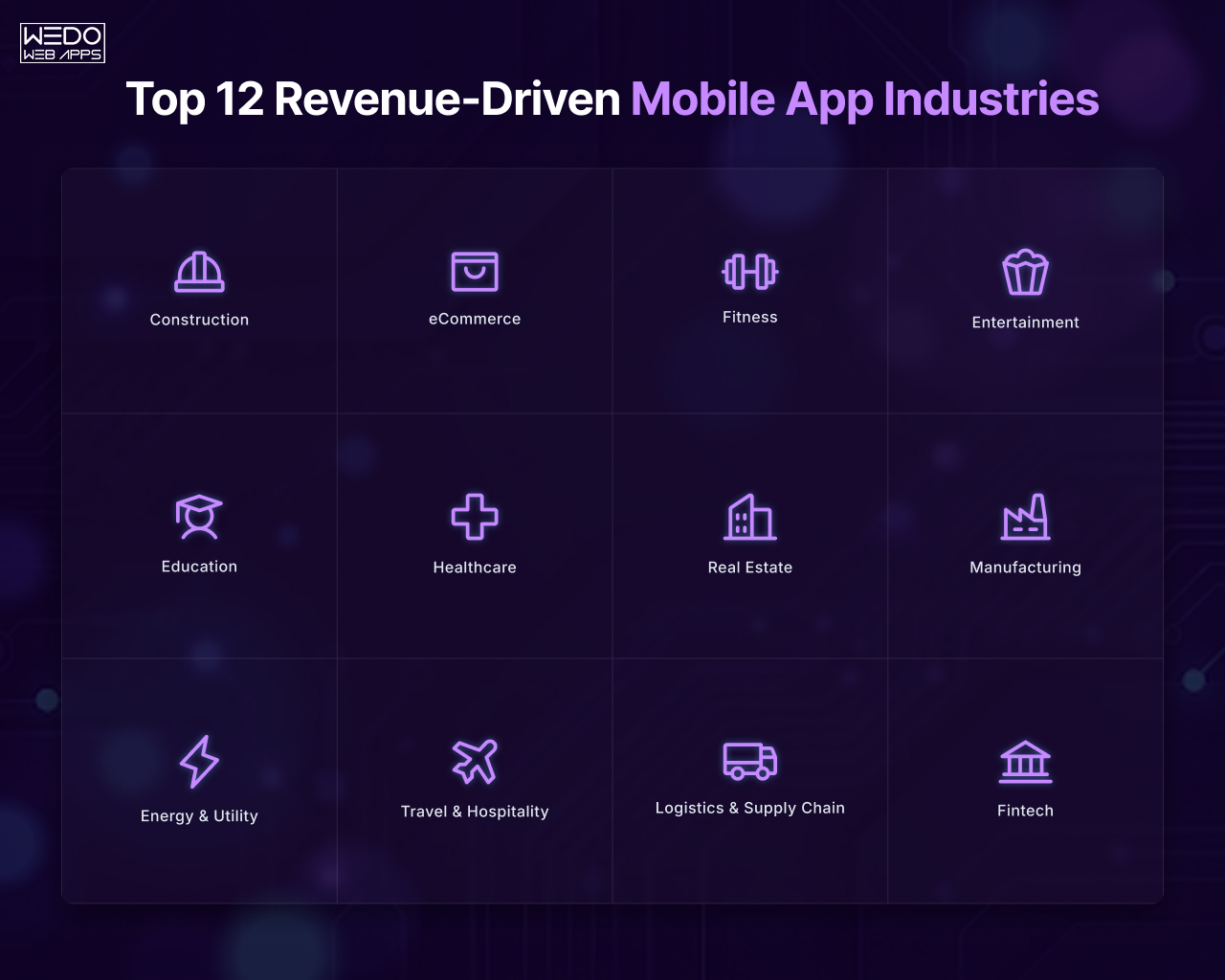
Top 12 Revenue-Driven Mobile App Industries

The industries that benefit from mobile apps the most are not necessarily the ones with the highest number of apps; they are the ones where mobile experiences directly influence revenue, efficiency, customer retention, or operational scalability.

Below is the breakdown of the top industries using mobile apps to drive measurable business growth, along with the business models and use cases shaping their success.

1. Construction

For years, construction remained one of the least digitized industries. But growing project complexity, distributed teams, and rising operational costs have accelerated mobile adoption across the sector.

Today, construction is becoming one of the most important industry sectors for mobile app growth, especially for companies focused on field operations and real-time collaboration.

Why Construction Businesses Benefit from Mobile Apps

Construction teams operate across multiple locations where delays, communication gaps, and manual reporting can significantly impact profitability.

Mobile app help businesses:

  • Improve coordination between field and office teams
  • Monitor project progress in real time
  • Reduce documentation delays
  • Streamline workforce management

For contractors and enterprise construction firms, mobile technology is increasingly tied to operational efficiency and project visibility.

Common Mobile App Use Cases in Construction

Some of the most valuable mobile apps by industry use cases in construction include:

  • Project management and task tracking apps
  • Site inspection and reporting tools
  • Equipment monitoring systems
  • Workforce attendance and scheduling apps
  • Safety compliance and incident reporting platforms
  • Real-time document and blueprint access

These applications help teams make faster decisions while reducing administrative friction across large-scale projects.

How Businesses Make Money With Construction Mobile Apps

Unlike consumer-focused industries, construction apps typically generate value through operational optimization and enterprise service models.

Common mobile app business models by industry in construction include:

1. Enterprise SaaS Licensing: Construction technology provides offer subscription-based platforms to contractors and enterprises.

2. Operational Cost Reduction: Apps reduce delays, paperwork, rework, and resource inefficiencies, directly improving project profitability.

3. Workflow Automation Services: Businesses monetize integrations with ERP systems, procurement tools, and project management platforms.

4. White-Label Construction Solutions: Some companies develop customizable mobile platforms for specialized contractors or infrastructure firms.

Why Construction is a Growing Mobile App Industry

Several factors are accelerating mobile transformation in construction:

  • Increasing adoption of cloud-based project management
  • Labor shortages requiring better workforce efficiency
  • Growing infrastructure investments globally
  • Demand for real-time project visibility

As digital adoption increases, construction companies are shifting from reactive operations to data-driven project management models powered by mobile technology.

Key Business Insight:

In construction, mobile apps are not just communication tools, they are operational systems that directly influence timelines, workforce productivity, and project profitability. For businesses entering this space, success depends less on adding features and more on solving real field-level operational challenges at scale.

2. eCommerce

Among all profitable mobile app industries, eCommerce remains one of the strongest examples of how mobile experiences directly drive revenue.

As mobile shopping behavior continues to grow, businesses are increasingly investing in apps that improve personalization, retention, and purchasing convenience. In many cases, mobile apps now outperform websites in customer engagement and repeat purchases.

For retailers and digital-first brands, mobile apps have evolved from optional sales channels into core revenue generating ecosystems.

Why eCommerce Businesses Benefit from Mobile Apps

eCommerce apps create faster, more personalized shopping experiences compared to traditional web platforms.

Businesses use mobile apps to:

  • Simplify purchasing journeys
  • Improve customer retention
  • Increase repeat orders
  • Personalize product recommendations
  • Build stronger loyalty ecosystems

Because users spend significantly more time on mobile devices, brands that optimize for app-based engagement often gain stronger long-term customer value.

Common Mobile App Use Cases in eCommerce

Some of the most effective mobile apps by industry use cases in eCommerce include:

  • Mobile storefronts and shopping apps
  • AI-driven product recommendation systems
  • Loyalty and rewards applications
  • One-click checkout experiences
  • Push notification marketing systems
  • AR-based product visualization tools

These features help businesses improve conversion rates while reducing cart abandonment.

How Businesses Make Money With eCommerce Mobile Apps

eCommerce offers one of the clearest examples of scalable mobile app business models by industry.

1. Direct Product Sales: Apps generate revenue through seamless in-app purchasing experiences.

2. Subscription Commerce: Brands monetize recurring deliveries, memberships, and premium customer programs.

3. Upselling & Cross-Selling: AI-driven recommendations increase average order value and repeat purchases.

4. Marketplace Commission Models:Multi-vendor platforms generate revenue from seller commissions and transaction fees.

5. In-App Advertising & Partnerships: Large platforms monetize visibility placements and brand collaborations.

Why eCommerce Continues to Lead Mobile App Growth

Several trends continue to accelerate growth in mobile commerce:

  • Mobile-first consumer behavior
  • AI-powered personalization
  • Social commerce integration
  • Faster digital payment ecosystems
  • Increasing demand for convenience-driven shopping

As customer expectations evolve, businesses investing in mobile commerce are focusing not only on transactions, but also on creating long-term engagement ecosystems.

Key Business Insight:

The most successful eCommerce apps are no longer competing only on products or pricing, they compete on personalization, convenience, and customer retention. Businesses that treat mobile apps as strategic customer experience platforms rather than simple sales channels often achieve stronger long-term growth.

3. Education

The education sector has experienced one of the biggest digital shifts in recent years, making it one of the fastest-growing industry sectors for mobile app growth.

What began as a convenience-driven learning model has evolved into a large-scale digital ecosystem where mobile apps support:

  • Remote learning
  • Skill development
  • Certification programs
  • Corporate training
  • And personalized education experiences

Today, educational institutions, startups, and enterprise training providers are increasingly using mobile technology to deliver scalable learning environments across global audiences.

Why Education Business Benefits from Mobile Apps

Mobile apps make learning more accessible, flexible, and engagement-driven.

Unlike traditional classroom systems, mobile platforms allow users to:

  • Learn at their own pace
  • Access educational content from anywhere
  • Consume short-form interactive lessons
  • Track progress in real-time

For businesses, this creates opportunities to scale educational services without the limitations of physical infrastructure.

This scalability is a major reason education remains one of the most promising industries that benefit from mobile apps.

Common Mobile App Use Cases in Education

Some of the most effective mobile apps by industry use cases in education include:

  • eLearning and online course platforms
  • Live virtual classroom applications
  • Language learning apps
  • Exam preparation and assessment tools
  • Corporate employee training platforms
  • Microlearning and skill development apps

Many platforms also integrate AI-driven recommendations, gamification, and progress tracking to improve student engagement and retention.

How Businesses Make Money With Education Mobile Apps

The education industry supports multiple scalable mobile app business models by industry, particularly subscription and content-based monetization.

1. Subscription-Based Learning: Users pay monthly or yearly fees for access to courses and learning resources.

2. Course & Certification Sales: Platforms monetize premium programs, certifications, and specialized learning tracks.

3. Freemium Models: Basic content is offered free while advanced lessons and features remain paid.

4. Corporate Training Partnerships: Businesses license training platforms for employee development and compliance programs.

5. In-App Purchases: Apps monetize downloadable resources, mentoring sessions, and personalized coaching.

Why Education is a Strong Mobile App Growth Sector

Several trends continue to fuel mobile app adoption in education:

  • Growing acceptance of remote learning
  • Increasing demand for upskilling and reskilling
  • Mobile-first learning behavior among younger audiences
  • Enterprise investment in workforce training
  • AI-powered personalized learning experiences

As digital education matures, businesses are focusing more on engagement, retention, and measurable learning outcomes rather than just content delivery.

Key Business Insight:

The long-term success of education apps depend less on content volume and more on learning experience quality, personalization, and retention strategy. Businesses that combine accessibility with engagement-driven design often build stronger recurring revenue models and long-term user loyalty.

4. Entertainment

Entertainment continues to be one of the highest-engagement profitable mobile app industries, driven by changing consumer behavior and rising demand for on-demand digital experience.

From streaming platforms and gaming ecosystems to creator-driven content apps, mobile technology has fundamentally changed how users consume entertainment.

Today, businesses in this sector are not only competing from attention, they are competing for daily user engagement and long-term retention.

Why Entertainment Businesses Benefit from Mobile Apps

Entertainment is naturally suited for mobile-first experiences because users consume content continuously throughout the day.

Mobile apps allow businesses to:

  • Deliver instant access to content
  • Personalize recommendations
  • Increase session duration
  • Build habitual engagement patterns
  • Monetize recurring user activity

This high engagement frequency makes entertainment one of the strongest industries that benefit from mobile apps.

Common Mobile App Use Cases in Entertainment

Popular mobile apps by industry use cases in entertainment include:

  • Video streaming platforms
  • Music streaming apps
  • Mobile gaming ecosystems
  • Live streaming and creator platforms
  • Short-form content applications
  • Interactive social entertainment apps

Many platforms now combine AI-driven recommendation engine with community engagement features to maximize user retention.

How Businesses Make Money With Entertainment Mobile Apps

Entertainment apps support several high-performing mobile app business models by industry.

1. Subscription-Based Revenue: Streaming services monetize through recurring monthly memberships.

2. Advertising Models: Free platforms generate revenue through display ads, sponsored content, and video advertising.

3. In-App Purchases: Gaming and creator platforms monetize digital items, upgrades, and premium content access.

4. Hybrid Monetization: Many apps combine subscriptions, ads, and premium purchases simultaneously.

5. Creator Economy Partnerships: Platforms generate revenue through revenue-sharing models with influencers and content creators.

Why Entertainment Continues to Dominate Mobile Usage

Several factors continue to drive mobile app growth in entertainment:

  • Increasing smartphone screen time
  • Expansion of creator-driven ecosystems
  • Rising demand for personalized content
  • Growth of mobile gaming markets
  • Faster internet and streaming infrastructure

As competition intensifies, entertainment businesses are increasingly investing in personalization, AI recommendations, and immersive user experiences.

Key Business Insight:

In entertainment, user retention is often more valuable than initial downloads. The platforms that scale successfully are those that continuously increase engagement through personalization, community interaction, and content relevance rather than relying solely on content quality.

5. Fitness

The fitness industry has rapidly evolved from gym-centered experiences into digital wellness ecosystems powered by mobile technology.

Today, fitness apps are used for:

  • Workout tracking
  • Virtual coaching
  • Nutrition planning
  • Habit building
  • And wearable device integration

Because fitness is deeply tied to routine behavior and long-term engagement, it remains one od the most sustainable industry sectors for mobile app growth.

Why Fitness Business Benefit from Mobile Apps

Fitness apps create consistent user engagement by becoming part of daily routines.

Businesses use mobile apps to:

  • Increase customer retention
  • Offer personalization wellness experiences
  • Scale coaching services digitally
  • Create subscription-based communities
  • Integrate real-time health tracking

The combination of personalization and habit-driven engagement makes fitness one of the strongest profitable mobile app industries for recurring revenue models.

Common Mobile App Use Cases in Fitness

Popular mobile apps by industry use cases in fitness include:

  • Workout and exercise tracking apps
  • Personal training platforms
  • Meditation and mental wellness apps
  • Nutrition and meal planning tools
  • Wearable fitness integrations
  • Live virtual fitness class platforms

Many businesses also incorporate gamification and progress analytics to improve motivation and user consistency.

How Businesses Make Money With Fitness Mobile Apps

Fitness apps typically rely on recurring engagement-based mobile app business models by industry.

1. Subscription Memberships: Users pay monthly or yearly fees for workouts, coaching, or wellness programs.

2. Premium Feature Unlocks: Advanced analytics, custom plans, and guided coaching are monetized separately.

3. Virtual Coaching Services: Apps connect users with trainers, nutritionists, and wellness experts.

4. Wearable & Device Integrations: Businesses monetize partnerships with fitness device ecosystems.

5. Brand Collaborations & Wellness Partnerships: Some platforms generate additional revenue through affiliate wellness products ans partnerships.

Why Fitness Apps Continue to Grow

Several trends continue driving growth in mobile fitness ecosystems:

  • Rising health awareness
  • Demand for flexible home-based fitness
  • Wearable technology adoption
  • Increasing focus on mental wellness
  • AI-driven personalization in health tracking

Consumers are increasingly looking for convenience, personalization, and continuous progress tracking, all of which mobile apps deliver effectively.

Key Business Insight:

The most successful fitness apps are not just workout platforms, they are behavior-driven engagement systems. Businesses that build long-term user habits through personalization, accountability, and community engagement often achieve stronger retention and recurring revenue growth.

6. Healthcare

Healthcare has become one of the most transformative industries that benefit from mobile apps, especially as patients and providers increasingly expect accessible, digital-first healthcare experiences.

What was once limited to appointment scheduling has now expanded into telemedicine, remote patient monitoring, digital health records, medication management, and AI-assisted healthcare support.

For healthcare providers, clinics, startups, and enterprise healthcare systems, mobile apps are improving both patient engagement and operational efficiency.

Why Healthcare Businesses Benefit from Mobile Apps

Healthcare mobile apps solve two major challenges simultaneously, ie, accessibility and efficiency

Patients increasingly prefer mobile-first healthcare interactions for convenience and faster communication, while providers use apps to streamline workflows and improve service delivery.

Businesses use healthcare apps to:

  • improve patient communication
  • reduce administrative bottlenecks
  • enable remote consultations
  • monitor patient data in real time
  • increase patient retention and engagement

As healthcare systems continue digitizing, mobile platforms are becoming essential infrastructure rather than optional digital tools.

Common Mobile App Use Cases in Healthcare

Some of the most impactful mobile apps by industry use cases in healthcare include:

  • telemedicine and virtual consultation apps
  • appointment booking and scheduling systems
  • remote patient monitoring platforms
  • medication reminder applications
  • electronic health record access systems
  • fitness and preventive healthcare integrations

Many healthcare apps now also incorporate AI-powered symptom analysis, wearable integrations, and personalized patient engagement features.

How Businesses Make Money With Healthcare Mobile Apps

Healthcare supports multiple scalable mobile app business models by industry, especially across B2B and subscription ecosystems.

1. Subscription-Based Healthcare Services: Patients pay recurring fees for virtual healthcare access and wellness programs.

2. Consultation & Service Fees: Telemedicine platforms generate revenue from appointment-based transactions.

3. Enterprise Licensing: Hospitals and healthcare organizations license healthcare management platforms.

4. Insurance & Healthcare Partnerships: Apps monetize integrations with insurers, clinics, and diagnostic providers.

5. Data & Analytics Solutions: Some enterprise healthcare platforms monetize operational insights and predictive healthcare analytics.

Why Healthcare Is a Fast-Growing Mobile App Industry

Several factors continue accelerating mobile adoption in healthcare:

  • growing acceptance of virtual healthcare
  • increasing demand for remote patient access
  • aging populations requiring continuous care
  • expansion of wearable health technologies
  • AI-driven healthcare personalization

Healthcare organizations are also prioritizing digital transformation to improve scalability while reducing operational strain.

Key Business Insight:

The most successful healthcare apps prioritize trust, accessibility, and usability over excessive feature complexity. In healthcare, user confidence and seamless experience design often have a greater impact on adoption than technical sophistication alone.

7 Real Estate

The real estate industry has shifted dramatically toward digital-first property discovery, making mobile technology a core part of modern buying, renting, and investment experiences.

Today, mobile apps are transforming how users:

  • search properties
  • schedule visits
  • connect with agents
  • explore virtual tours
  • and evaluate investment opportunities

As buyer behavior becomes increasingly mobile-driven, real estate remains one of the most valuable industry sectors for mobile app growth.

Why Real Estate Businesses Benefit from Mobile Apps

Property decisions are heavily research-driven, and mobile apps simplify access to information throughout the customer journey.

Businesses use real estate apps to:

  • improve lead generation
  • simplify property discovery
  • increase customer engagement
  • accelerate communication between buyers and agents
  • streamline listing management

Mobile platforms also help real estate businesses maintain continuous engagement with users during longer purchasing cycles.

Common Mobile App Use Cases in Real Estate

Popular mobile apps by industry use cases in real estate include:

  • property listing and search platforms
  • virtual property tour applications
  • real estate investment tracking apps
  • lead management systems for agents
  • rental and lease management platforms
  • mortgage and financing calculators

Many platforms now integrate AI-based property recommendations and location intelligence tools to personalize user experiences.

How Businesses Make Money With Real Estate Mobile Apps

Real estate apps support several scalable mobile app business models by industry.

1. Listing & Advertising Fees: Platforms charge agents, brokers, and developers for premium property visibility.

2. Lead Generation Models: Apps monetize buyer and seller leads for real estate professionals.

3. Subscription Services: Businesses offer premium market insights, analytics, or investment tools through recurring plans.

4. Transaction & Referral Commissions: Platforms generate commissions from successful deals, financing, or partner referrals.

5. Enterprise Solutions: Property management and brokerage firms license operational platforms and CRM systems.

Why Real Estate Mobile Apps Continue to Grow

Several market trends continue driving digital transformation in real estate:

  • mobile-first property search behavior
  • rising demand for virtual property experiences
  • growth of real estate investment platforms
  • increasing urbanization and rental mobility
  • AI-powered personalization in property discovery

Users now expect faster, more transparent, and digitally accessible property experiences.

Key Business Insight:

The strongest real estate apps are not simply listing platforms, they are decision-support ecosystems that simplify research, communication, and transaction confidence. Businesses that reduce friction during the property discovery process often achieve higher engagement and lead conversion rates.

8. Manufacturing

Manufacturing is rapidly evolving into a technology-driven industry where mobile applications support real-time operations, automation, and workforce coordination.

As Industry 4.0 adoption increases, manufacturers are investing heavily in digital tools that improve visibility across production environments.

This shift has made manufacturing one of the most strategically important top industries using mobile apps for operational transformation.

Why Manufacturing Businesses Benefit from Mobile Apps

Manufacturing operations often involve complex workflows, distributed teams, and time-sensitive production processes.

Mobile apps help businesses:

  • monitor production activities in real time
  • improve inventory visibility
  • reduce operational delays
  • streamline maintenance reporting
  • enhance communication across facilities

For enterprise manufacturers, mobile technology improves responsiveness while supporting data-driven operational decisions.

Common Mobile App Use Cases in Manufacturing

Some of the most valuable mobile apps by industry use cases in manufacturing include:

  • inventory and warehouse management systems
  • production monitoring applications
  • predictive maintenance platforms
  • quality control and inspection tools
  • workforce communication systems
  • IoT-connected equipment monitoring apps

Many businesses also integrate AI and analytics tools to improve forecasting and reduce downtime.

How Businesses Make Money With Manufacturing Mobile Apps

Manufacturing apps typically generate value through enterprise-focused mobile app business models by industry.

1. Enterprise SaaS Platforms: Manufacturers subscribe to operational management and monitoring systems.

2. Process Optimization: Apps improve efficiency, reduce downtime, and lower production costs.

3. Predictive Maintenance Solutions: Businesses monetize analytics-driven maintenance tools that prevent equipment failure.

4. Industrial Automation Integrations: Technology providers offer custom integrations with ERP, IoT, and supply chain systems.

5. Data & Reporting Services: Advanced manufacturing platforms monetize operational intelligence and performance analytics.

Why Manufacturing Is a Growing Mobile App Sector

Several factors continue driving mobile adoption in manufacturing:

  • increasing automation initiatives
  • Industry 4.0 transformation
  • demand for real-time operational visibility
  • rising focus on predictive analytics
  • global supply chain complexity

As manufacturers modernize operations, mobile apps are becoming central to efficiency and scalability strategies.

Key Business Insight:

In manufacturing, the value of mobile apps comes less from customer engagement and more from operational intelligence. Businesses that improve visibility, responsiveness, and decision-making efficiency often achieve the strongest long-term ROI from mobile technology.

9. Energy & Utility

The energy and utility sector is undergoing significant digital transformation as organizations modernize infrastructure, improve operational visibility, and respond to growing consumer expectations for real-time service access.

Mobile technology is increasingly helping utility providers manage:

  • energy consumption monitoring
  • outage reporting
  • smart grid operations
  • field workforce coordination
  • and customer engagement systems

As smart infrastructure adoption grows, energy & utility is emerging as one of the most important industry sectors for mobile app growth.

Why Energy & Utility Businesses Benefit from Mobile Apps

Utility operations depend heavily on real-time communication, infrastructure monitoring, and rapid issue resolution.

Mobile apps help businesses:

  • provide real-time service updates
  • improve customer communication
  • streamline field service operations
  • monitor energy consumption patterns
  • reduce operational inefficiencies

For utility providers, mobile platforms improve both customer experience and operational responsiveness.

Common Mobile App Use Cases in Energy & Utility

Some of the most effective mobile apps by industry use cases in this sector include:

  • smart energy consumption tracking apps
  • outage reporting and service alert platforms
  • smart meter monitoring systems
  • field technician workforce management apps
  • utility billing and payment applications
  • renewable energy management platforms

Many businesses are also integrating IoT systems and predictive analytics into mobile environments to improve infrastructure visibility.

How Businesses Make Money With Energy & Utility Mobile Apps

The energy sector primarily benefits from enterprise-driven mobile app business models by industry focused on operational optimization and service delivery.

1. Enterprise Utility Management Platforms: Utility providers invest in large-scale operational monitoring systems.

2. Smart Infrastructure Services: Businesses monetize smart grid integrations and connected energy systems.

3. Operational Efficiency Improvements: Apps reduce downtime, manual processes, and field coordination inefficiencies.

4. Subscription-Based Energy Analytics: Platforms provide businesses and consumers with advanced energy consumption insights.

5. Customer Self-Service Ecosystems: Mobile apps reduce support costs through automated billing, reporting, and account management.

Why Energy & Utility Mobile Apps Are Growing

Several trends are accelerating mobile adoption across the sector:

  • expansion of smart city infrastructure
  • growing renewable energy investments
  • increasing demand for energy transparency
  • IoT-driven utility modernization
  • consumer preference for self-service platforms

As infrastructure becomes more connected, mobile technology is becoming essential for both operational management and customer engagement.

Key Business Insight:

In the energy and utility sector, mobile apps create value by improving visibility, responsiveness, and infrastructure efficiency. The businesses seeing the strongest results are those using mobile technology to simplify complex operations while delivering more transparent customer experiences.

10. Travel & Hospitality

Travel and hospitality has long been one of the most mobile-driven industries, with customers relying heavily on apps for planning, booking, and real-time travel experiences.

Today, mobile apps influence nearly every stage of the customer journey, including:

  • trip discovery
  • reservations
  • itinerary management
  • check-ins
  • customer support
  • and loyalty engagement

Because convenience and personalization strongly impact purchasing behavior, travel remains one of the most competitive profitable mobile app industries.

Why Travel & Hospitality Businesses Benefit from Mobile Apps

Travel decisions are highly experience-driven, and mobile apps simplify interactions before, during, and after the trip.

Businesses use travel apps to:

  • improve booking convenience
  • increase customer retention
  • deliver personalized recommendations
  • streamline communication
  • enhance loyalty programs

For hospitality brands, mobile apps also create opportunities to maintain direct customer relationships instead of relying entirely on third-party platforms.

Common Mobile App Use Cases in Travel & Hospitality

Popular mobile apps by industry use cases in travel include:

  • hotel and flight booking apps
  • itinerary management platforms
  • digital check-in and room access systems
  • local experience and activity discovery apps
  • travel expense management tools
  • loyalty and rewards applications

Many businesses are also integrating AI-powered recommendations and real-time travel assistance into their mobile ecosystems.

How Businesses Make Money With Travel Mobile Apps

Travel businesses leverage multiple scalable mobile app business models by industry.

1. Booking & Reservation Commissions: Apps generate revenue from hotel, flight, and activity bookings.

2. Subscription Travel Services: Premium memberships offer exclusive discounts, upgrades, or travel assistance.

3. Partner & Affiliate Revenue: Travel apps monetize partnerships with airlines, hotels, restaurants, and local businesses.

4. In-App Upselling: Businesses increase revenue through upgrades, experiences, insurance, and add-on services.

5. Loyalty Ecosystems: Apps improve customer retention and repeat bookings through rewards programs.

Why Travel Apps Continue to Grow

Several trends continue driving mobile app growth in travel and hospitality:

  • mobile-first travel planning behavior
  • increasing demand for seamless digital experiences
  • personalized travel recommendations
  • contactless check-in and service systems
  • growth of experiential travel markets

Customers increasingly expect travel experiences that are fast, personalized, and accessible entirely through mobile platforms.

Key Business Insight

The most successful travel apps reduce friction across the customer journey. Businesses that simplify discovery, booking, communication, and post-trip engagement often achieve stronger customer retention and higher lifetime value.

11. Logistics & Supply Chain

Logistics and supply chain operations rely heavily on speed, visibility, and coordination, making mobile technology essential for modern operational management.

As global supply chains become more complex, businesses are increasingly using mobile apps to improve:

  • shipment tracking
  • fleet management
  • warehouse coordination
  • delivery optimization
  • and communication across distributed operations

This growing dependence on real-time operational visibility has made logistics one of the fastest-growing industries that benefit from mobile apps.

Why Logistics Businesses Benefit from Mobile Apps

Supply chain disruptions and operational inefficiencies can directly impact profitability.

Mobile apps help logistics businesses:

  • track deliveries in real time
  • improve route optimization
  • reduce manual coordination delays
  • streamline warehouse operations
  • improve communication across stakeholders

For logistics companies, mobile technology supports faster decisions while increasing operational transparency.

Common Mobile App Use Cases in Logistics & Supply Chain

Some of the most impactful mobile apps by industry use cases in logistics include:

  • fleet tracking and route optimization apps
  • warehouse management systems
  • shipment tracking platforms
  • driver communication and dispatch systems
  • inventory and delivery management apps
  • supply chain analytics dashboards

Many businesses also integrate AI-powered forecasting and IoT tracking systems to improve efficiency and predictive visibility.

How Businesses Make Money With Logistics Mobile Apps

Logistics apps typically generate value through enterprise-focused mobile app business models by industry.

1. SaaS Logistics Platforms: Businesses subscribe to operational management and tracking systems.

2. Delivery Optimization Services: Apps reduce fuel costs, delays, and routing inefficiencies.

3. Supply Chain Visibility Solutions: Businesses monetize real-time tracking and operational analytics.

4. Enterprise Integrations: Technology providers integrate logistics apps with ERP, warehouse, and transportation systems.

5. Marketplace Logistics Models: Some platforms monetize freight matching and delivery coordination ecosystems.

Why Logistics Mobile Apps Continue to Grow

Several market shifts are accelerating mobile adoption in logistics:

  • increasing eCommerce demand
  • growing customer expectations for real-time tracking
  • supply chain digitization initiatives
  • AI-driven route optimization
  • rising focus on operational resilience

Businesses are prioritizing technologies that improve agility, transparency, and delivery efficiency.

Key Business Insight:

In logistics, mobile apps are critical operational infrastructure rather than optional digital tools. Companies that improve visibility and coordination across the supply chain often gain stronger efficiency, customer trust, and long-term scalability.

12. Fintech

Fintech has become one of the most disruptive and rapidly expanding top industries using mobile apps, fundamentally reshaping how consumers and businesses manage money.

From digital payments and online banking to investment platforms and lending ecosystems, mobile apps now power a significant portion of modern financial activity.

Because financial interactions happen frequently and require convenience, fintech remains one of the strongest profitable mobile app industries in terms of engagement and monetization potential.

Why Fintech Businesses Benefit from Mobile Apps

Consumers increasingly expect instant, mobile-first financial experiences.

Fintech apps help businesses:

  • simplify transactions
  • improve financial accessibility
  • automate money management
  • increase user engagement
  • deliver personalized financial insights

For financial service providers, mobile platforms also reduce dependency on physical infrastructure while improving scalability.

Common Mobile App Use Cases in Fintech

Popular mobile apps by industry use cases in fintech include:

  • digital payment and wallet apps
  • online banking platforms
  • lending and credit management apps
  • investment and trading applications
  • expense tracking and budgeting tools
  • cryptocurrency and digital asset platforms

Many fintech companies now integrate AI-driven fraud detection, financial analytics, and personalized recommendations into their platforms.

How Businesses Make Money With Fintech Mobile Apps

Fintech supports some of the most scalable mobile app business models by industry.

1. Transaction Fees: Apps generate revenue from payments, transfers, and financial processing services.

2. Subscription Financial Services: Users pay for premium analytics, advisory tools, or advanced account features.

3. Lending & Interest-Based Revenue: Platforms monetize loans, credit products, and financing services.

4. Investment & Trading Commissions: Apps generate income through trading fees and portfolio management services.

5. Embedded Finance Partnerships: Fintech businesses monetize integrations with eCommerce, banking, and enterprise ecosystems.

Why Fintech Continues to Lead Mobile Innovation

Several factors continue driving fintech mobile app growth:

  • rapid digital payment adoption
  • increasing demand for financial accessibility
  • mobile-first banking behavior
  • expansion of embedded finance ecosystems
  • AI-driven financial personalization

As financial services become more digitized, mobile apps are increasingly becoming the primary channel for user engagement and transactions.

Key Business Insight:

The most successful fintech apps balance convenience with trust. Businesses that prioritize security, simplicity, and seamless user experience often achieve stronger adoption, retention, and long-term customer value.
Discuss Your Mobile App Strategy

Mobile App Business Models by Industry
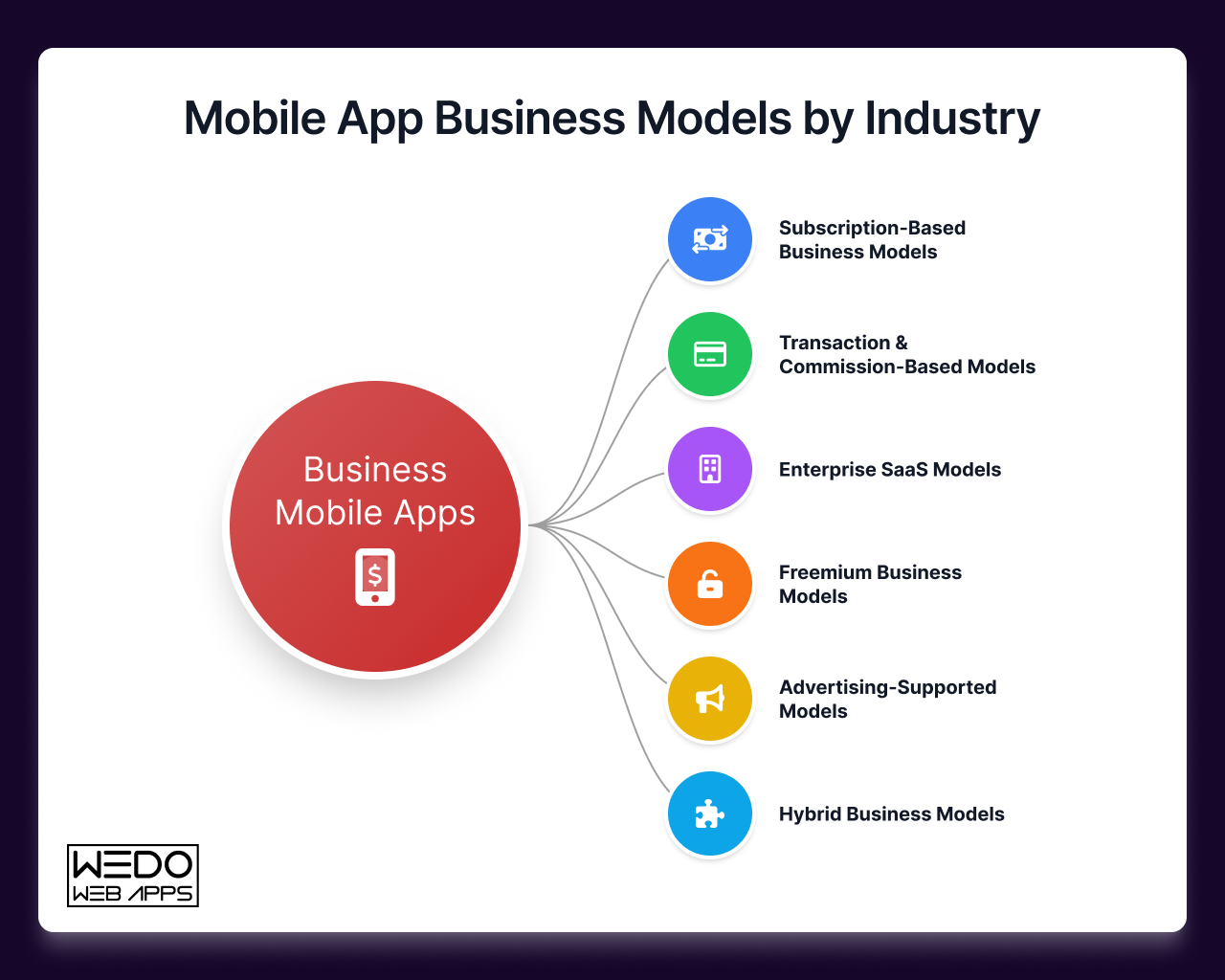
Mobile App Business Models by Industry

Building a successful mobile app is not only about choosing the right industry, it is also about choosing the right monetization strategy.

Different sectors generate revenue in different ways depending on customer behavior, usage frequency, operational goals, and market expectations.

Understanding these differences is essential for businesses evaluating long-term scalability and ROI.

Below is a breakdown of the most common mobile app business models by industry and how they align with different sectors.

1. Subscription-Based Business Models

Subscription models generate recurring revenue by offering continuous access to services, content, or premium experiences. This model works best in industries where users engage consistently over time.

Industries using Subscription models include:

  • Fitness
  • Education
  • Entertainment
  • Healthcare
  • Productivity-focused enterprise apps

Why it Works

Recurring engagement creates predictable revenue streams while improving customer lifetime value. Businesses also benefit from:

  • Higher retention opportunities
  • Continuous upselling potential
  • Long-term customer relationships

Examples of Subscription-Based Mobile Experiences

  • Streaming platforms
  • Virtual fitness coaching apps
  • eLearning memberships
  • Telemedicine services

For many businesses, subscription ecosystems provide more stable growth compared to one-time transaction models.

2. Transaction & Commission-Based Models

This model generates revenue whenever users complete transactions within the platform. It is one of the most scalable monetization approaches among profitable mobile app industries.

Industries Using Transaction Models:

  • Fintech
  • eCommerce
  • Travel & Hospitality
  • Real estate marketplaces
  • Logistics platforms

Why it Works

The more platform activity increases, the more revenue the business generates. These apps often scale effectively because:

  • Customer acquisition directly impacts transaction volume
  • Monetization happens continuously
  • Marketplaces benefit from network effects

Common Revenue Streams

  • Payment processing fees
  • Booking commissions
  • Marketplace transaction percentages
  • Lead generation charges

This model is especially powerful in industries with high-frequency customer activity.

3. Enterprise SaaS Models

Enterprise SaaS models focus on operational efficiency, workflow automation, and large-scale business management solutions. Rather than targeting customers directly, these apps generate revenue through enterprise subscriptions or licensing agreements.

Industries Using Enterprise SaaS Models:

  • Construction
  • Manufacturing
  • Logistics & Supply chain
  • Energy & Utility
  • Enterprise healthcare systems

Why it Works

Businesses are willing to invest in technologies that:

  • Reduce operational costs
  • Improve productivity
  • Increase visibility
  • Streamline communication

Enterprise-focused apps often achieve:

  • Higher contract values
  • Long-term client retention
  • Scalable recurring revenue

Examples:

  • Fleet management platforms
  • Workforce coordination apps
  • Predictive maintenance systems
  • Utility infrastructure monitoring tools

This model is particularly valuable for B2B technology companies focused on long-term digital transformation.

4. Freemium Business Models

Freemium apps provide basic functionality for free while charging users for advanced features or premium experiences. This model is commonly used to accelerate user acquisition before monetization.

Industries Using Freemium Models

  • Education
  • Entertainment
  • Fitness
  • Fintech
  • Productivity applications

Why it Works

Free access lowers adoption barriers while premium upgrades generate revenue from engaged users. Businesses benefit from:

  • Rapid user growth
  • Increased product exposure
  • Scalable upeslling opportunities

Typical Premium Features

  • Advanced analytics
  • Ad-free experiences
  • Premium content access
  • Personalized recommendations
  • Enhanced customization tools

Freemium models work best when businesses can demonstrate ongoing value beyond the free experience.

5. Advertising-Supported Models

Advertising remains one of the most common monetization strategies in high-engagement mobile ecosystems. This model performs best in apps with large user bases and extended session durations.

Industries Using Advertising Models:

  • Entertainment
  • Gaming
  • Social content platforms
  • Media and publishing apps

Why it Works

Higher user engagement creates more advertising inventory and monetization opportunities.

Revenue streams often include:

  • Display advertising
  • Sponsored content
  • Video ads
  • Brand partnerships

However, businesses must balance monetization with user experience to avoid reducing retention.

6. Hybrid Business Models

Many successful apps combine multiple monetization strategies instead of relying on a single revenue source. This hybrid approach helps businesses diversify revenue while adapting to changing user behavior.

Industries Commonly Using Hybrid Models:

  • Fintech
  • Entertainment
  • Travel
  • Fitness
  • eCommerce

Examples of Hybrid Monetization:

  • Subscriptions + ads
  • Transactions + Premium memberships
  • Freemium Access + in-app purchases
  • Commissions + partner integrations

Hybrid models are increasingly common because they allow businesses to maximize monetization across different customer segments.

How Businesses Choose the Right Mobile App Business Model

Selecting the right monetization strategy depends on several factors:

  • User Behavior: How frequently users engage with the platform.
  • Industry Expectations: Whether users expect free access, subscriptions, or transactional pricing.
  • Customer Lifetime Value: Long-term revenue potential per customer.
  • Scalability Potential: How effectively the business model can grow with increased adoption.
  • Operational Complexity: Whether the app focuses on customer engagement or enterprise efficiency.

Businesses that align monetization strategy with industry behavior often achieve stronger profitability and long-term sustainability.

Key Business Insight:

The most successful mobile apps are not built around features alone, they are built around sustainable business models.

Understanding how businesses make money with mobile apps is often more important than understanding the technology itself. Because ultimately, long-term growth depends on how effectively an app converts engagement, efficiency, or operational value into scalable revenue.

Emerging Opportunities: Industry Sectors for Mobile App Growth in 2026 and Beyond

The mobile app market is no longer growing through adoption alone—it is evolving through smarter, more connected, and highly personalized digital experiences.

As businesses move beyond basic mobile functionality, the next phase of growth is being shaped by:

  • AI-driven automation
  • predictive analytics
  • connected ecosystems
  • and industry-specific digital transformation

For decision-makers evaluating long-term investments, understanding these emerging trends is critical when identifying future-ready industry sectors for mobile app growth.

1. AI-Powered Mobile Applications

Artificial intelligence is becoming one of the biggest growth drivers across nearly every industry using mobile apps.

Businesses are increasingly integrating AI into mobile experiences to:

  • personalize user interactions
  • automate workflows
  • improve customer support
  • generate predictive insights
  • enhance operational decision-making

Industries Seeing Rapid AI Adoption

  • eCommerce
  • healthcare
  • fintech
  • logistics & supply chain
  • entertainment

Examples include:

  • AI-powered shopping recommendations
  • predictive healthcare monitoring
  • intelligent fraud detection systems
  • AI-based route optimization
  • personalized content delivery platforms

As AI capabilities mature, mobile apps are evolving from reactive tools into intelligent business ecosystems.

2. Hyper-Personalization Across Customer Experiences

Modern users increasingly expect digital experiences tailored to their behavior, preferences, and usage patterns.

This demand is accelerating investment in:

  • personalized recommendations
  • dynamic user journeys
  • behavior-driven notifications
  • adaptive app interfaces

Industries Leading Hyper-Personalization

  • eCommerce
  • entertainment
  • fitness
  • travel & hospitality
  • fintech

Businesses that deliver highly personalized mobile experiences often see:

  • stronger retention
  • higher engagement
  • increased conversion rates
  • improved customer lifetime value

This shift is making personalization a competitive necessity rather than a premium feature.

3. Enterprise Mobility & Operational Intelligence

Enterprise-focused industries are rapidly investing in mobile solutions that improve visibility, communication, and operational control.

This is especially important in industries where real-time coordination directly impacts efficiency and profitability.

Industries Driving Enterprise Mobility Growth

  • construction
  • manufacturing
  • logistics & supply chain
  • energy & utility
  • healthcare

Key growth areas include:

  • workforce mobility platforms
  • predictive maintenance systems
  • IoT-connected monitoring apps
  • real-time reporting dashboards
  • field operations management tools

As enterprise digital transformation accelerates, mobile apps are becoming central operational infrastructure.

4. IoT & Connected Mobile Ecosystems

The growth of connected devices is expanding how businesses use mobile applications across physical and digital environments.

Mobile apps increasingly serve as control centers for:

  • smart devices
  • connected infrastructure
  • wearable technologies
  • industrial systems

Industries Benefiting Most From Connected Ecosystems

  • manufacturing
  • energy & utility
  • healthcare
  • fitness
  • logistics

Examples include:

  • smart factory monitoring
  • wearable health tracking
  • connected fleet systems
  • smart energy management platforms

This convergence of IoT and mobility is creating new opportunities for automation and real-time decision-making.

5. Embedded Finance & Digital Payment Expansion

Financial functionality is increasingly being integrated into non-financial mobile ecosystems.

This trend—commonly called embedded finance—is transforming how businesses monetize mobile platforms.

Industries Adopting Embedded Finance

  • eCommerce
  • travel
  • logistics
  • healthcare
  • real estate

Examples include:

  • buy-now-pay-later integrations
  • in-app insurance services
  • embedded lending solutions
  • digital wallet integrations

Businesses are increasingly using financial services to improve customer convenience while opening new revenue streams.

6. Low-Code & Faster App Development Ecosystems

As businesses demand faster digital transformation, low-code and rapid development frameworks are accelerating mobile innovation.

This trend is helping organizations:

  • reduce development timelines
  • launch MVPs faster
  • validate market demand quickly
  • scale digital products efficiently

While enterprise-grade applications still require custom development expertise, businesses are increasingly prioritizing agility and faster deployment cycles.

What These Trends Mean for Businesses

The future of mobile app growth is no longer centered around simply having an app.

Competitive advantage now depends on:

  • intelligent automation
  • personalization
  • operational integration
  • scalability
  • and continuous digital innovation

Businesses that align mobile investments with long-term industry transformation trends are more likely to achieve sustainable growth and competitive differentiation.

Key Business Insight

The industries experiencing the strongest mobile app growth are those where technology directly improves decision-making, customer experience, or operational efficiency.

In 2026 and beyond, successful mobile apps will increasingly function as connected business ecosystems, not standalone digital products.

How to Choose the Right Industry for Your Mobile App Investment

Not every mobile app idea leads to sustainable growth. The industries that generate the strongest returns are usually the ones where business goals, customer behavior, and monetization opportunities align clearly.

Before investing in development, businesses should evaluate whether the industry supports long-term mobile adoption and scalable value creation.

Here are the most important factors decision-makers should assess before entering any of the top industries using mobile apps.

1. Validate Real Market Demand

A growing market does not automatically guarantee product success.

Businesses should evaluate:

  • customer pain points
  • existing digital adoption
  • demand for mobile-first experiences
  • competitive gaps within the industry

The strongest opportunities often exist where mobile technology solves operational inefficiencies or improves convenience significantly.

2. Define the Revenue Model Early

One of the biggest mistakes businesses make is building an app before defining how it will generate value.

Before development begins, companies should identify:

  • subscription opportunities
  • transaction potential
  • operational efficiency gains
  • enterprise licensing possibilities
  • customer retention benefits

Understanding how businesses make money with mobile apps helps prevent unclear product direction later.

3. Evaluate User Engagement Frequency

Industries with higher engagement frequency generally create stronger monetization opportunities.

For example:

  • fintech and eCommerce apps encourage daily interaction
  • fitness apps build habit-driven engagement
  • logistics apps support continuous operational usage

Frequent interaction improves:

  • retention
  • upselling opportunities
  • customer lifetime value

4. Assess Scalability Potential

The best mobile app opportunities support long-term growth without proportional operational expansion.

Businesses should evaluate:

  • geographic scalability
  • automation opportunities
  • infrastructure requirements
  • integration capabilities
  • long-term operational sustainability

Scalable industries often provide stronger long-term ROI than trend-driven markets.

5. Prioritize User Experience & Simplicity

Even the strongest idea can fail if the user experience creates friction.

Businesses investing in mobile apps should focus on:

  • intuitive navigation
  • performance optimization
  • personalized experiences
  • fast onboarding processes
  • seamless functionality across devices

In highly competitive industries, customer experience often becomes the biggest differentiator.

Key Business Insight

The most successful mobile app investments are usually driven by business strategy; not trend adoption.

Companies that focus on solving meaningful industry problems while aligning monetization, scalability, and user behavior tend to build stronger long-term digital products.

Talk to Product Experts

Common Mistakes Businesses Make When Building Industry-Specific Mobile Apps

As mobile adoption increases across industries, many businesses rush into development without fully evaluating long-term strategy, scalability, or market alignment.

While the opportunities are significant, poor planning can quickly turn mobile investments into expensive operational burdens.

Here are some of the most common mistakes businesses make when entering industry sectors for mobile app growth.

Building Around Trends Instead of Business Value

Many businesses pursue trending app ideas without validating whether the product solves a meaningful problem.

Successful apps are typically built around:

  • operational efficiency
  • customer convenience
  • recurring engagement
  • or measurable business outcomes

Trend-driven products without long-term value often struggle with retention and scalability.

Ignoring Monetization Strategy Early

A mobile app should support a clear business objective from the beginning.

Without a defined monetization model, businesses often face:

  • unclear product priorities
  • weak revenue potential
  • rising operational costs
  • and low scalability

Defining the right mobile app business model by industry early helps create stronger product direction.

Overbuilding Features in Early Stages

Many businesses attempt to launch with excessive functionality instead of validating core user demand first.

This often leads to:

  • delayed launches
  • higher development costs
  • complex user experiences
  • maintenance challenges

A focused MVP approach usually creates faster market validation and more efficient scaling opportunities.

Underestimating Scalability Requirements

Apps that perform well initially may struggle later if scalability is ignored during development.

Industries like:

  • fintech
  • logistics
  • eCommerce
  • healthcare

often require strong backend architecture and long-term infrastructure planning.

Scalability should be considered from the earliest development stages—not after growth begins.

Treating Mobile Apps as Standalone Products

Modern mobile apps rarely function independently.

Successful businesses integrate mobile ecosystems with:

  • analytics platforms
  • CRM systems
  • payment infrastructure
  • cloud environments
  • and operational workflows

Businesses that think beyond isolated app experiences usually achieve stronger operational and customer value.

Key Business Insight

The biggest mobile app failures are rarely caused by technology alone—they are usually caused by weak business alignment, unclear monetization, or poor long-term planning.

Businesses that prioritize strategy before development often achieve stronger ROI and more sustainable digital growth.

Why the Right Development Partner Matters

Building a successful mobile app requires more than technical execution. In many industries, long-term success depends on how well the product aligns with business goals, scalability requirements, and user expectations.

The right development partner helps businesses move beyond feature development toward building scalable digital ecosystems.

This becomes especially important in industries where:

  • operational complexity is high
  • customer expectations evolve rapidly
  • integrations are critical
  • and scalability directly impacts profitability

An experienced development team can help businesses:

  • validate product direction
  • prioritize high-impact features
  • improve scalability planning
  • optimize user experience
  • and reduce long-term technical limitations

For businesses entering competitive profitable mobile app industries, strategic product thinking often matters as much as development itself.

Companies like WEDOWEBAPPS increasingly work with businesses not only on application development, but also on aligning mobile solutions with operational goals, customer engagement strategies, and long-term digital growth.

Start Your Mobile App Project